Turn the contracts, offers, quotes, replies, and other content your team rewrites every week into reviewed, ready-to-fill templates.
No credit card required · Cancel anytime
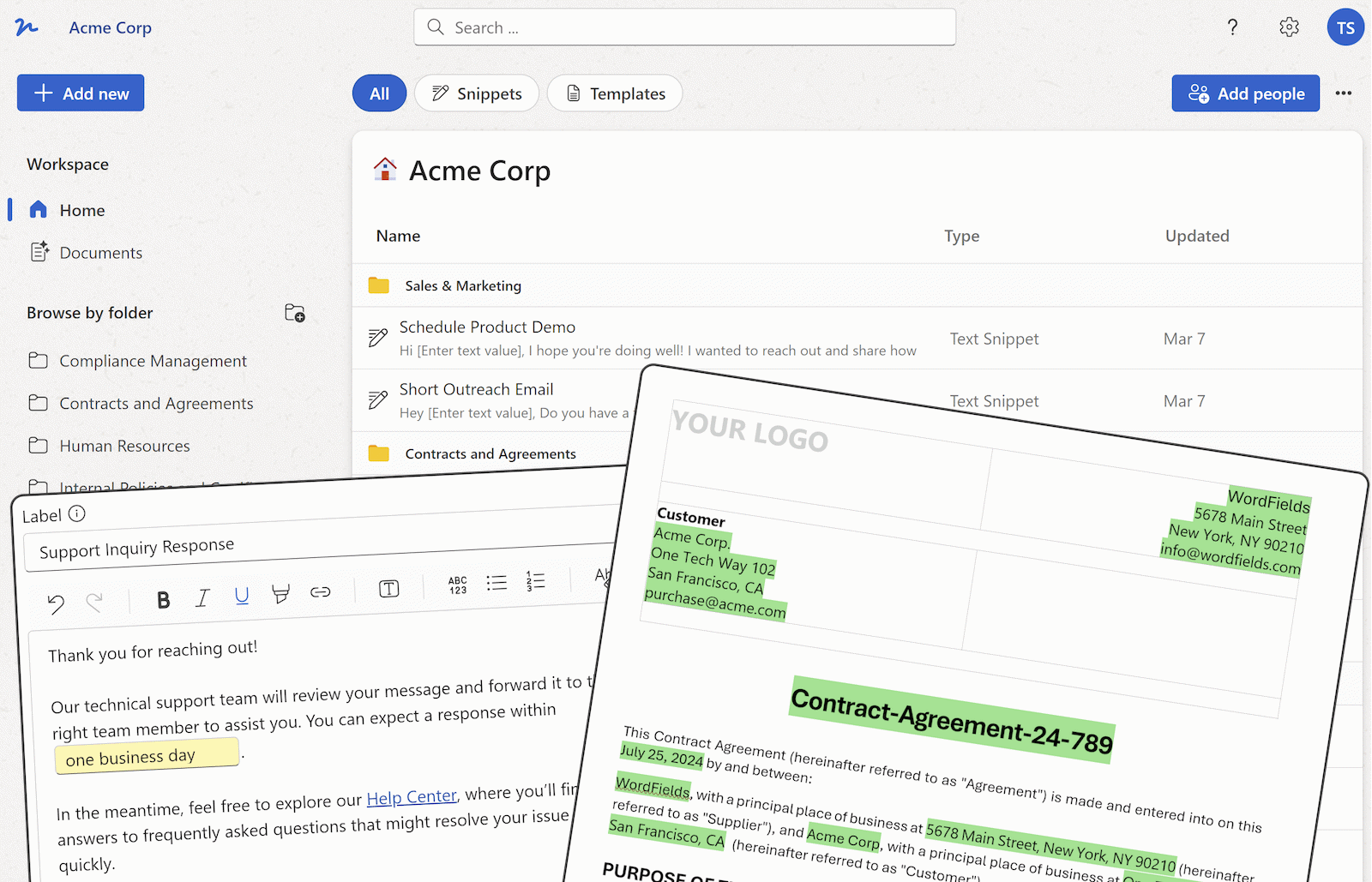
Templates, snippets, and the documents created from them, all shared with the right people.
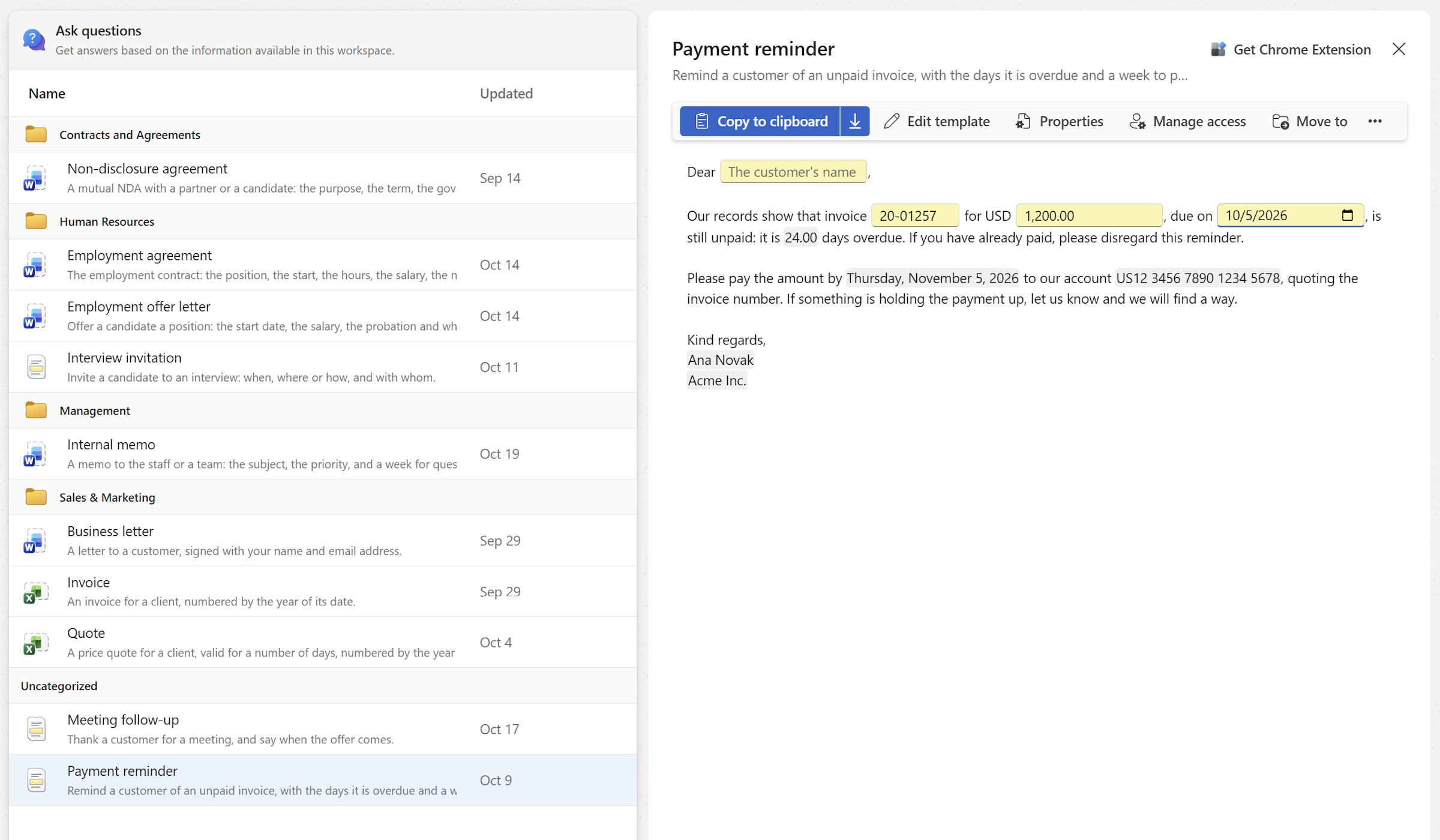
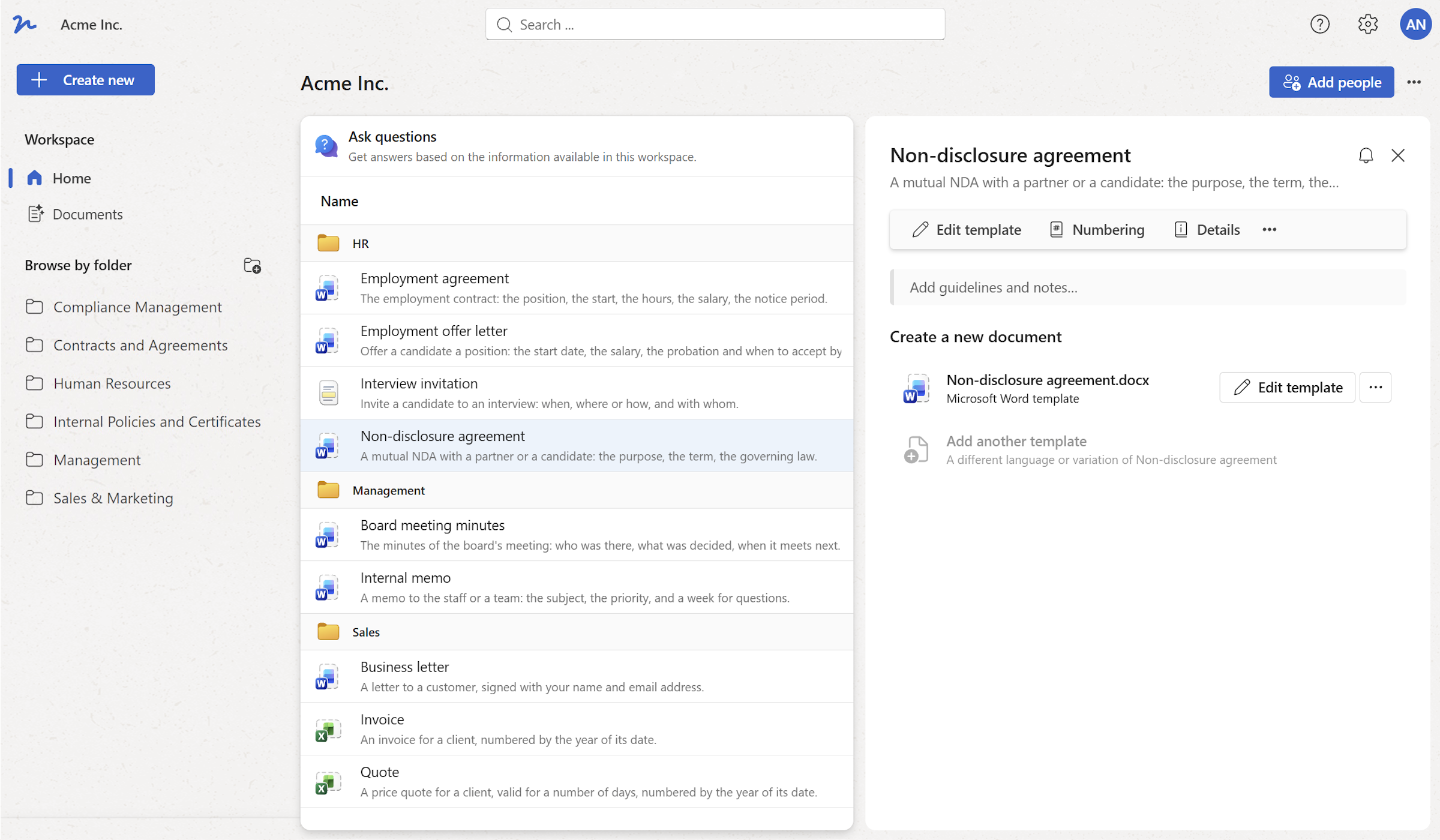
Every template your team uses, in one shared workspace.
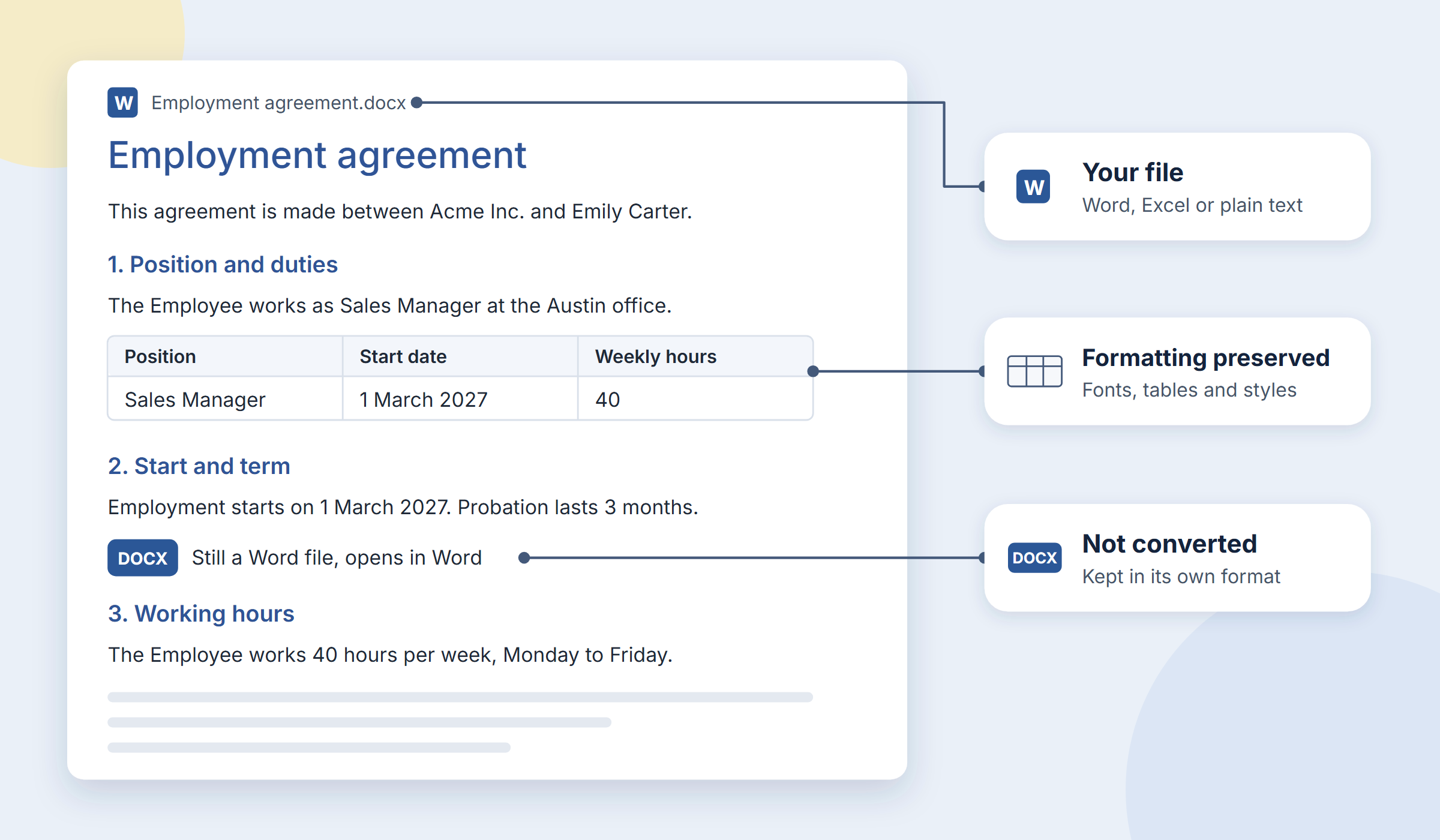
Open your Word or Excel file and mark the changeable parts.
Write once, fill in what changes, copy or insert anywhere.
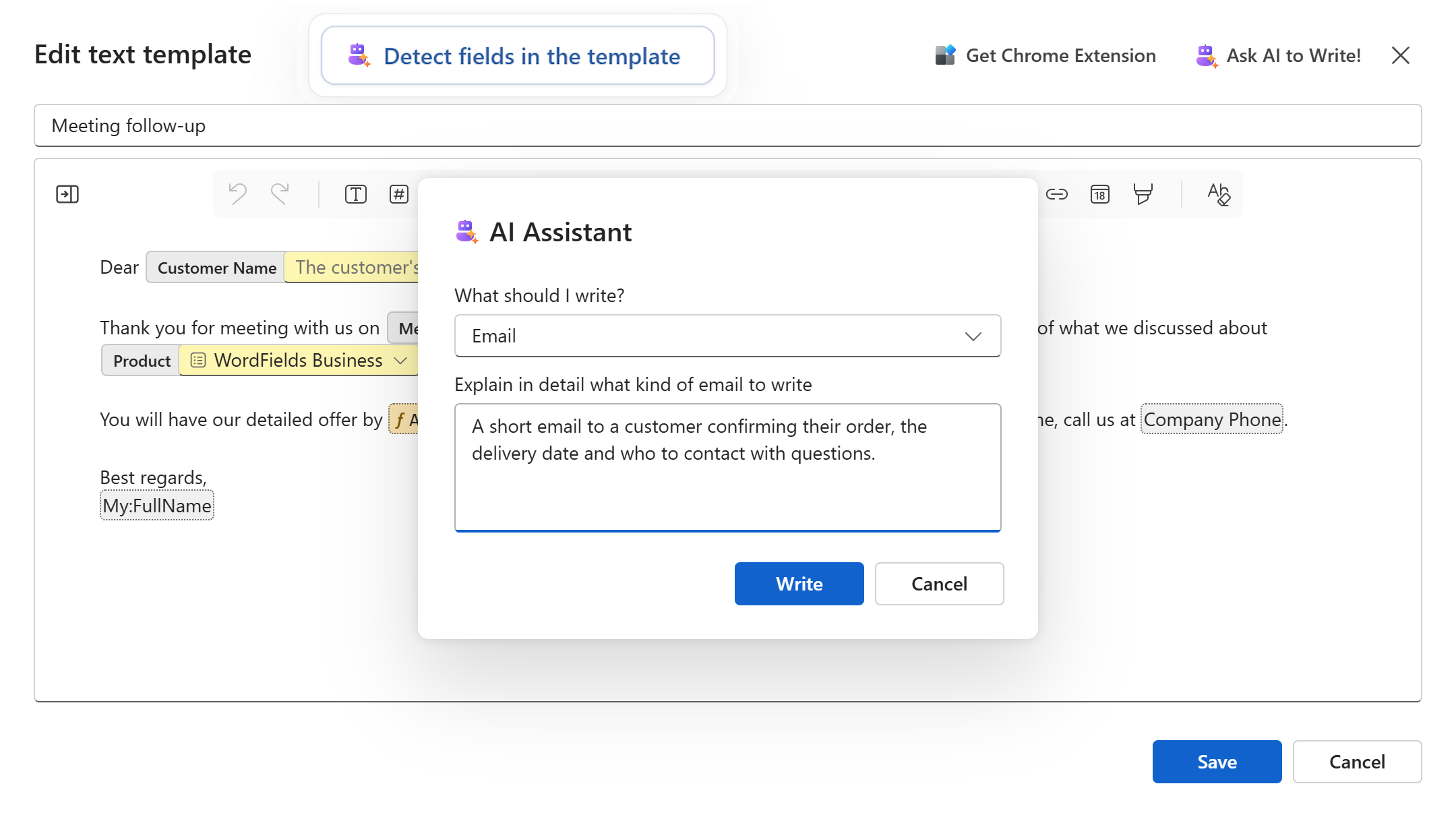
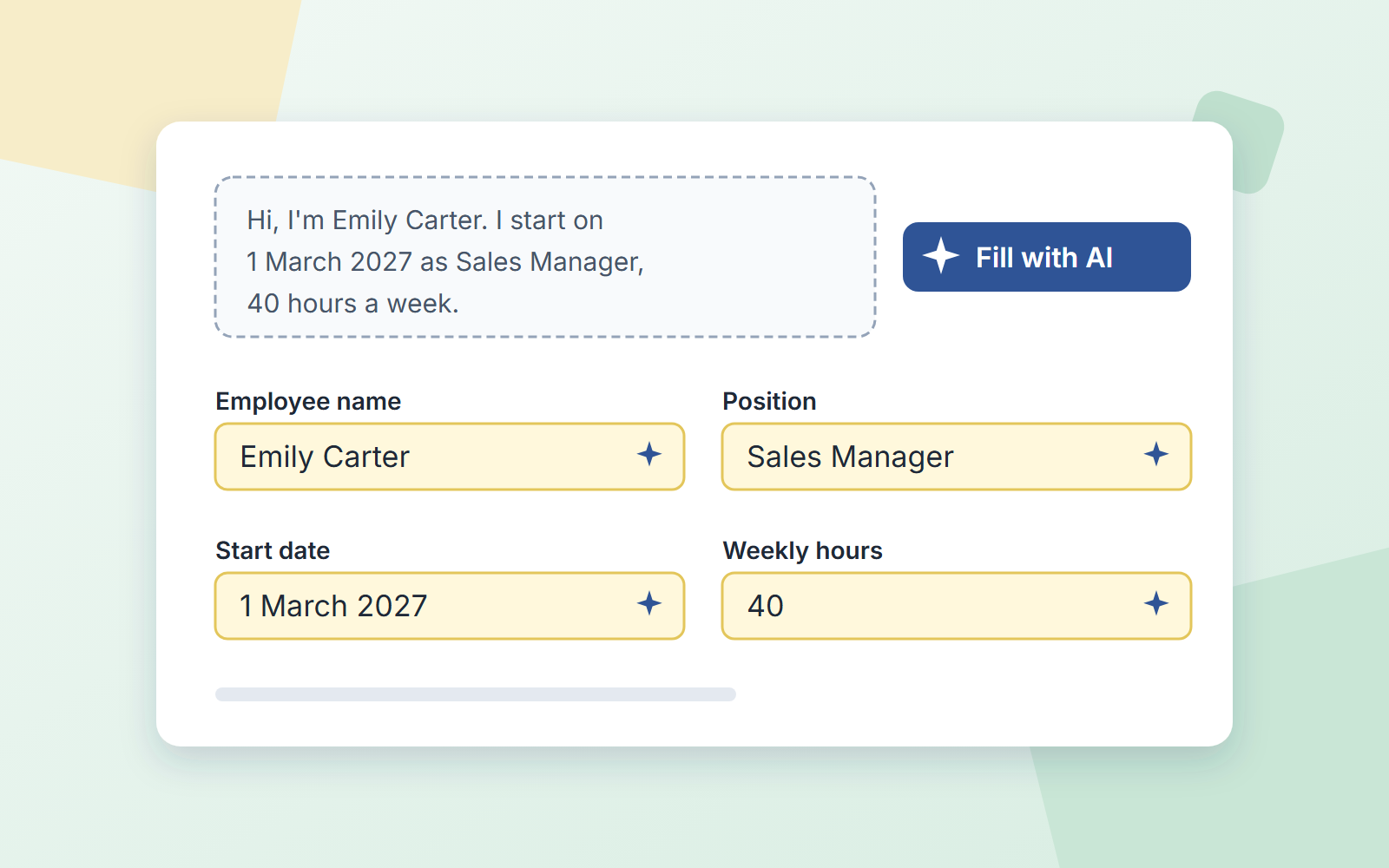
Drafts the text, finds the fields, fills in the form from an email.
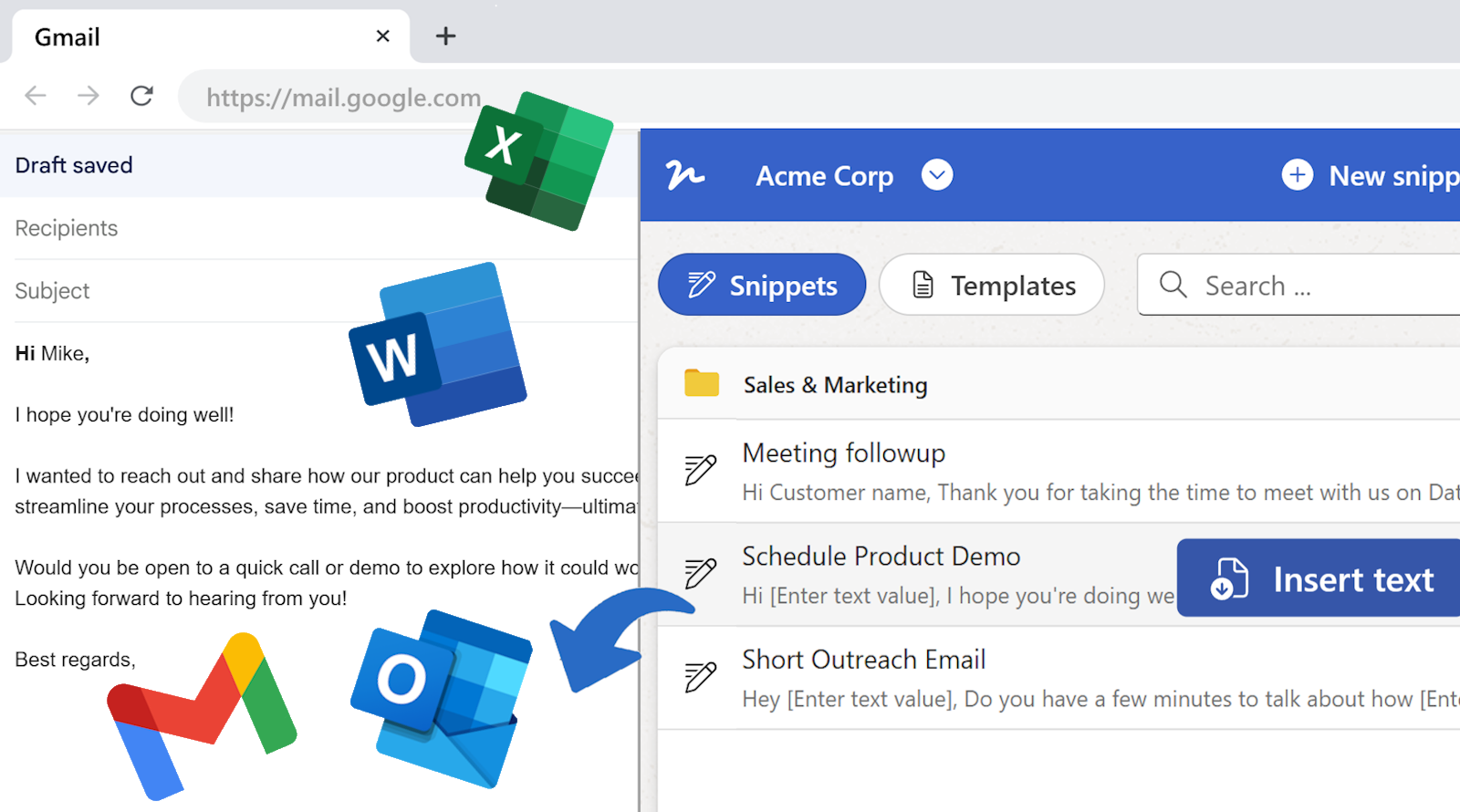
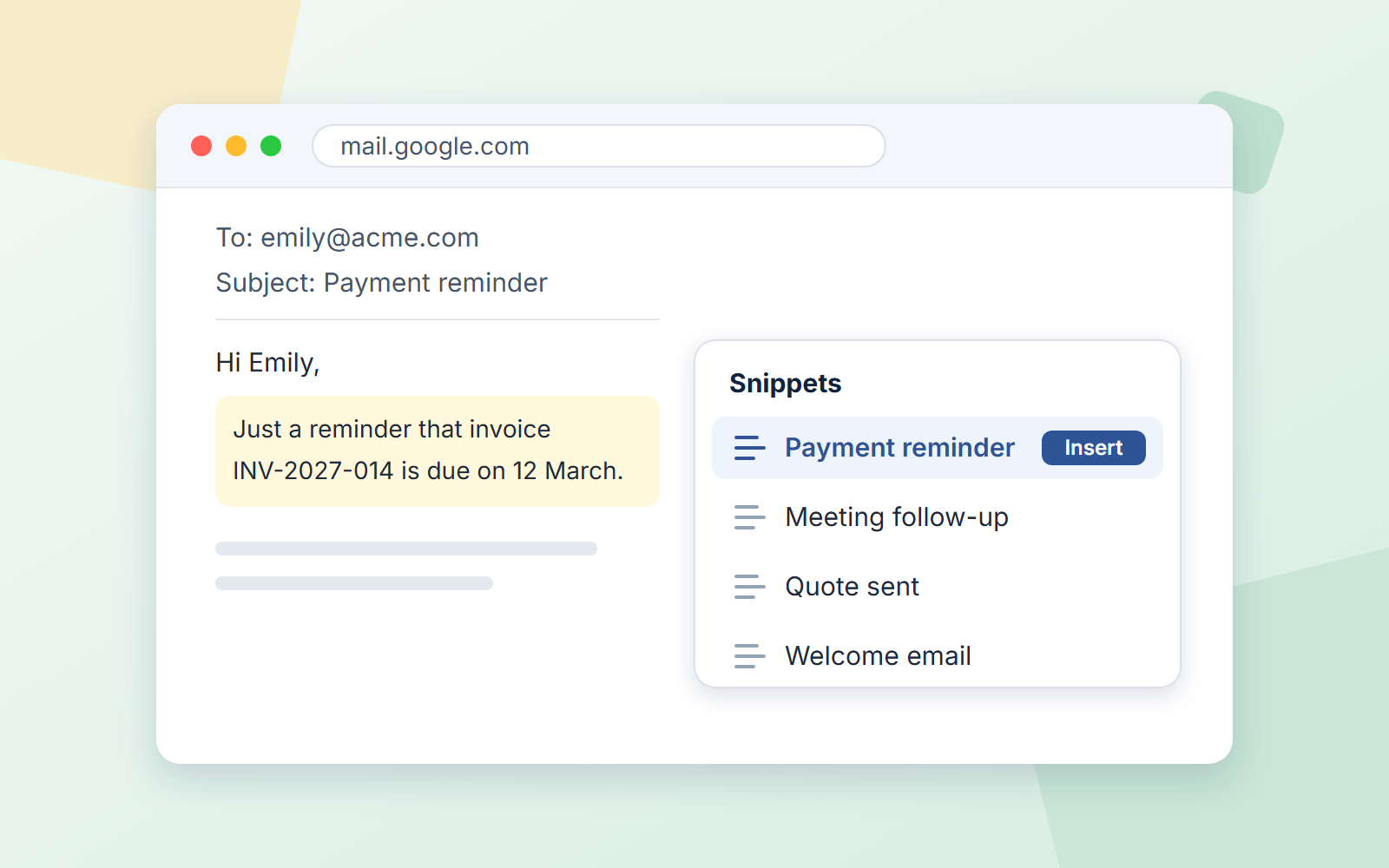
Insert any snippet in Gmail, Outlook or your help desk.
Free for up to 25 snippets and 5 document templates. See what each plan includes →
Open the Word or Excel file your team already uses, or write a snippet. The template is not converted. Word, Excel or text format is perfectly preserved and formatting stays as it is.
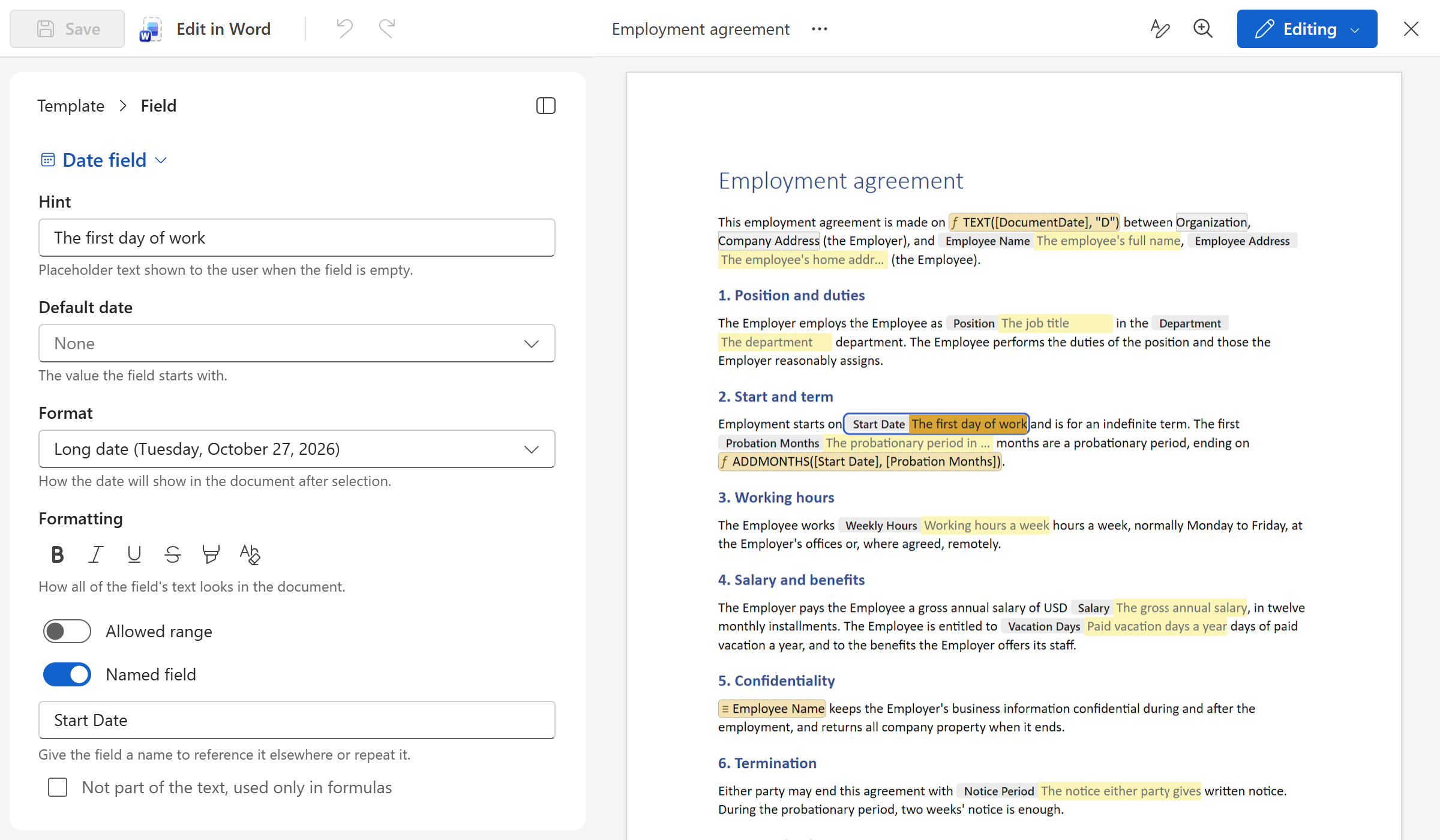
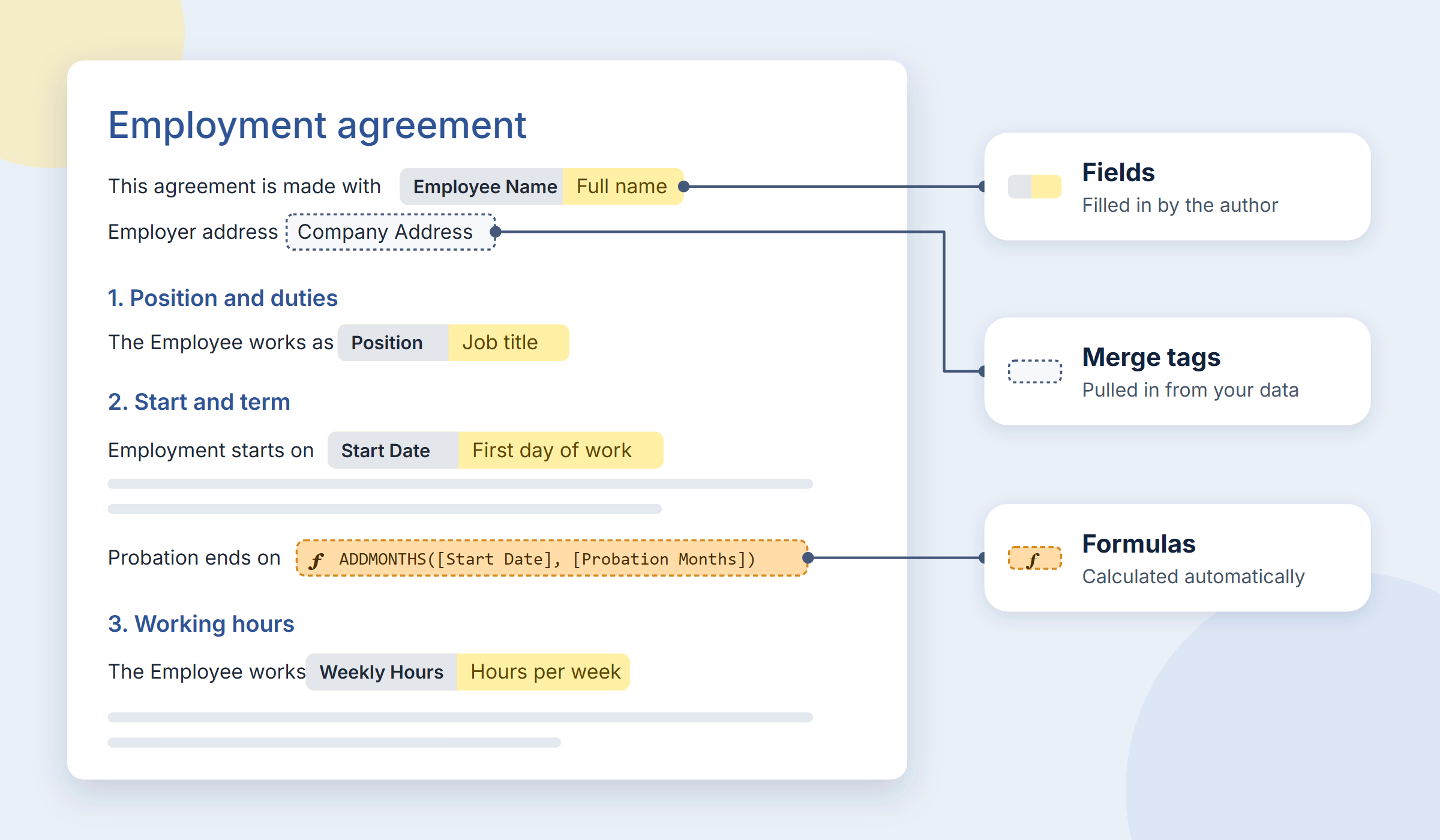
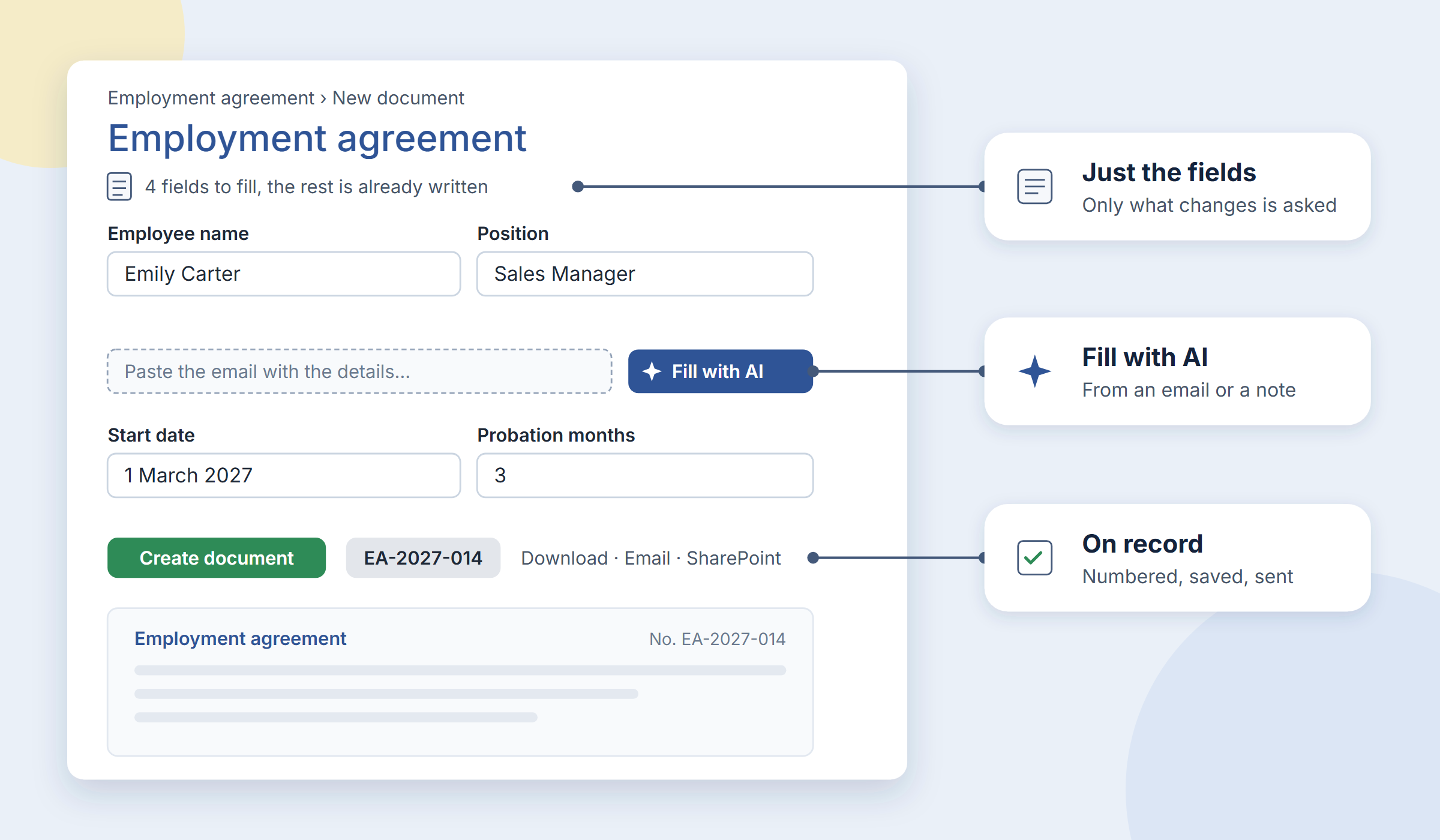
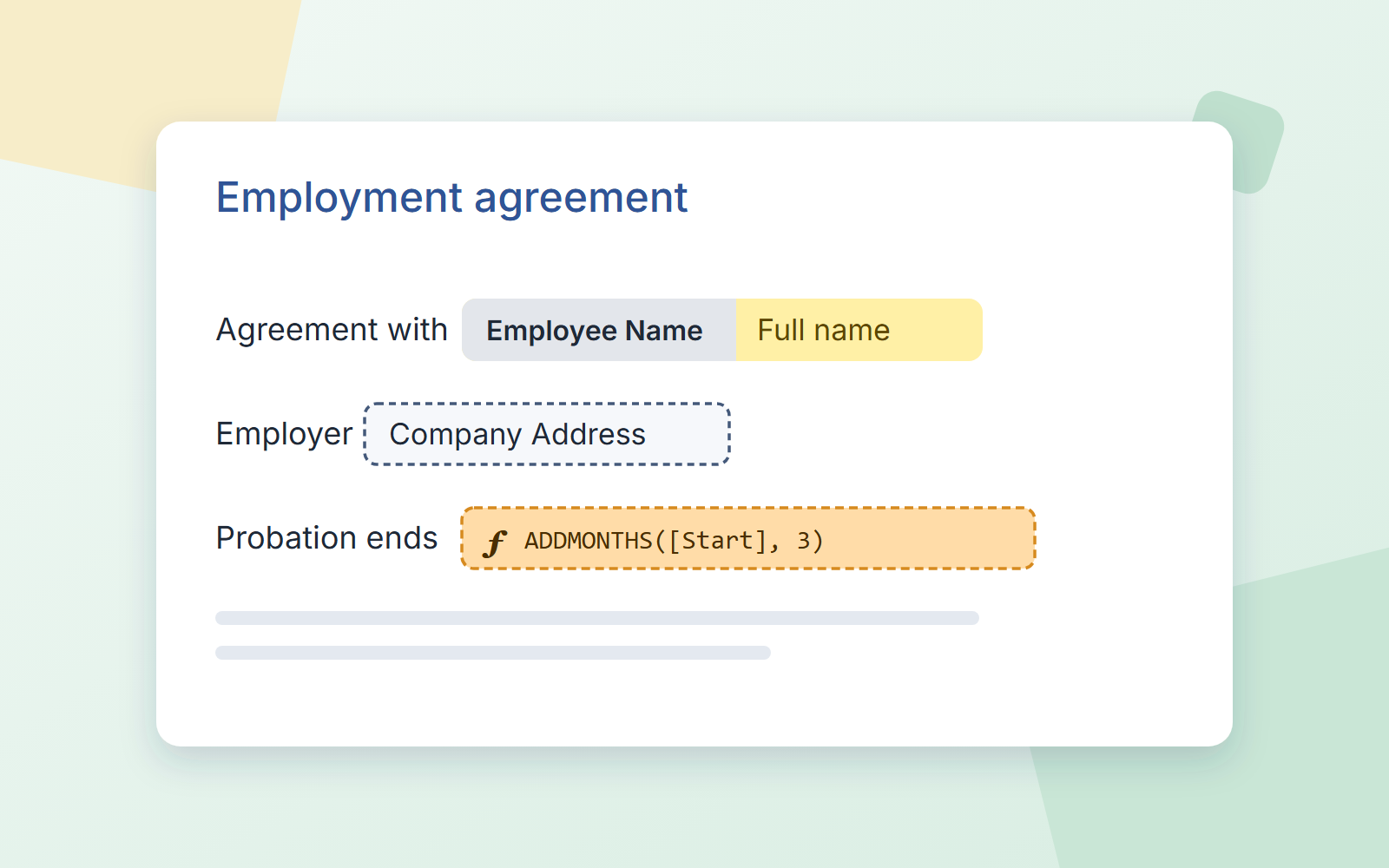
Select a name, a date, an amount and make it a field. Or let the AI assistant read the document and put the fields in for you. Formulas work out due dates and totals.
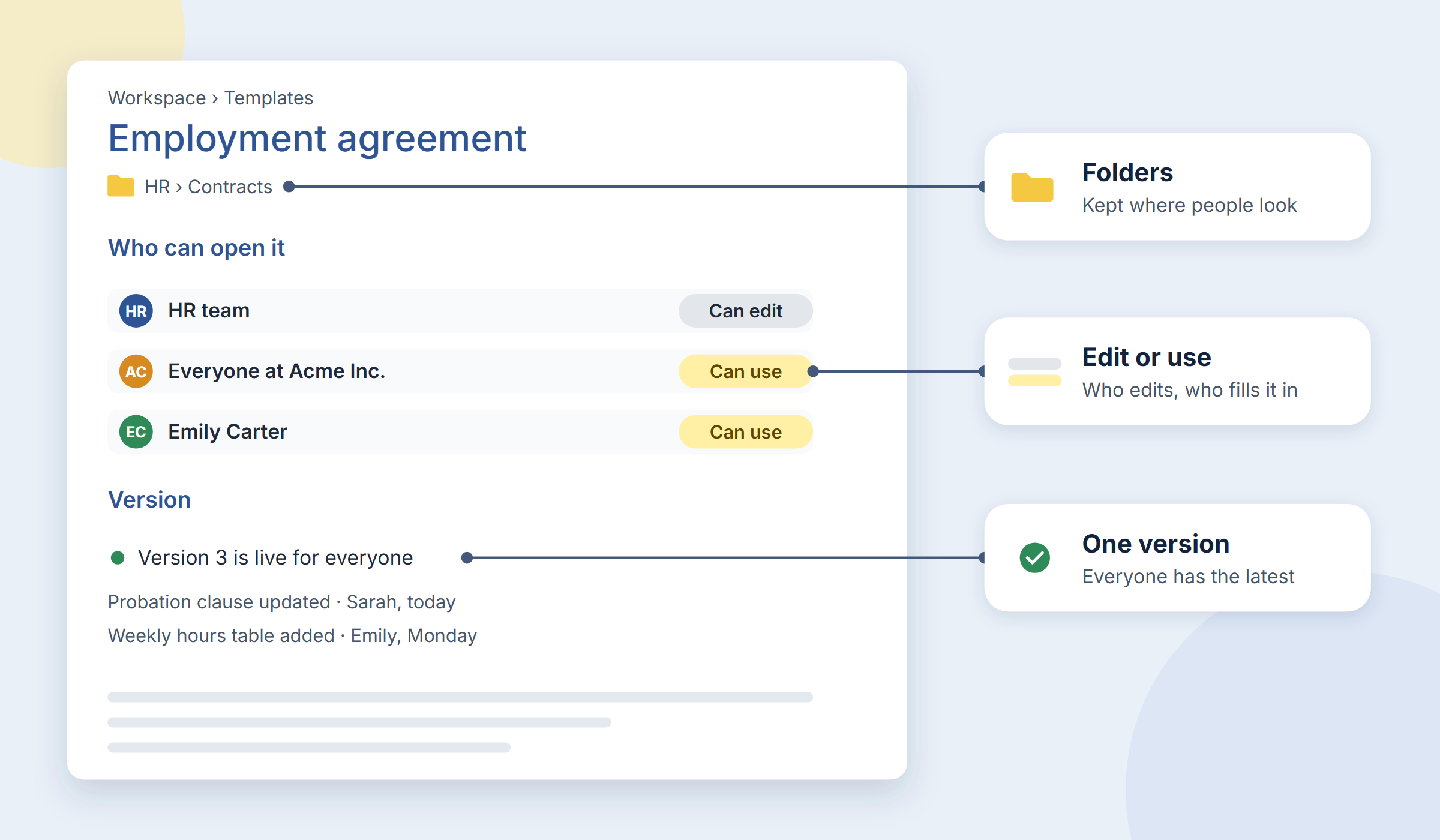
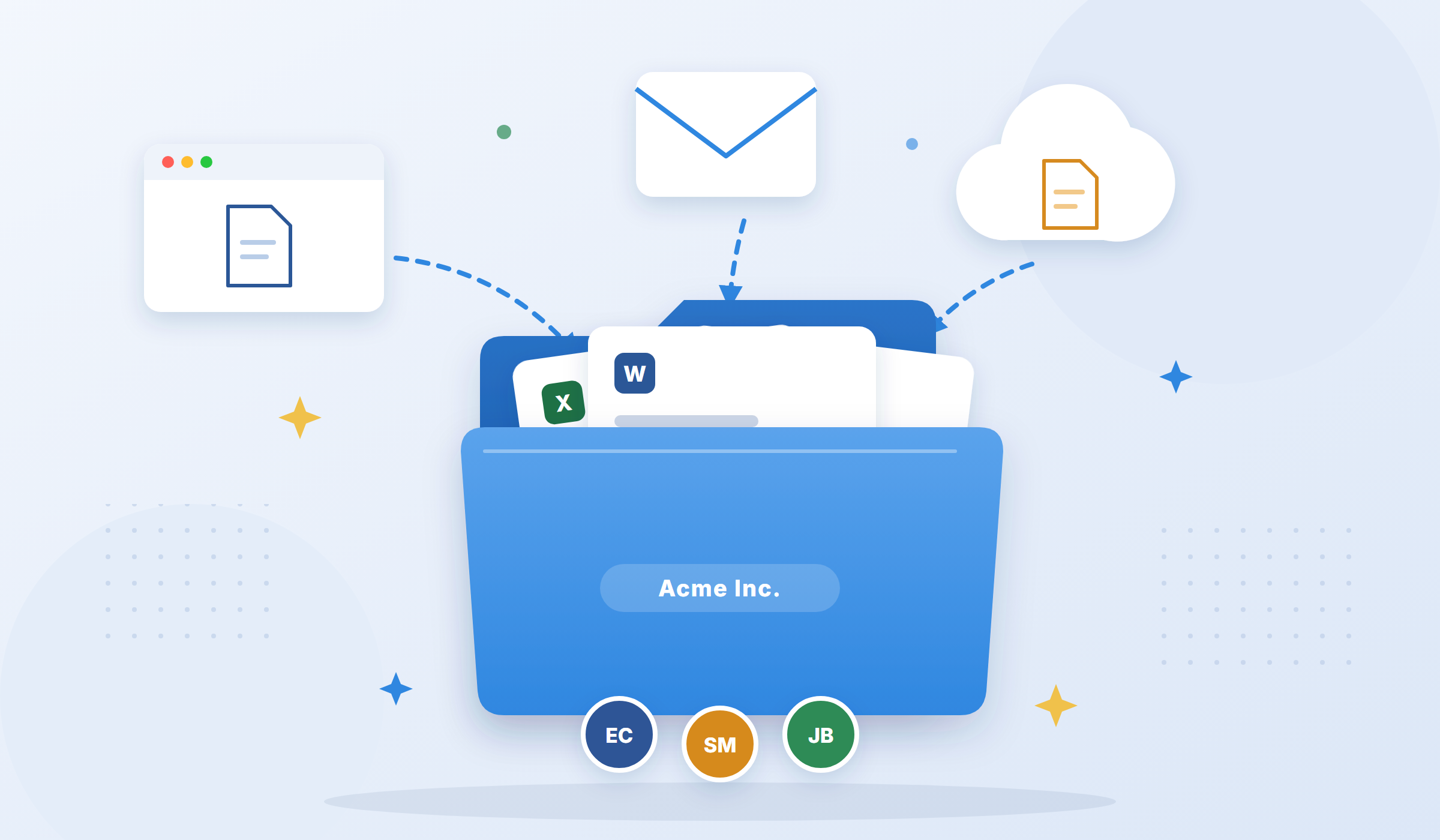
Save it in a folder, then choose who can edit it and who can use it. Everyone works from the same version, with updates available as soon as changes are made.
A form with just the fields that vary; Fill with AI pastes the details from an email. Download it, email it, or save it to SharePoint, numbered and on record.
Works with
The contract on someone's desktop, the reply buried in a drafts folder, the invoice attached to a two-year-old email thread: bring them into one workspace with folders and role-based access. Update a template once and everyone works from the new version.
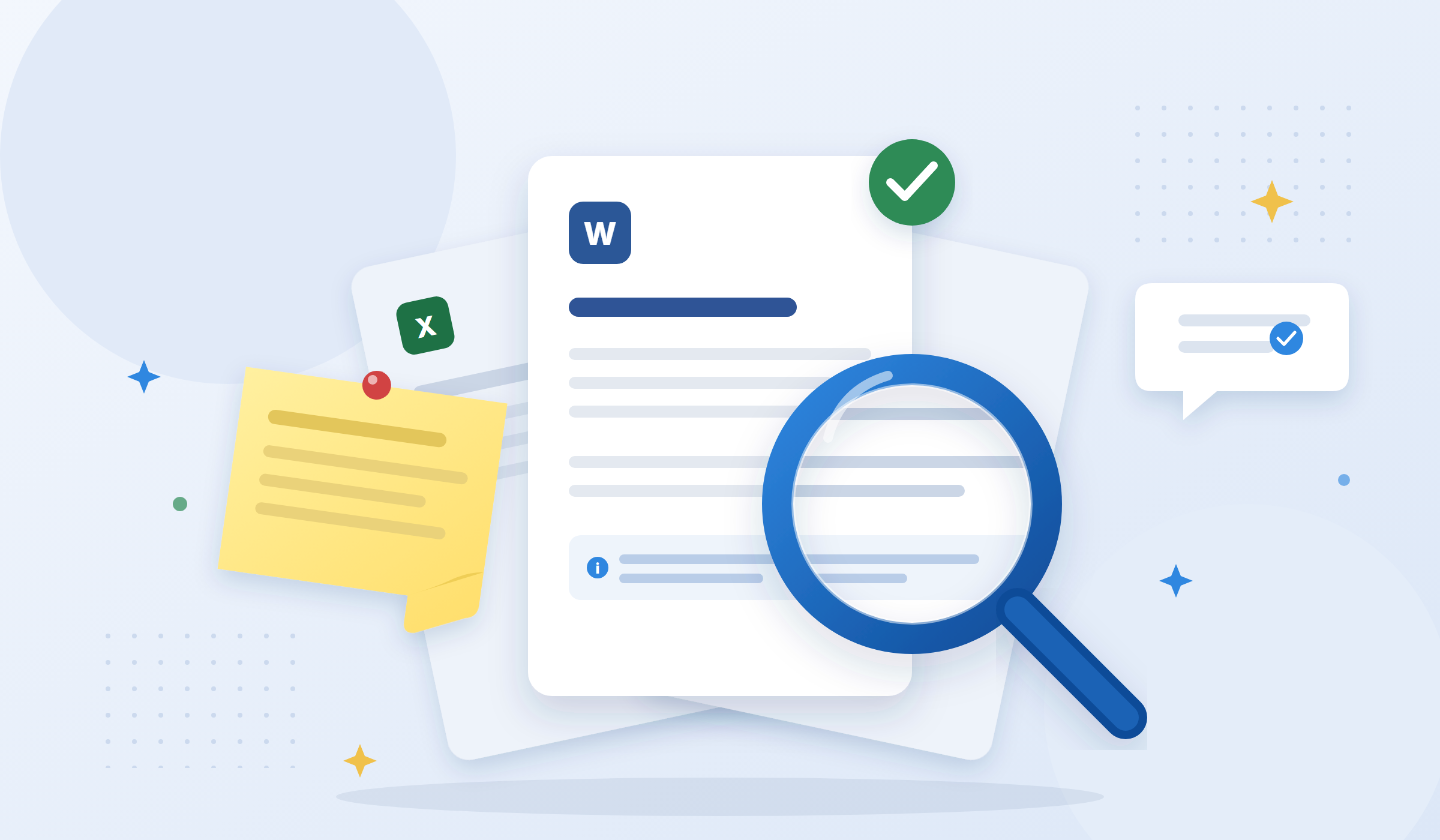
Search by name or text. Notes explain what each template is for and what to prepare, every field includes its own hint, and follow-up notes explain what to do with the finished document. No instruction sheets, no asking colleagues.
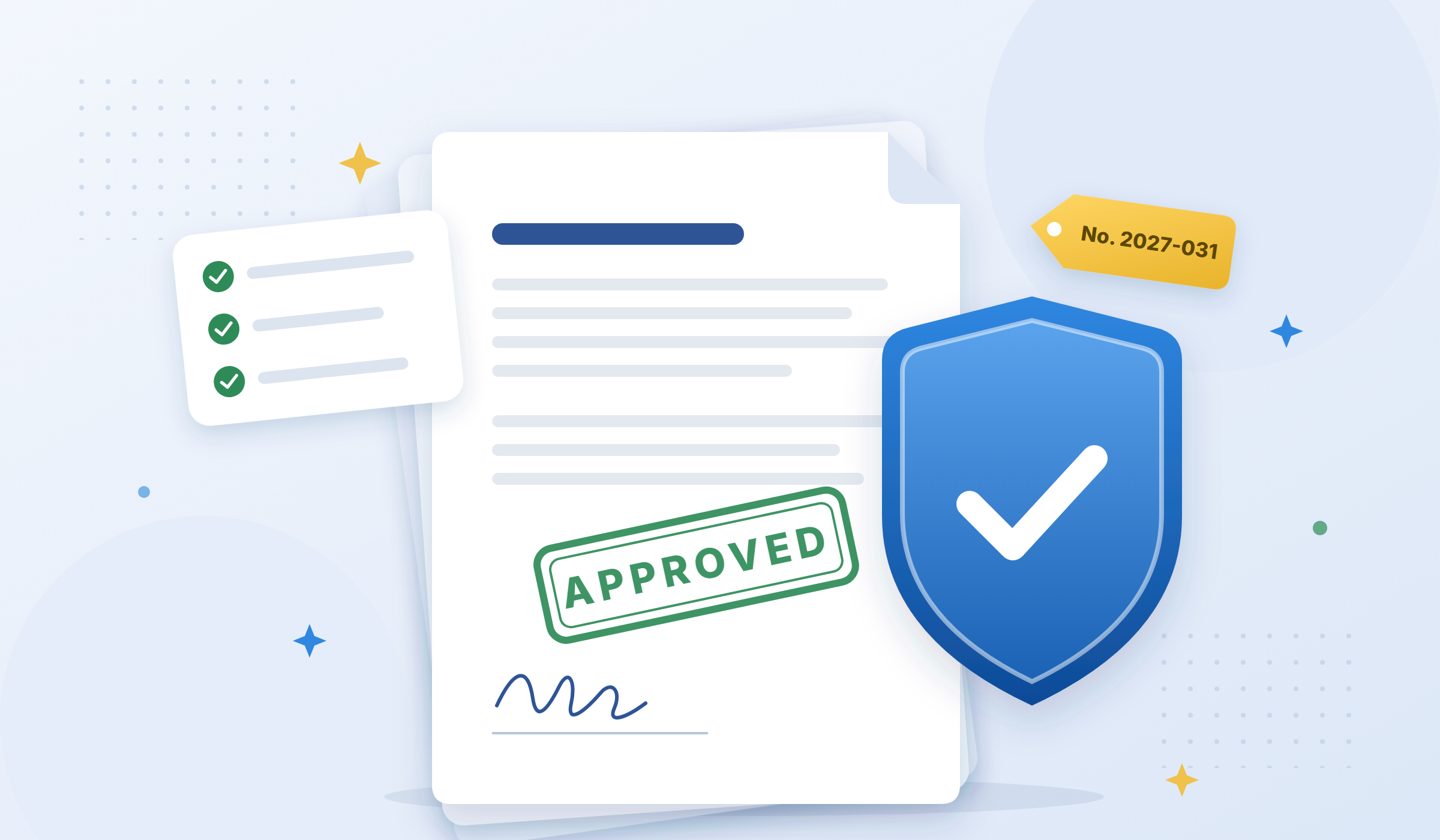
Approved templates, required fields, automatic numbering, and a record of every document created. Consistency becomes part of the process, not something your team has to remember.
Five kinds of fields ask for what changes, merge tags fill in what is known, formulas work out the rest.
Learn more →
Describe the text you need and get a draft with the fields in place. Paste a document and the fields are found for you.
Learn more →
Your snippets in the browser's toolbar. Fill in the fields and the text goes straight into the email, ticket or form.
Learn more →
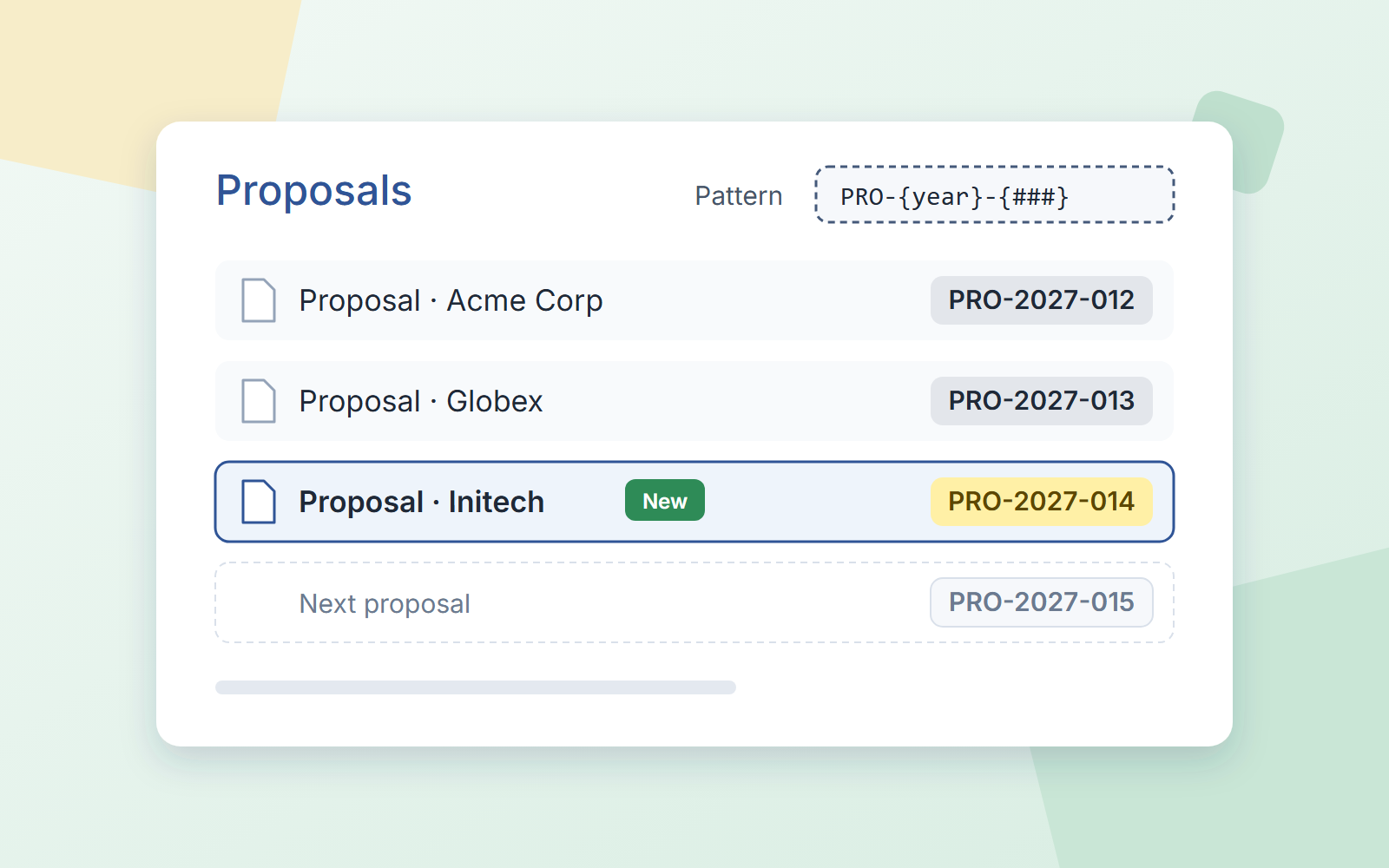
Every document gets the next number in its sequence and a title built from a pattern you define.
Learn more →Start with a template your team already needs. We have a library of free templates; it takes seconds to save one to your workspace.
Try it free in WordFields Free for individuals. No credit card required.