Add notes and guidelines to your templates
When someone fills out a document form for the first time, they should not have to guess what goes in each field or stop to ask a colleague. Notes and field descriptions give them the context they need, right where they need it.
Fewer mistakes, less back-and-forth
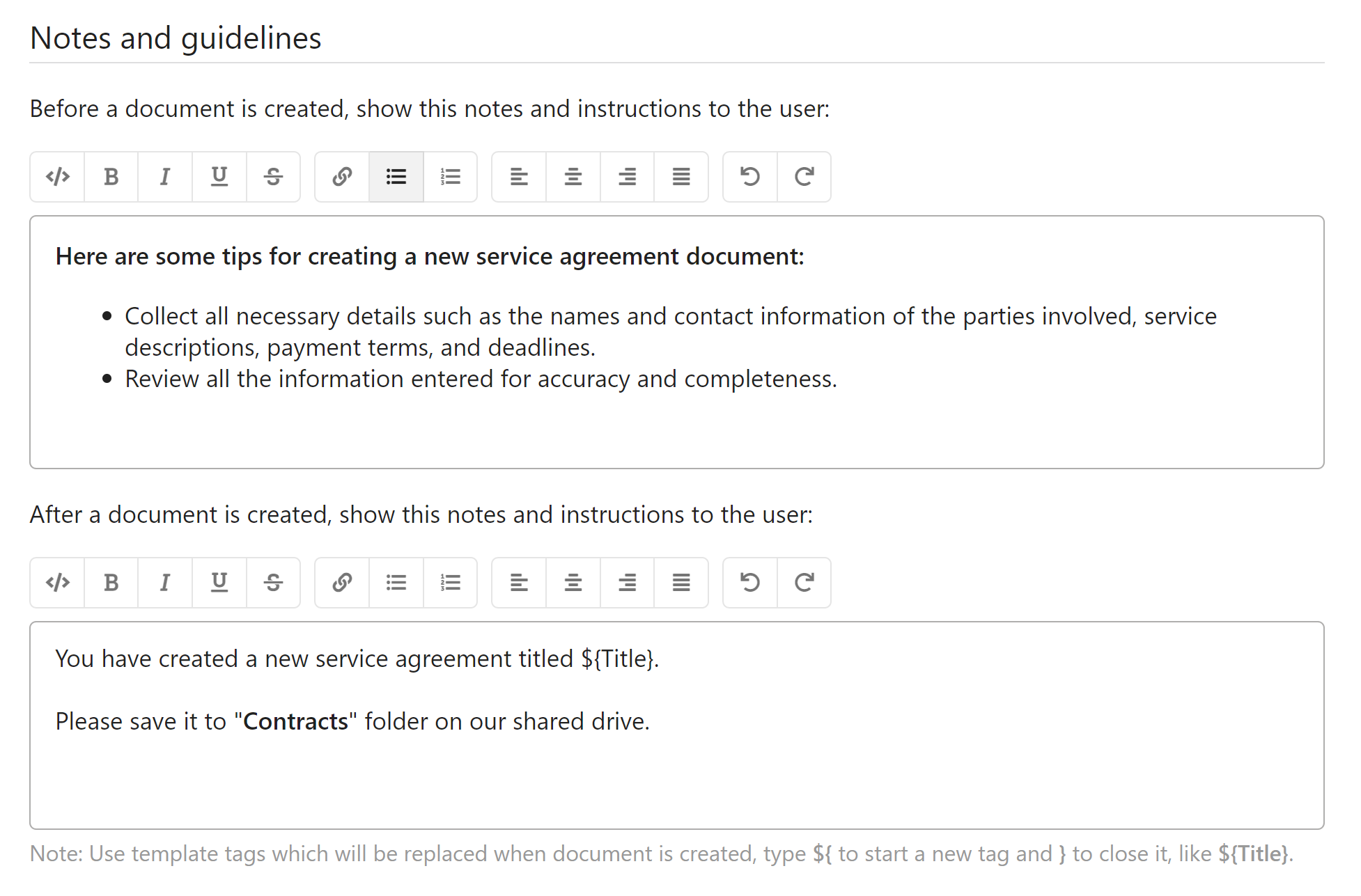
- Add instructions at the template level so users see important guidance before they start — useful for approval reminders, legal notices, or process steps that must be followed before a document is created.
- Each individual field supports its own label and description, so users know exactly what format or content is expected without referring to external documentation or asking the template owner.
- In-context guidance means the documents your team generates are more accurate from the start — fewer corrections, fewer support questions, and faster turnaround on every document.