Frequently Asked Questions
Does the highlight color have to be yellow?
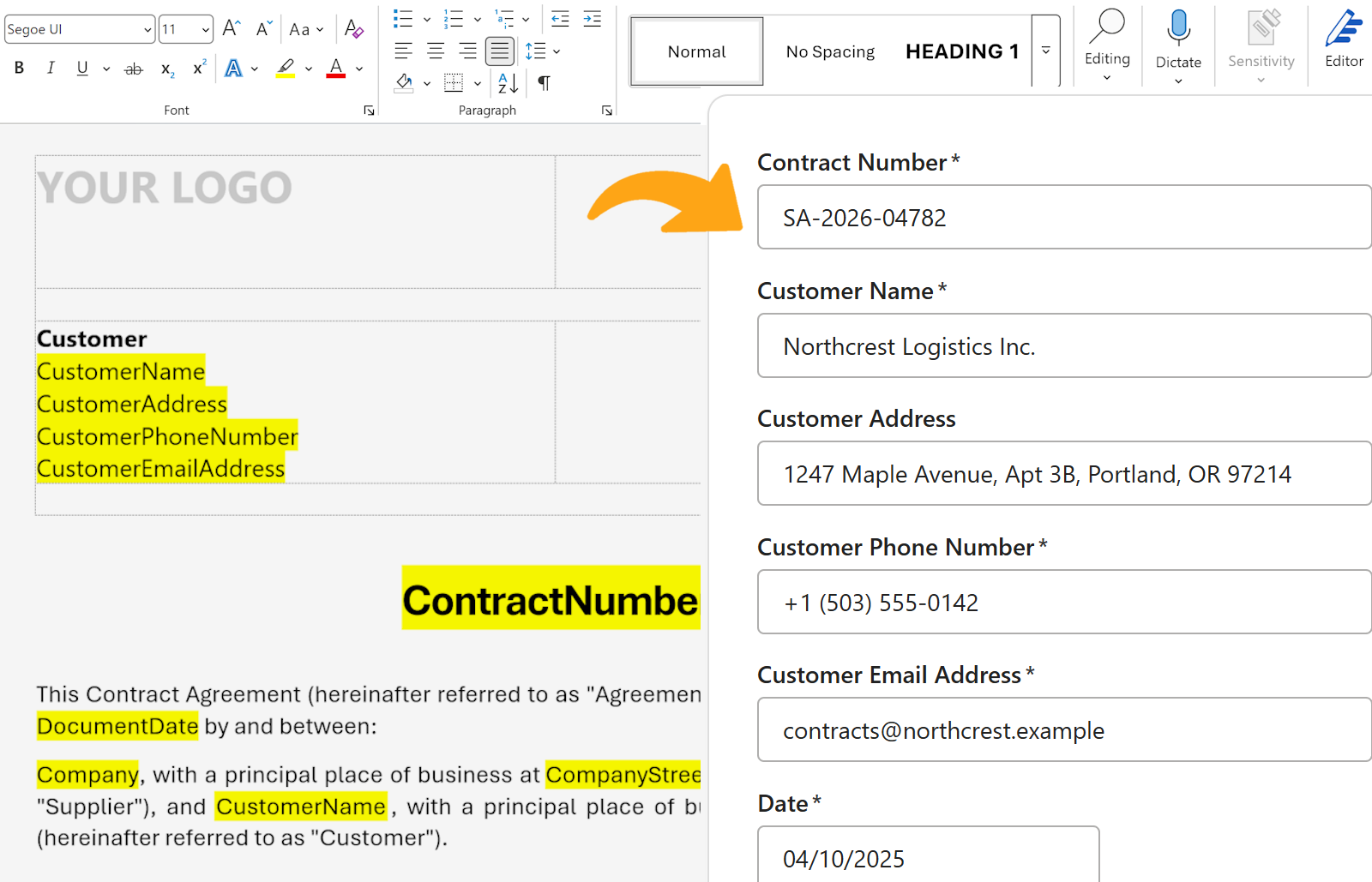
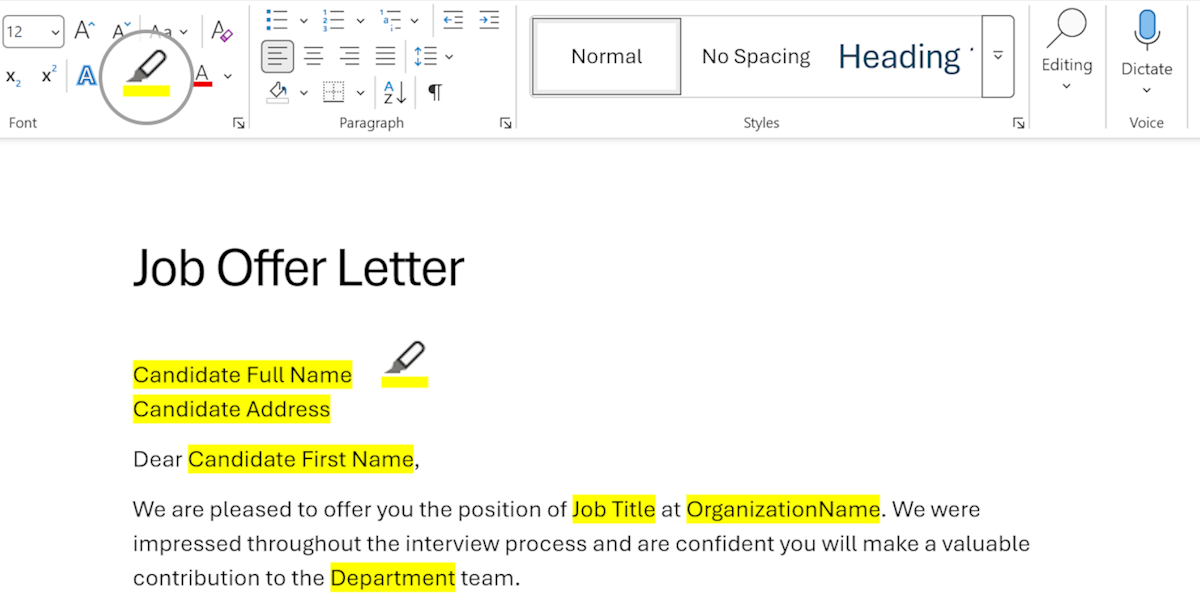
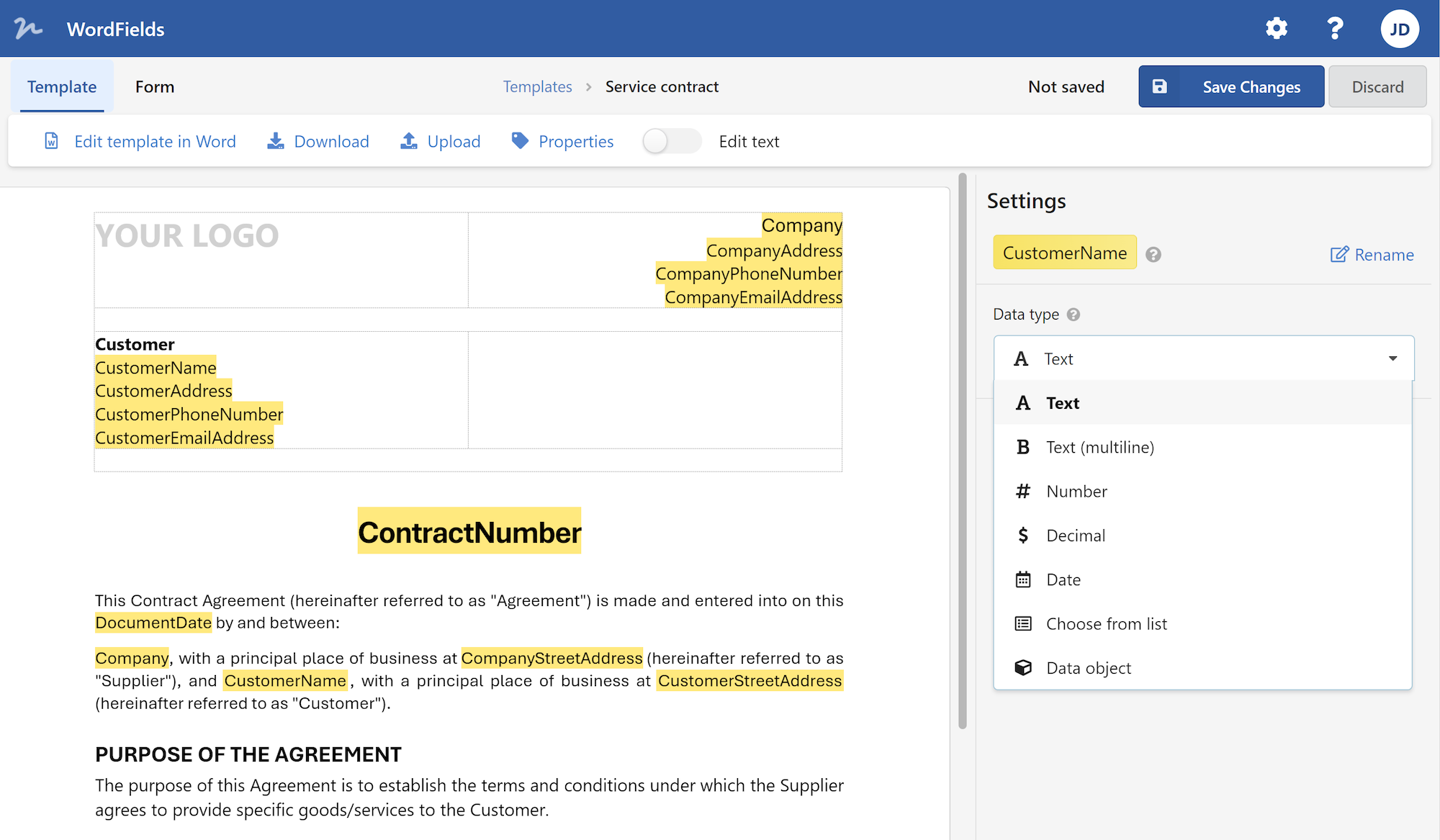
Yes. Yellow is what WordFields looks for. It's the default highlight color in Word and mapped to the standard highlighter keyboard shortcut. Using yellow keeps the template instantly readable to anyone who opens it.
Why not just use Word's built-in Developer tab to make fillable forms?
You can, if you're willing to enable the Developer tab, insert content controls one by one, configure properties per field, and restrict editing on the document. It works, but it takes time, requires Word on both sides, and produces a Word file that still has to be emailed back and forth. Yellow highlights in WordFields get you the same result in seconds, with a clean web form and a downloaded .docx at the end.
How is this different from Word's mail merge?
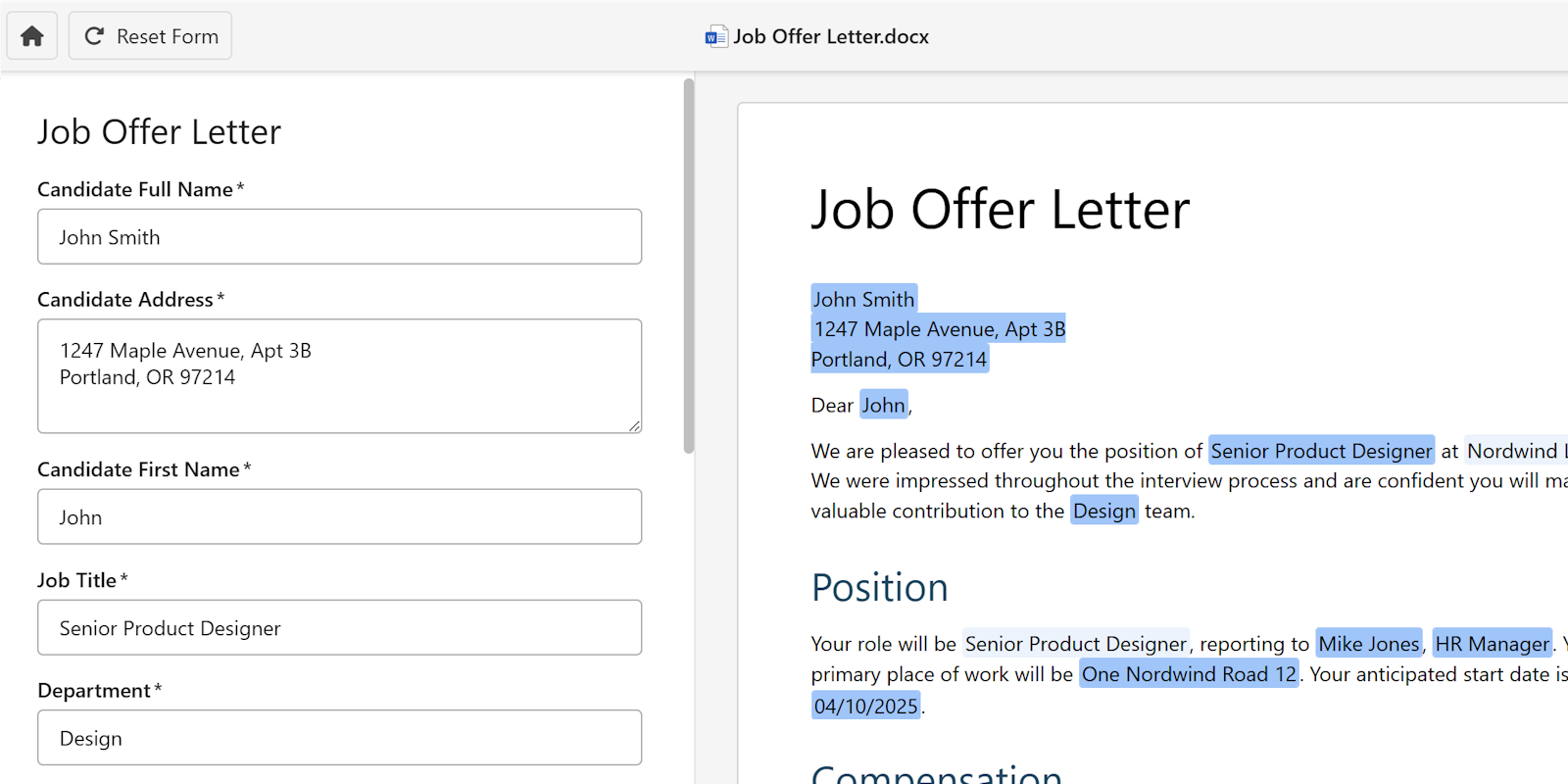
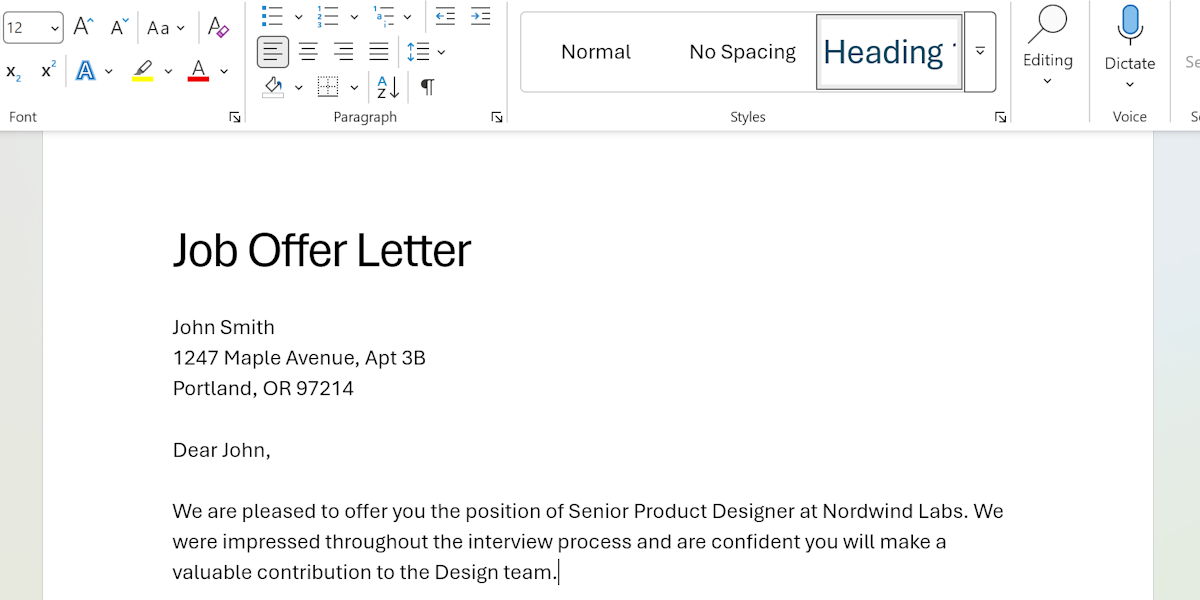
Mail merge is designed for generating the same document for a large list of recipients, pulling values from a linked Excel spreadsheet. It works, but it's overkill for one-off documents — you still need to maintain a data source, link it correctly, and often fix formatting after the merge. WordFields skips the spreadsheet entirely: upload your Word document, fill a form, download the completed file. Same result, no data source to maintain. Read more about WordFields as a mail merge alternative.
What if I need a field that isn't plain text?
Every highlighted section becomes a text field by default. Inside WordFields you can convert fields into dropdowns, dates, numbers, or multi-line text, but the yellow-highlight step is all you need to get started.
Does the same field get repeated automatically?
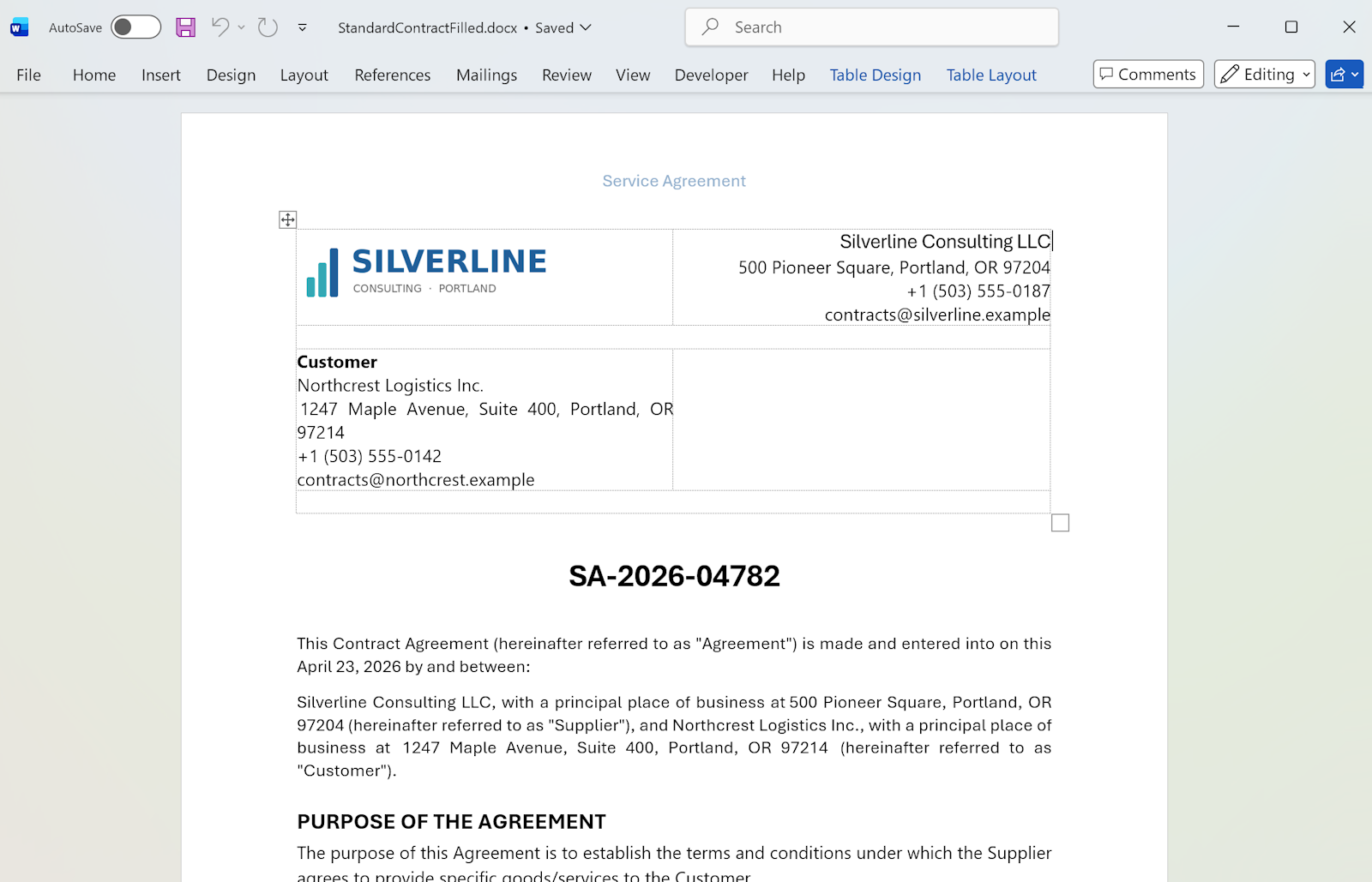
Yes. If "Client Name" appears seven times and all seven are highlighted identically, WordFields treats them as one field. Type it once, every instance updates.
Can someone else fill out the template form?
To share and collaborate on a document template in WordFields, you need to invite people to your workspace. Once invited, they can access the template and fill it out as part of your team.
Can I use this for contracts and legal documents?
Yes. The output is a standard .docx, legally equivalent to any Word document you'd produce by hand. WordFields doesn't alter the document's legal status; it removes the manual fill-in work.
Is this really free?
Free for individuals. Team workspaces and advanced features are paid. See pricing.
What file formats work?
Upload .docx. Older .doc files should be saved as .docx in Word first (File → Save As → .docx). Excel (.xlsx) templates are also supported inside WordFields.