Upload your existing mail merge template or any Word document. WordFields detects your fields automatically and turns them into a simple form. Fill it in, download your completed .docx — fonts, tables, and formatting exactly as you designed them. No spreadsheet. No data source. No setup.
Free for individuals. $4.99 per user/month for teams.
Already have Word documents with «merge fields»? Upload them directly and WordFields detects the fields automatically. No rebuilding. No reformatting. Your template works immediately.
Mail merge needs an Excel file, a linked Word document, and careful mapping. WordFields needs a Word document and a form. That's the entire setup, for one document or a hundred.
Mail merge is notorious for breaking table borders, paragraph spacing, and font styles on export. WordFields preserves the underlying document structure. What goes in is exactly what comes out.
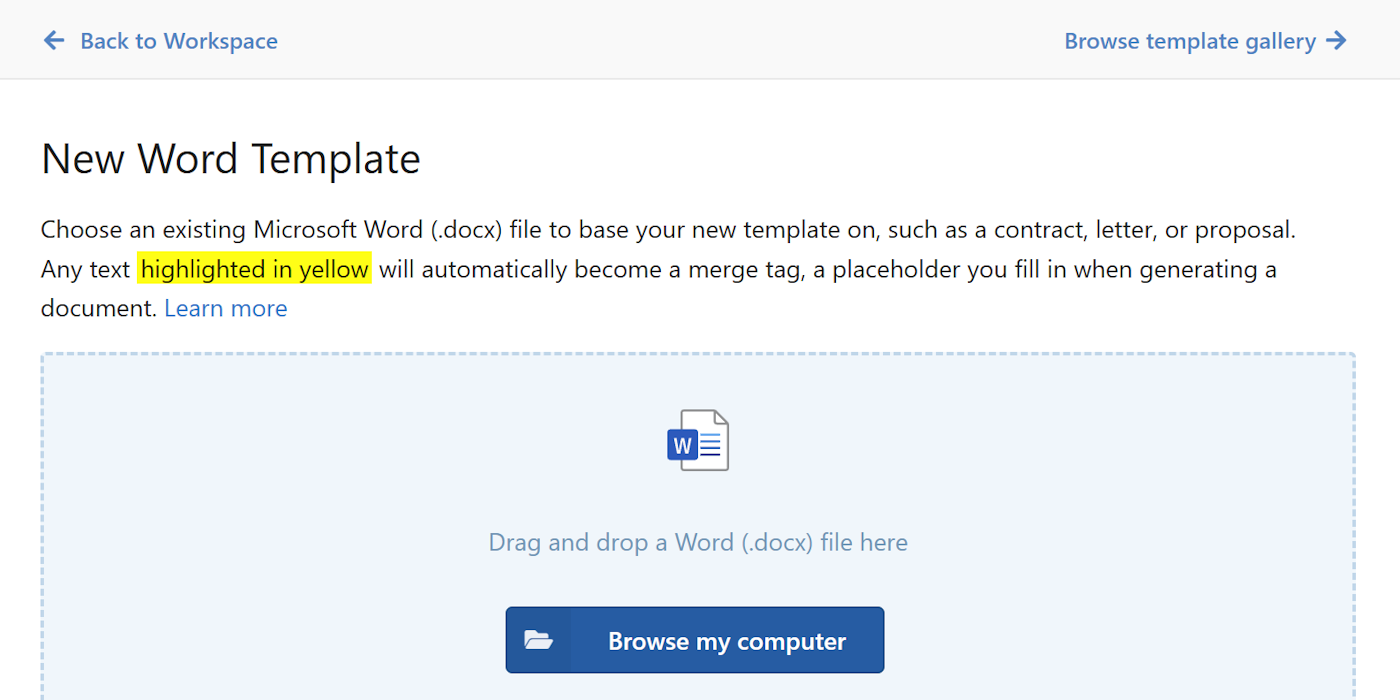
Upload any .docx to WordFields. If it already has «merge fields», they're detected and converted to fillable form fields automatically — no rebuilding required. If it doesn't, highlight the parts that change in yellow first. Either way, your template is ready in seconds.
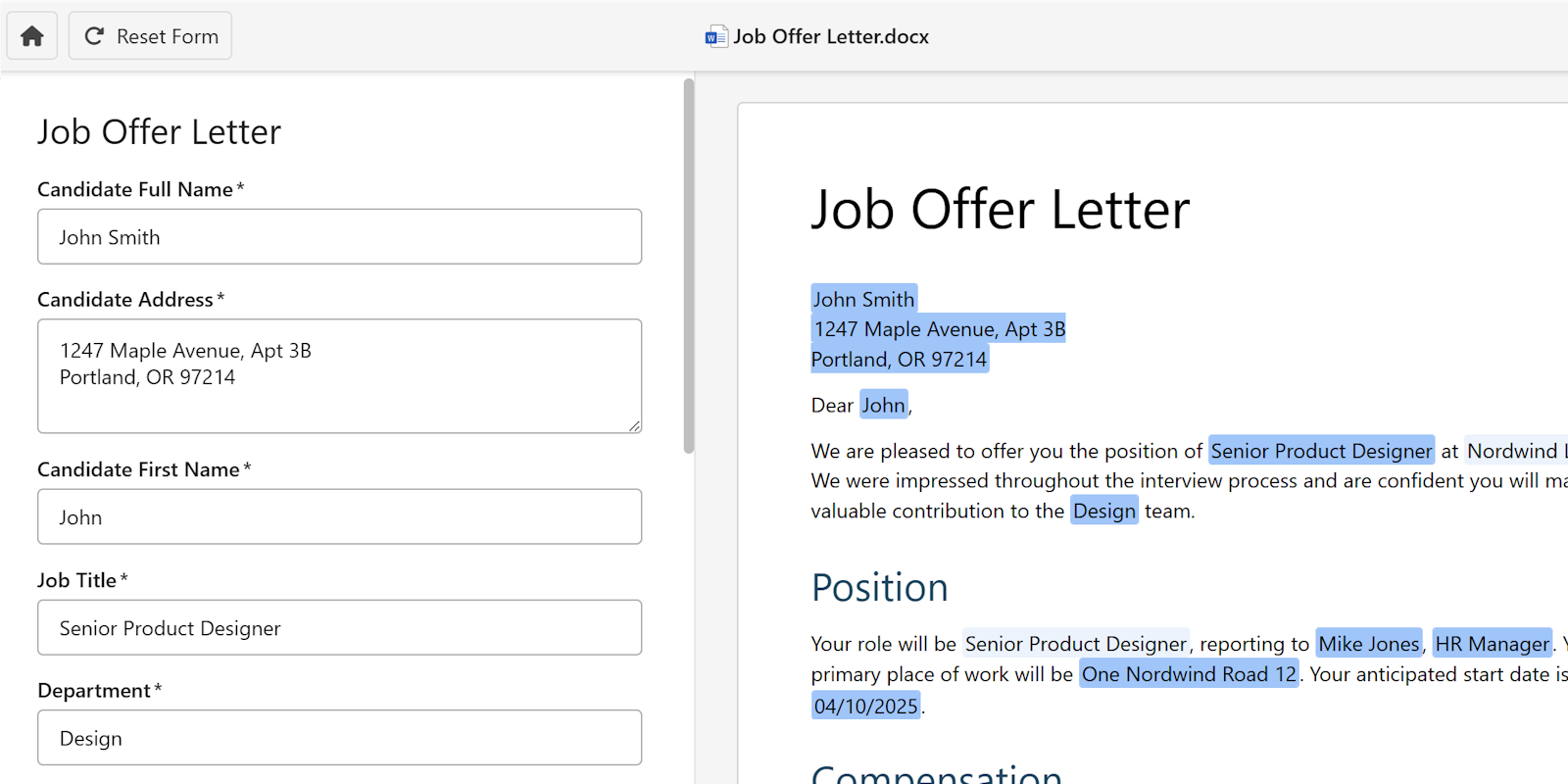
A clean form appears next to a live preview of your document. Type in the form, watch the document update in real time. Every field, every place it appears, always in sync. No spreadsheet column to maintain. No merge to run. No "check your data source" error messages.
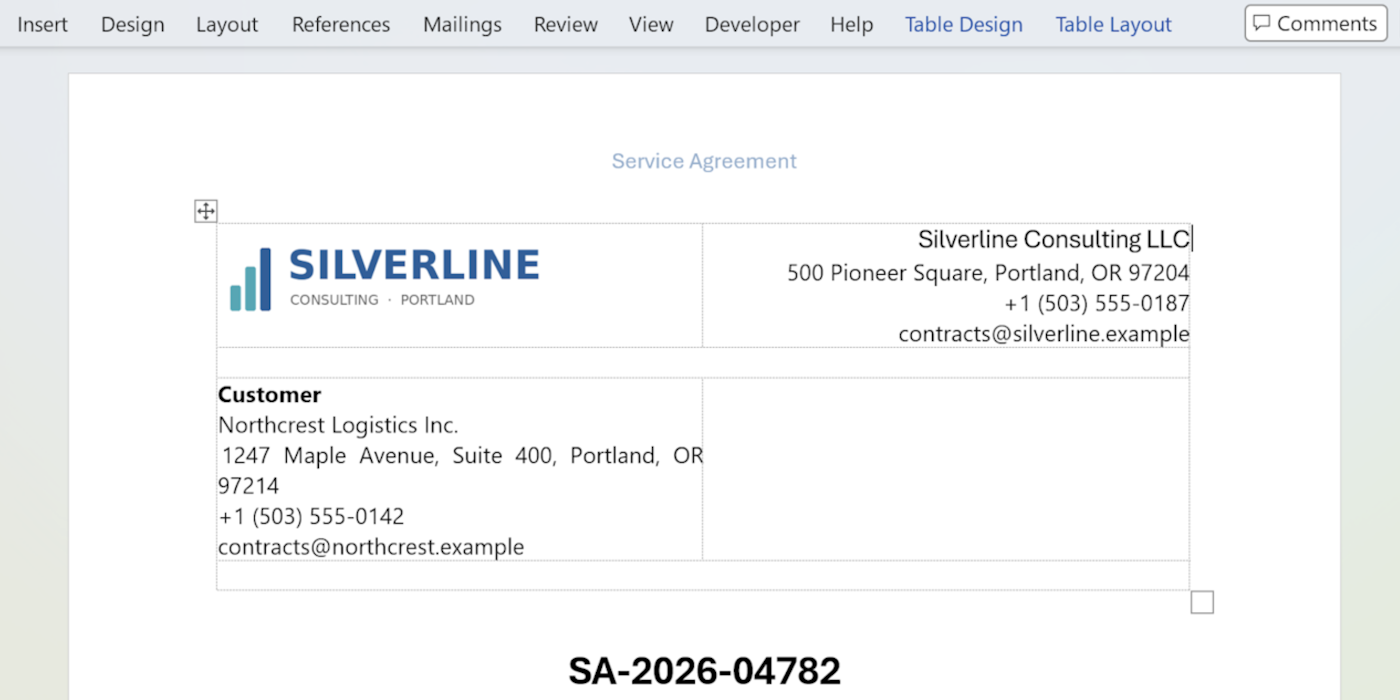
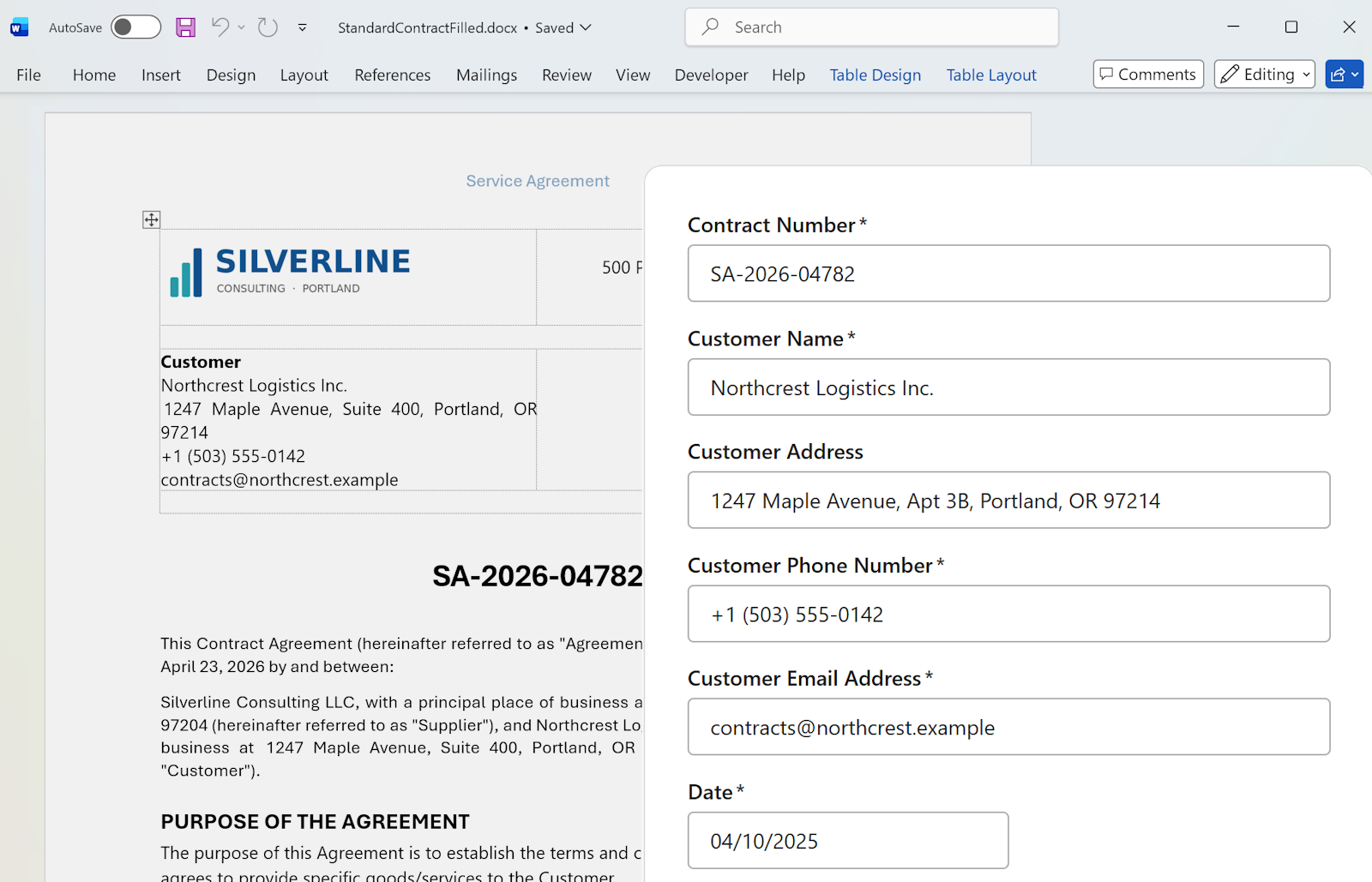
Export as .docx. Fonts, tables, page breaks, headers, footers, and images land exactly where you designed them. The filled document is a real Word file — keep editing it in Word, send it to a client, print it, or archive it. Nothing about your original formatting changes.
Mail merge was designed to solve one problem well: sending the same document to a large list of people at once, pulling names and addresses from a spreadsheet. For that specific job, it works.
Most people don't use it for that. They use it because their document has variable fields — a client name, a date, a contract value — and they need those fields filled in correctly. For that job, mail merge asks you to build and maintain a data source you'll use exactly once, link it correctly to your Word document, run the merge, fix the formatting, and finally get the document you actually wanted.
WordFields skips the spreadsheet entirely. Upload your template, fill a form, download the document. Reuse the template next time without any of the setup. That's the right tool for one-off documents — which is most documents, most of the time.
Try it free in WordFields
Free for individuals. No credit card required.
Offer letters, NDAs, engagement letters, freelance contracts, service agreements, quotes, proposals, policy acknowledgments, consent forms, onboarding packets, client briefs, purchase orders.
Every one of these gets generated repeatedly, with small variations each time. Mail merge asks you to build a spreadsheet for each one. WordFields asks you to fill a form. Upload once, reuse forever, always from the same approved template.
Mail merge works well for sending the same document to hundreds of people at once. For one-off documents — a single contract, one offer letter, a specific proposal — it's overkill. You need an Excel spreadsheet as a data source, a correctly linked Word document, careful field mapping, and even then the formatting often breaks on export. Most people use it for one document at a time and spend more time setting it up than filling in the fields manually.
Yes. Upload your existing .docx with «merge fields» and WordFields detects them automatically. No rebuilding, no reformatting. Every «merge field» becomes a fillable field in a clean web form. If you don't have a mail merge template yet, highlight the parts that change in yellow instead. Both paths produce the same result.
WordFields is designed for one document at a time. Fill a form, get a perfectly formatted .docx. If you need to generate the same document for a hundred people simultaneously from a spreadsheet, traditional mail merge or a dedicated bulk document tool is the right choice. For individual documents — one contract, one offer letter, one proposal — WordFields is faster and produces cleaner output.
No. There is no data source, no spreadsheet to maintain, no linked file to keep in sync. You upload a Word document, fill in a form with the values that change, and download the completed document. That's it.
Every field becomes a text field by default. Inside WordFields you can convert fields to dropdowns, dates, numbers, or multi-line text, the same flexibility as mail merge field types, without the setup overhead.
Yes. If "Client Name" appears seven times in your document — whether as a «merge field» or a yellow highlight — WordFields treats them as one field. Type it once, every instance updates. Exactly as mail merge intends, without the linked spreadsheet.
Upload .docx, existing mail merge templates, yellow-highlighted templates, or any Word document. Older .doc files should be saved as .docx first (File → Save As → .docx). WordFields also supports Excel (.xlsx) templates.
WordFields works for any team that creates the same content repeatedly. Support, legal, sales, HR, operations, and beyond.
Get Started – It's Free See what you could saveFree for individuals. $4.99 per user/month for teams.