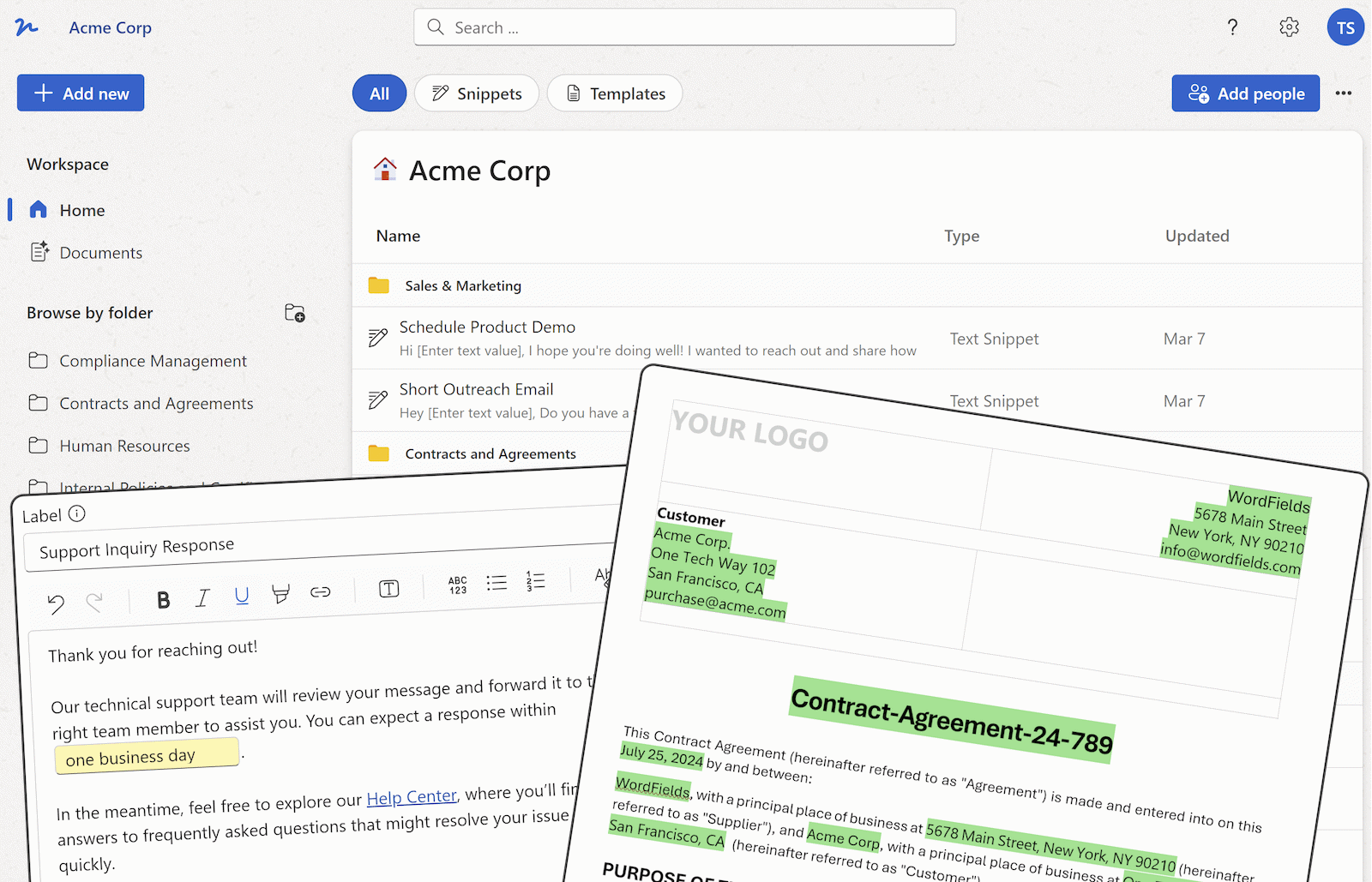
Are you tired of spending hours creating documents from scratch in SharePoint? Good news! You can streamline this process by automating document generation in SharePoint. In this article, we will explore how you can use SharePoint to generate documents through document automation. We will focus on leveraging SharePoint features to create forms that can generate new documents based on templates. By the end of this article, you will also discover a powerful tool - WordFields - which seamlessly integrates with SharePoint for document automation, making the entire process more efficient and manageable.
SharePoint offers a variety of tools and features that can simplify the document creation process. One such feature is the ability to create custom forms using SharePoint lists. These forms can be designed to collect specific information required for the document. By setting up these forms, users can easily input data, which can then be used to populate document templates.
Document Automation with SharePoint Lists
SharePoint lists can be customized to include fields relevant to the document you want to generate. For example, if you need to create a project proposal document, you can create a SharePoint list with fields such as project name, description, budget, and timeline. Users can fill in this information using the SharePoint form, and upon submission, a new document will be generated with the provided details.
Using Document Libraries for Templates
SharePoint document libraries are ideal for storing document templates. These templates can be pre-designed with placeholders for dynamic content. When a new document is generated using SharePoint forms, the system can pull data from the form fields and populate the placeholders in the template, creating a complete document automatically.
Automating Document Generation Workflows
SharePoint workflows can further streamline the document generation process. By setting up automated workflows, you can define the steps involved in document creation, review, and approval. Workflows can be triggered based on specific criteria, ensuring that documents are generated efficiently and follow the designated approval process.
Alternatives for Enhanced Document Automation
While SharePoint offers robust document generation capabilities, a specialized tool like WordFields can make the templates themselves easier to use. With WordFields, you make your Word and Excel documents fillable: your team fills in a short form, and the finished document is created from the approved template, with its formatting kept.
Why Choose Wordfields for Document Automation in SharePoint?
WordFields works alongside SharePoint. Connect it, and you can open the Word and Excel files already in SharePoint and turn them into templates, and every document your team creates is saved back to SharePoint automatically, with a record of who created it, when and from which template. The platform's user-friendly interface makes it a valuable addition to any SharePoint document automation workflow.
In conclusion, automating document generation in SharePoint can significantly improve efficiency and productivity. By leveraging SharePoint features such as custom forms, document libraries, and workflows, you can streamline the document creation process. Additionally, integrating WordFields with SharePoint can further enhance document automation capabilities, making the entire process easier to set up and manage.