-
 Microsoft Word tutorials
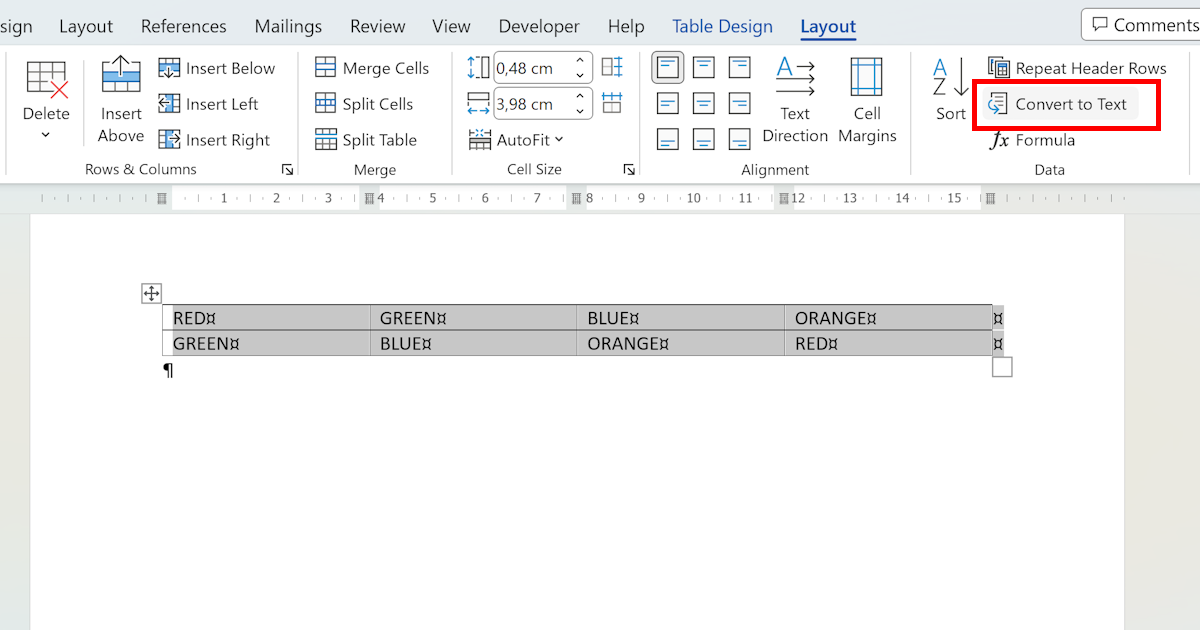
Convert Table to Text in Word
Word's Convert to Text feature removes table structure in 3 clicks. Here's how to choose the right delimiter — tabs, commas, or paragraph marks — for your use case.
Read article → -
 Microsoft Word tutorials
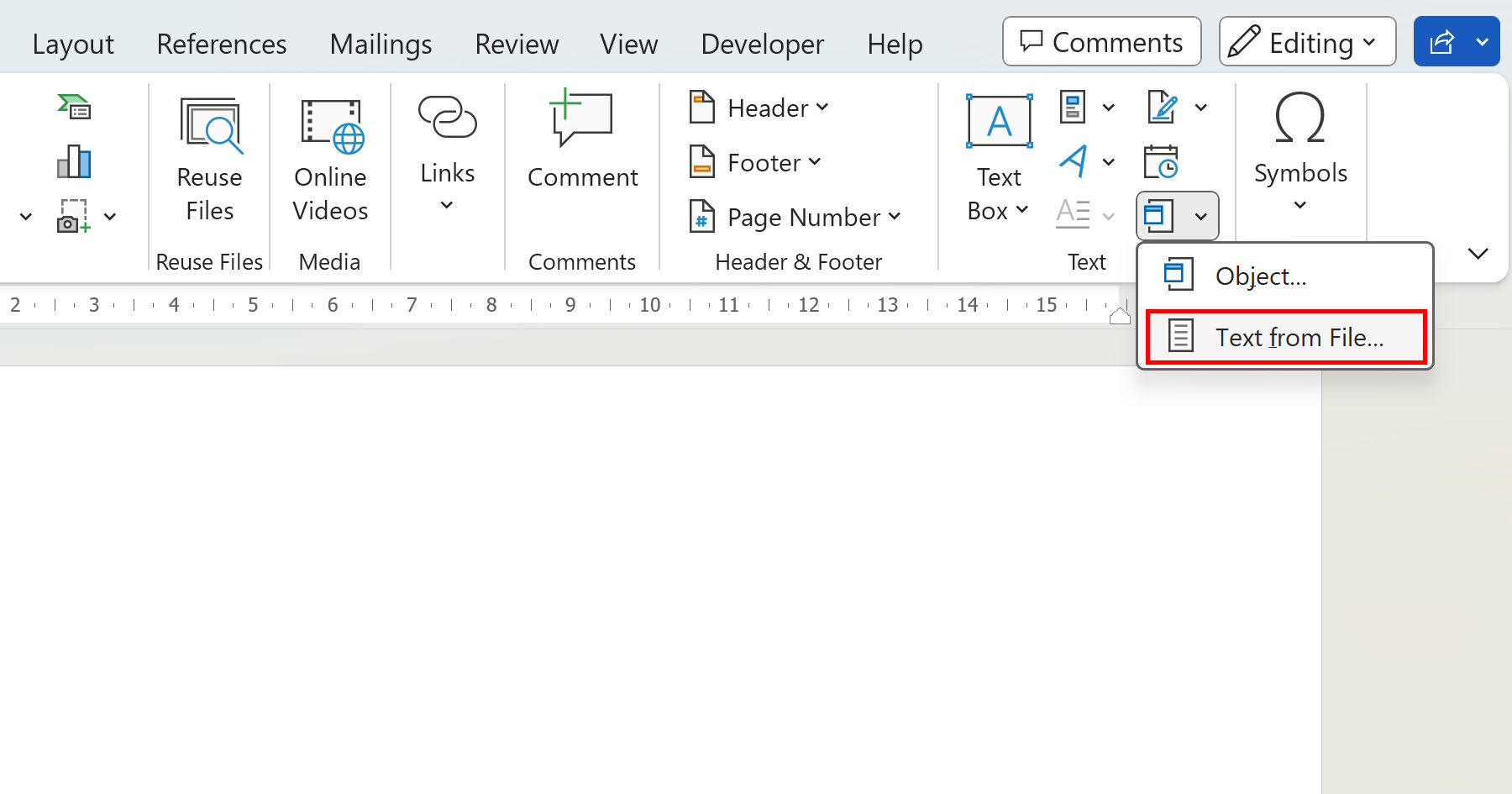
Merge Word Documents: The Complete Guide
Learn how to merge multiple Word documents effortlessly with our step-by-step guide. Save time and simplify your workflow by combining several Word files into one single, clean, and cohesive final document.
Read article → -
 Microsoft Word tutorials
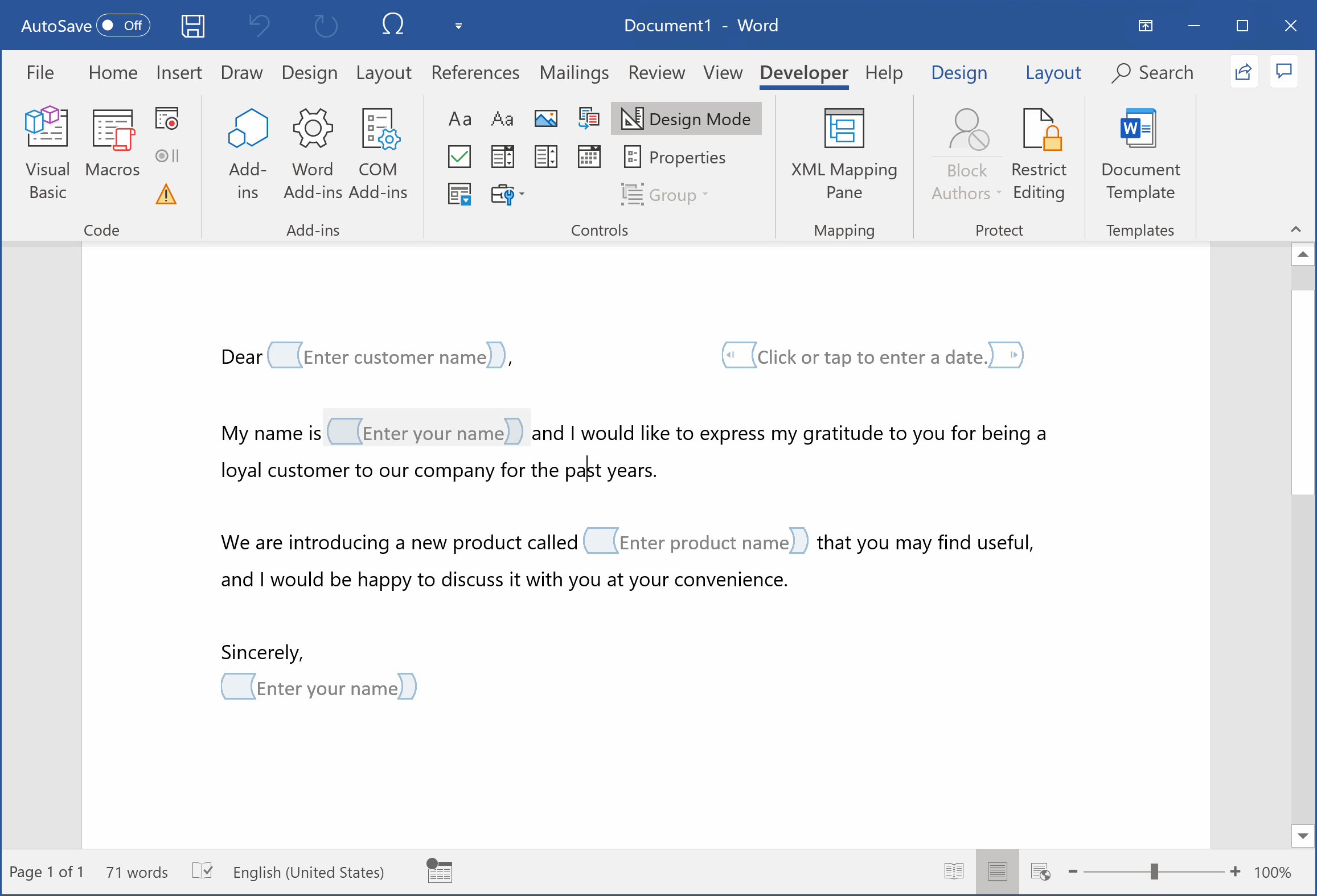
How to Create a Fillable Form in Word
Learn the step-by-step process of creating a fillable form in Microsoft Word using content controls. Say goodbye to manual editing and create efficient, reusable forms for contracts, reports, and more.
Read article → -
 Microsoft Word tutorials
Useful Tips for Word
Discover useful tips for Microsoft Word that can enhance your productivity and help you create professional-looking documents. Learn about line breaks, PDF conversion, speech recognition, and much more.
Read article → -
 Microsoft Word tutorials
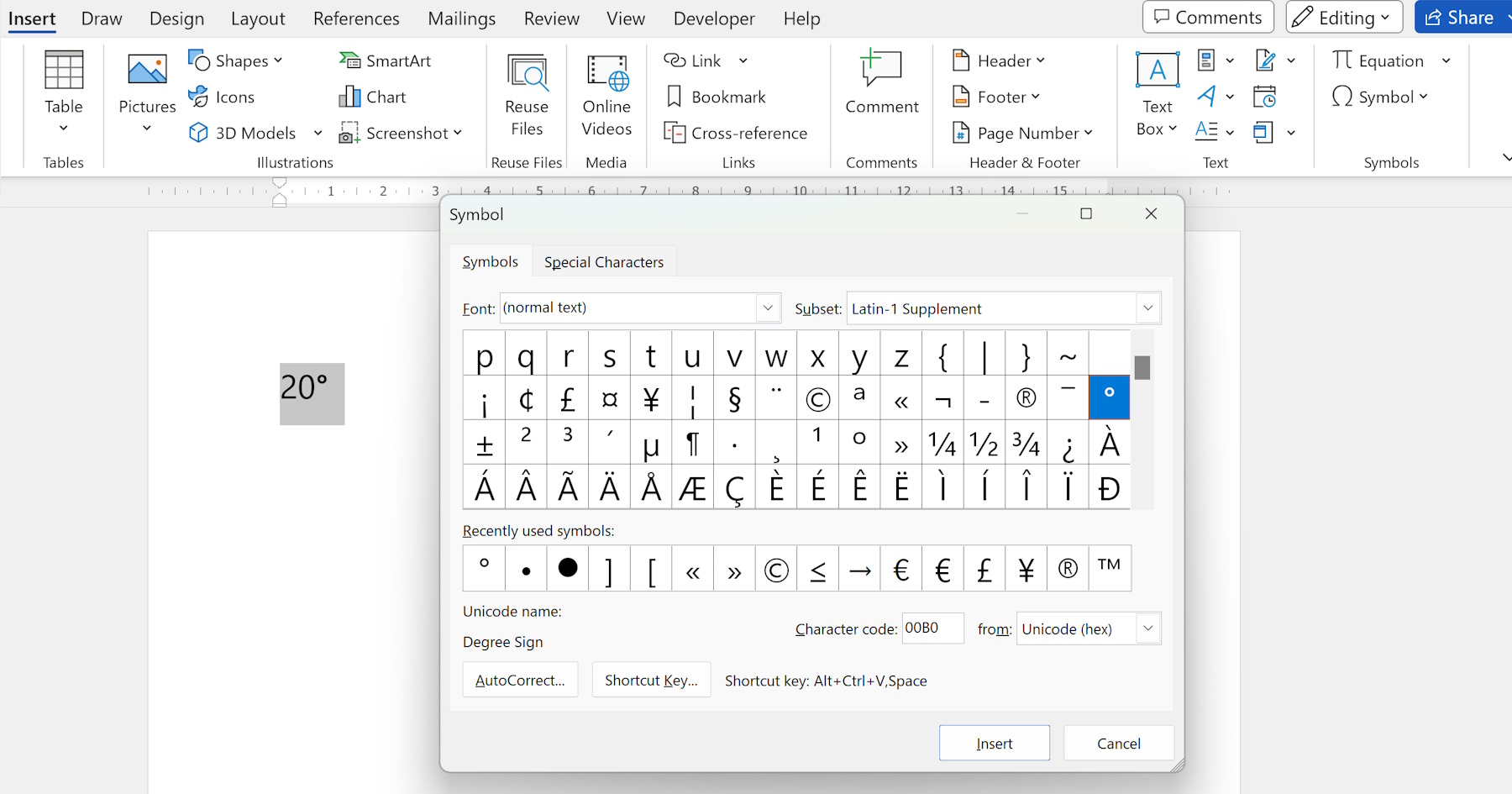
How to Make Degree Symbol in Word
Learn how to insert the degree symbol in Word using various methods, including the Symbol menu, AutoCorrect options, keyboard shortcuts, and the Equation Editor for all scientific and technical writing needs.
Read article → -
 Microsoft Word tutorials
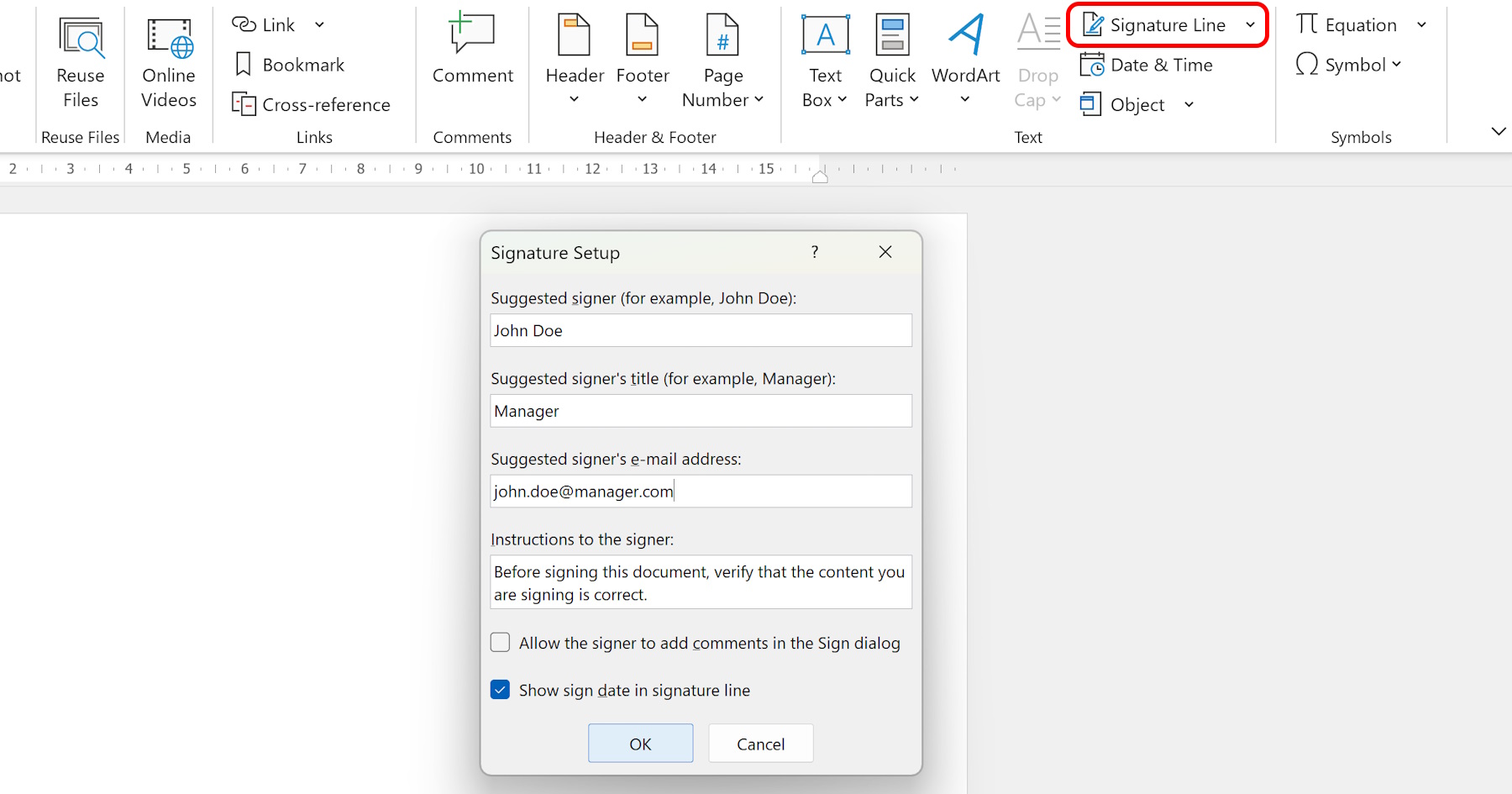
Creating a Signature in Word
Learn how to create a signature in Word, whether handwritten or digital. Add credibility and personalization to your documents with these clear, step-by-step instructions for Microsoft Word signatures.
Read article → -
 Microsoft Word tutorials
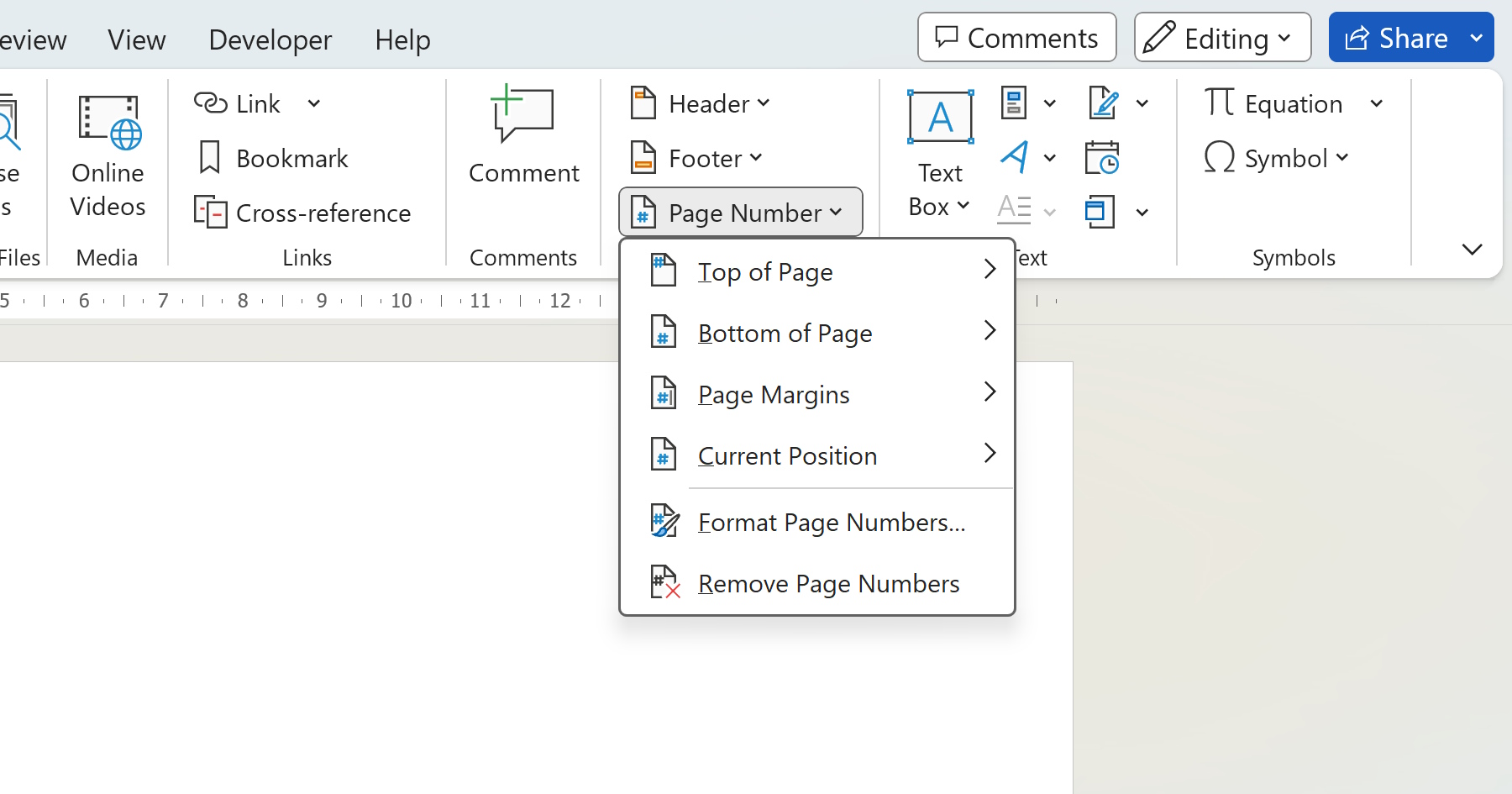
Put Page Numbers on Word
Learn how to easily put page numbers on Word and customize them to suit your specific needs. Follow the step-by-step guide and make your Word documents look more professional, organized, and easy to navigate.
Read article → -
 Microsoft Word tutorials
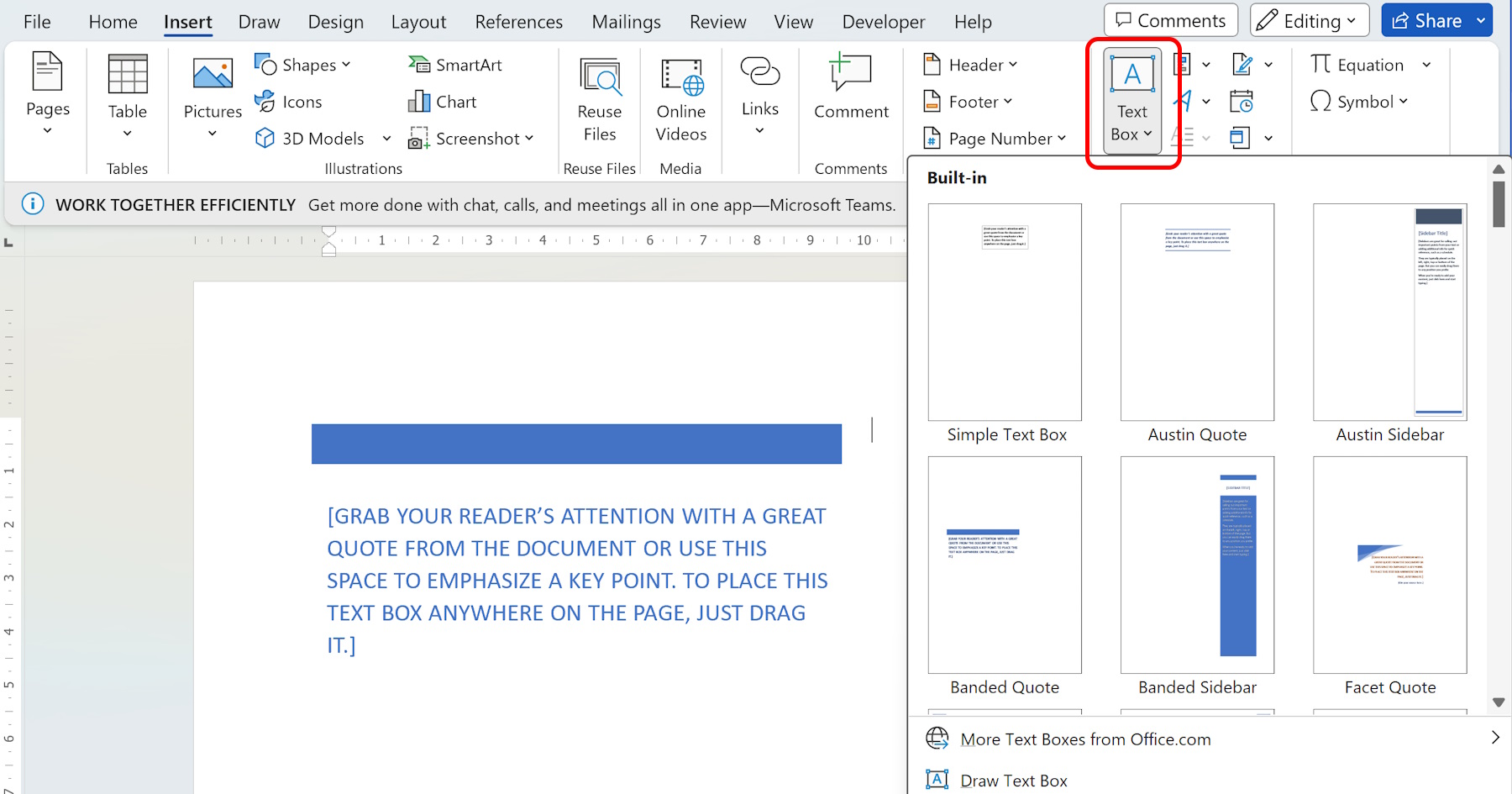
Adding a Text Box in Word: Tips and Tricks
Learn how to add a text box in Word and customize it with these practical tips and tricks. Enhance the appearance and functionality of your Word documents by adding and formatting text boxes in different ways.
Read article → -
 Microsoft Word tutorials
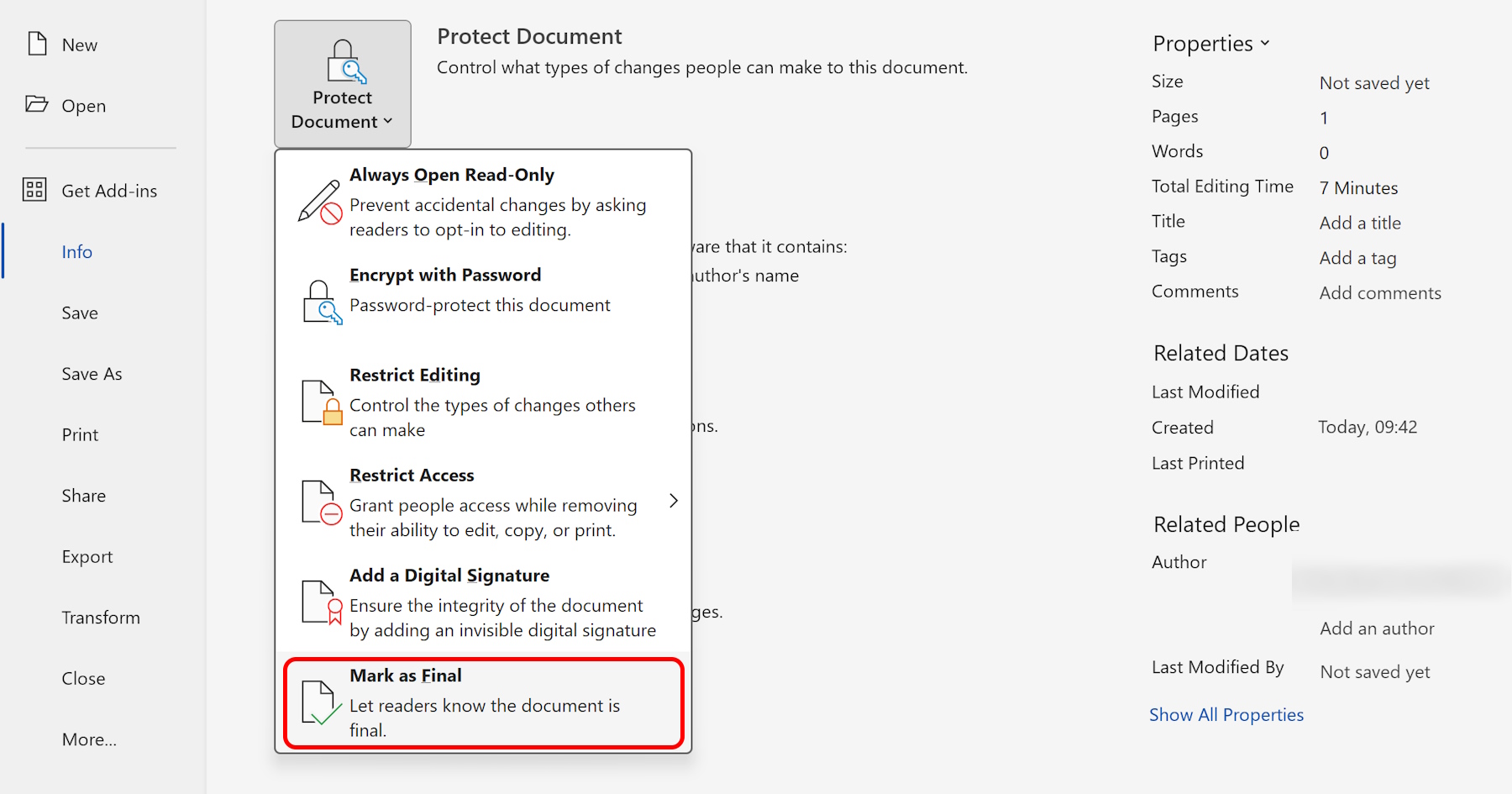
Turn Off Editing in Word
Learn how to turn off editing in Word with this comprehensive guide. Protect your documents from accidental changes or unauthorized modifications by restricting editing access directly in Microsoft Word.
Read article → -
 Microsoft Word tutorials
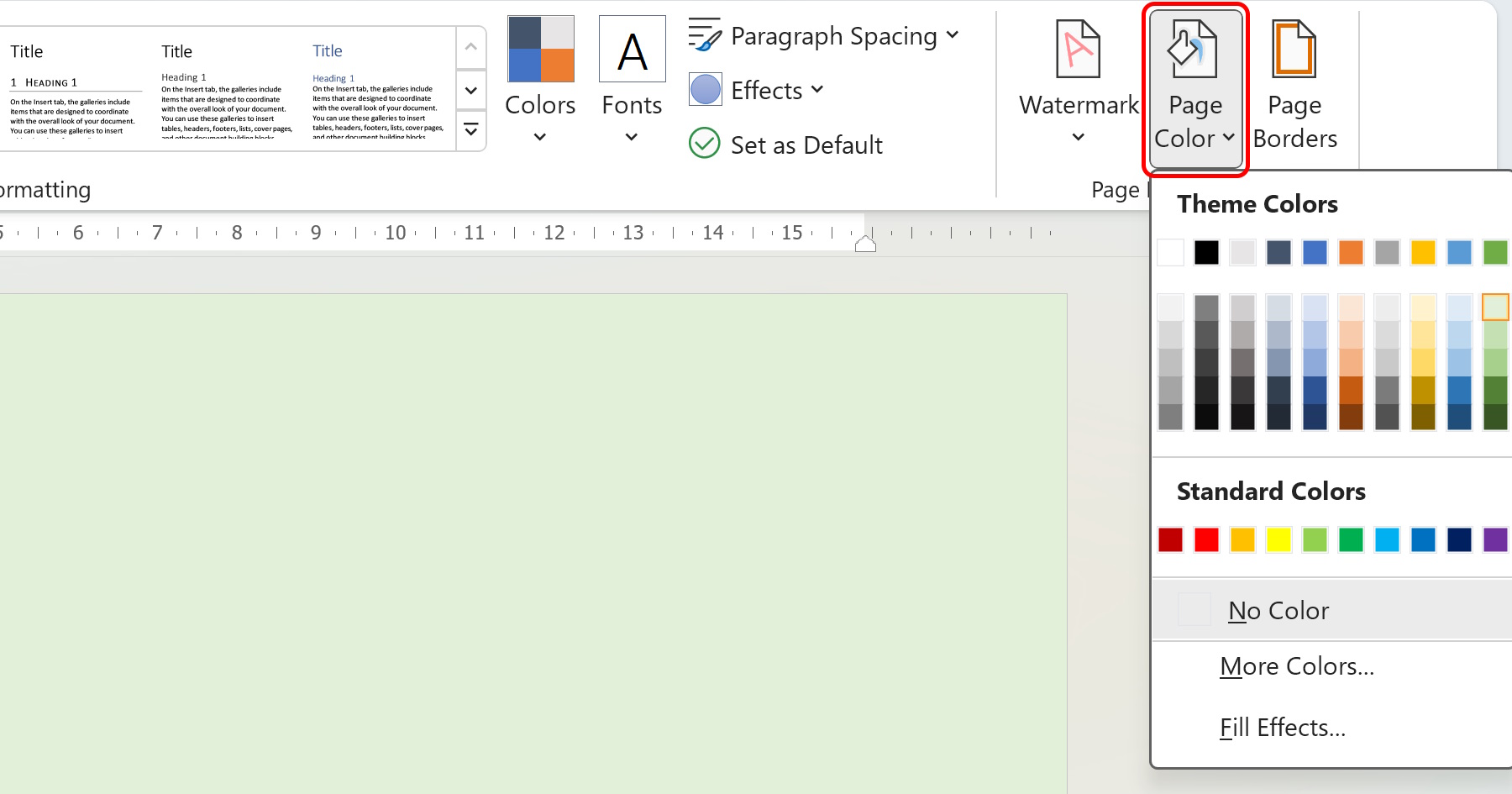
Change Background Color in Word
Learn how to change the background color in Word and personalize your documents. This step-by-step guide walks you through the process and provides useful tips and tricks for easy color customization.
Read article → -
 Microsoft Word tutorials
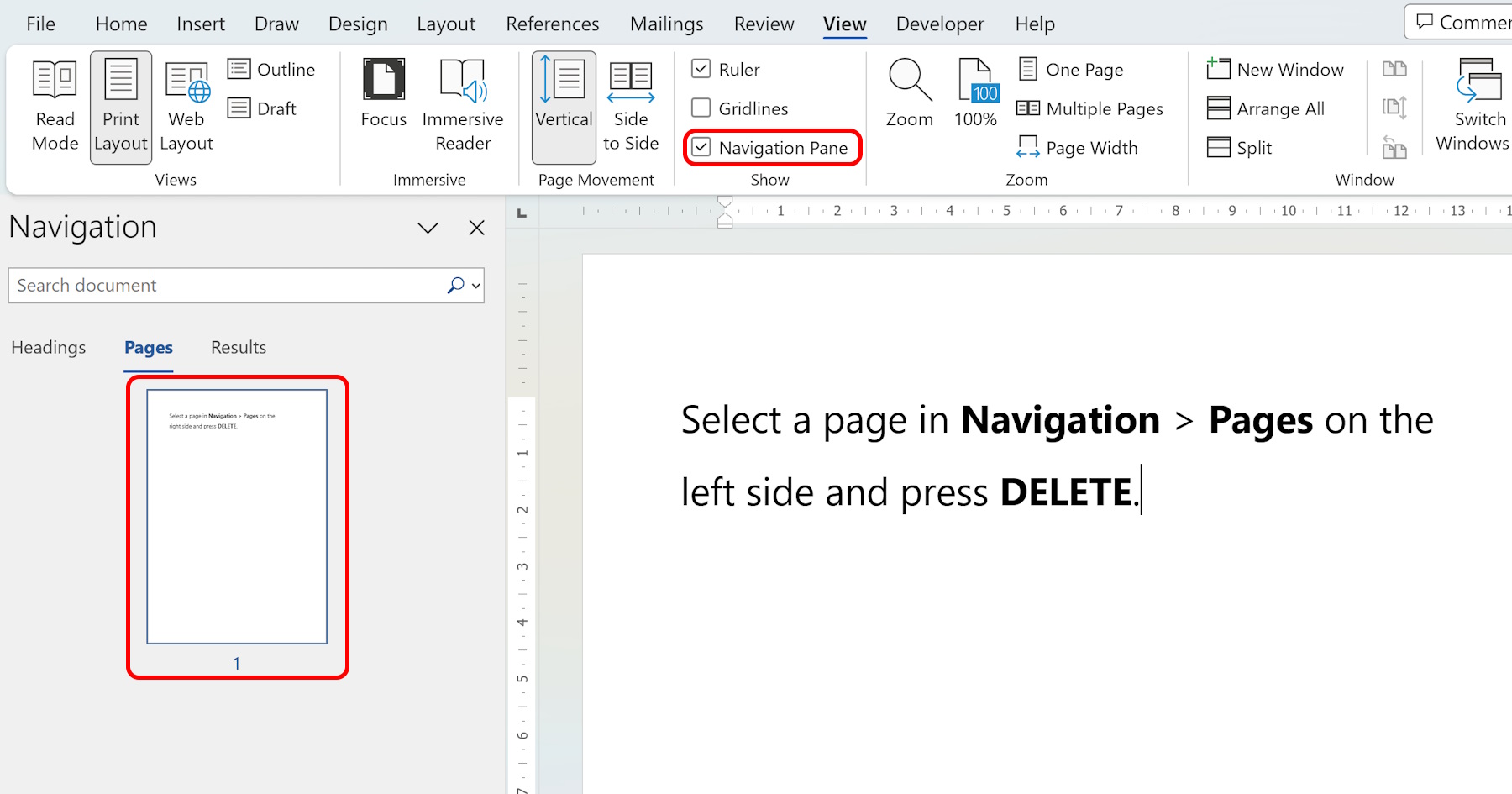
Delete a Page in Word
Learn how to delete a page in Word with this step-by-step guide. Whether you made a mistake or no longer need a page, these practical techniques help you easily remove unwanted pages from your documents.
Read article → -
 Microsoft Word tutorials
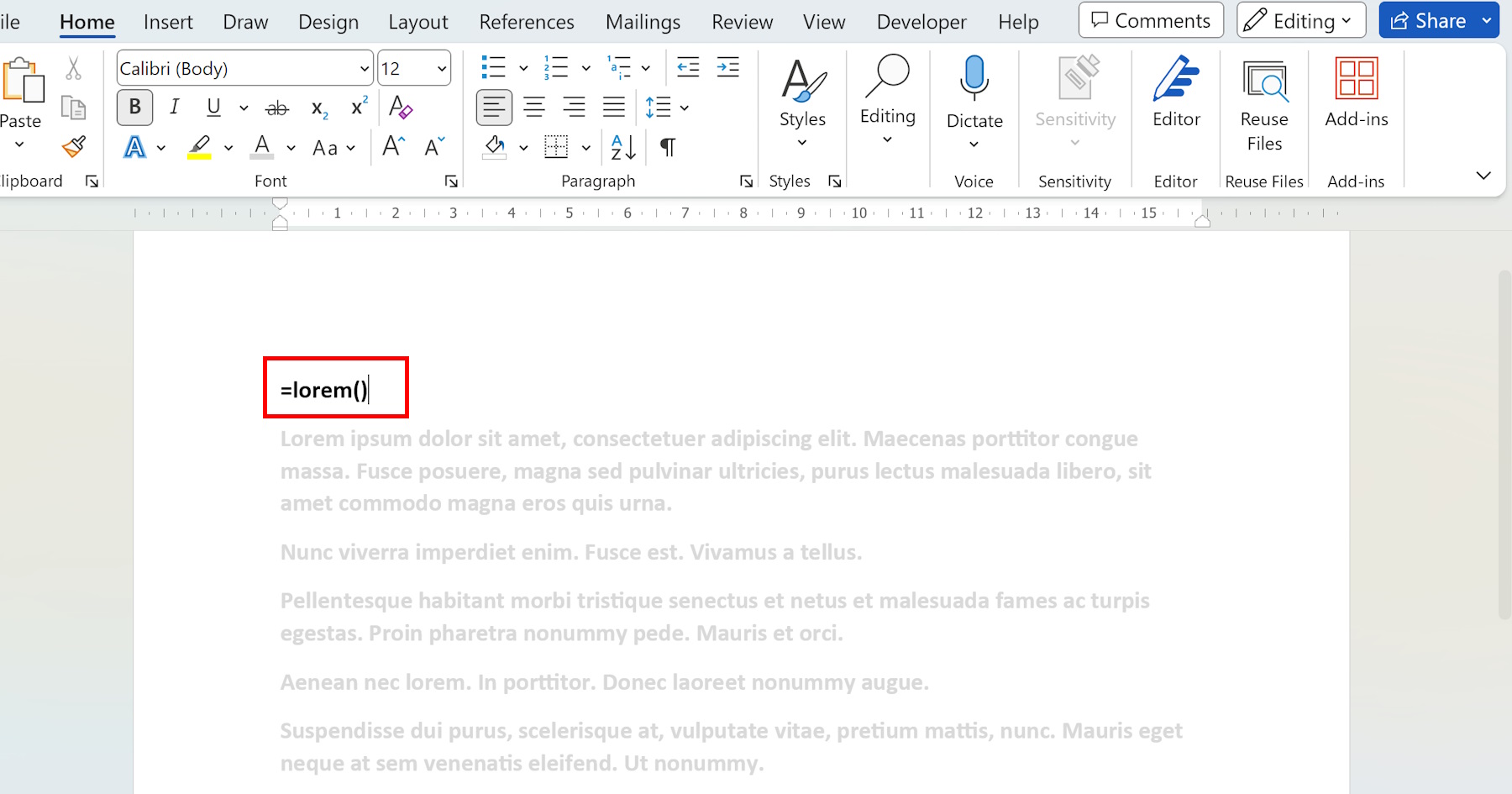
Placeholder Text in Word
Discover the concept of placeholder text in Word and learn how to use it to enhance productivity. Find practical use cases and formatting options for placeholder text in your Microsoft Word documents.
Read article → -
 Microsoft Word tutorials
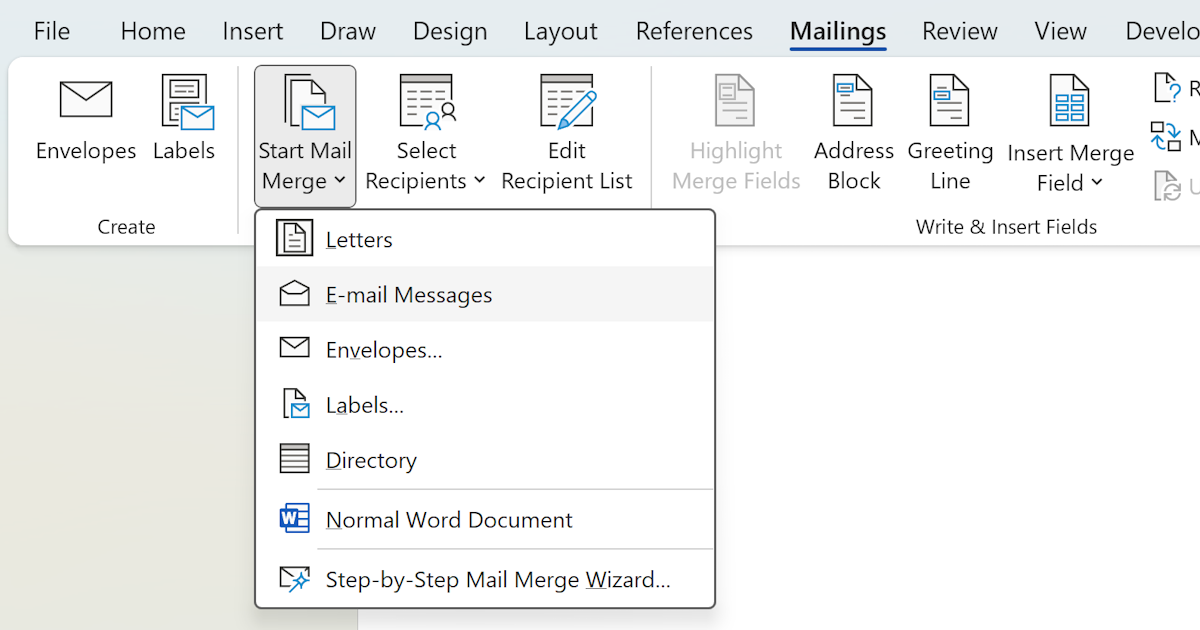
Using Mail Merge in Word
A hands-on guide to Word's Mail Merge: what you need, how to build the template, preview it, and send. Plus the friction points that tell you to move on.
Read article → -
 Microsoft Word tutorials
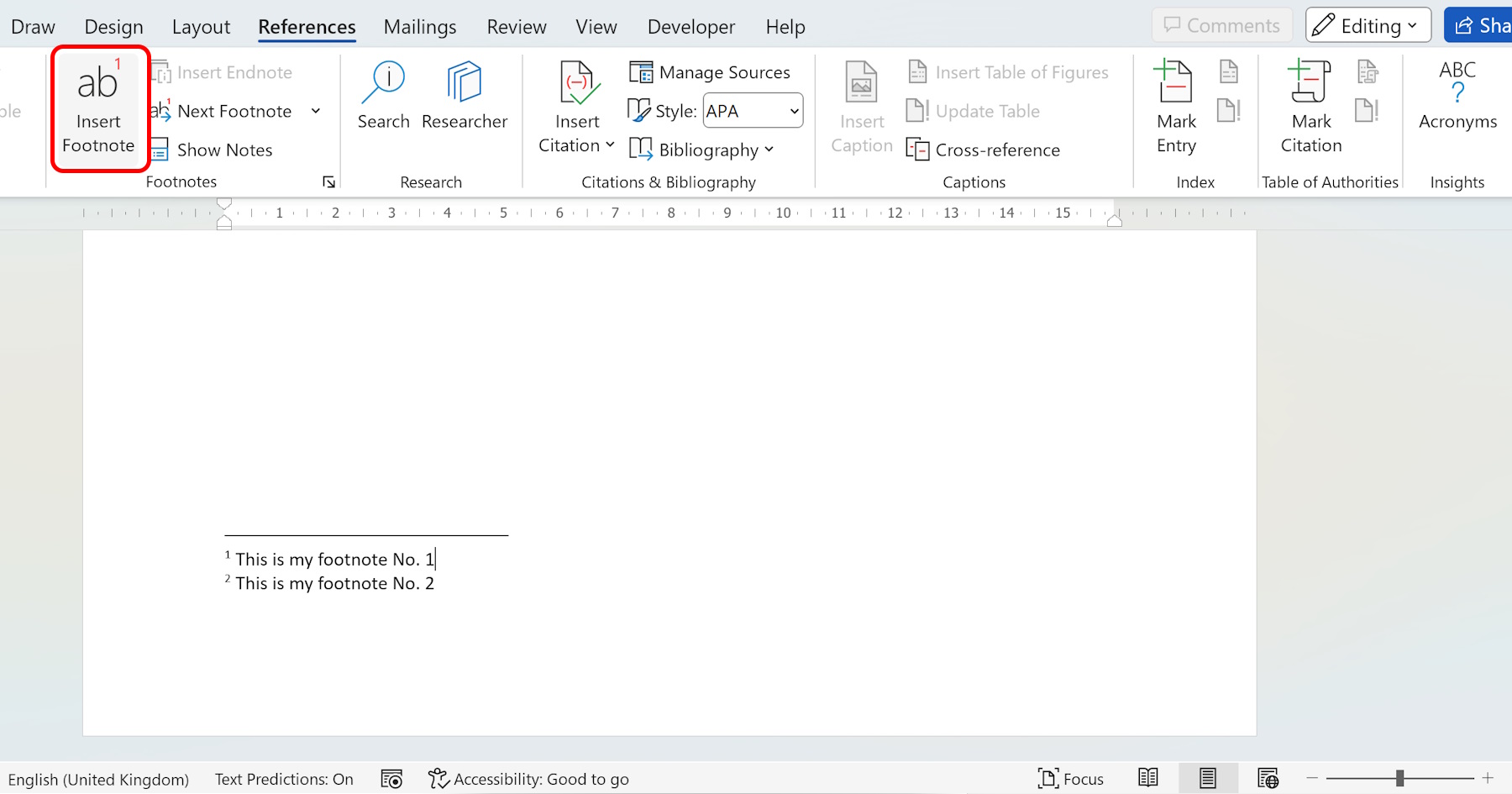
Create Footnotes in Word
Learn how to create footnotes in Word with this step-by-step guide. Add professional citations and additional notes at the bottom of each page without interrupting the flow of your main document text.
Read article → -
 Microsoft Word tutorials
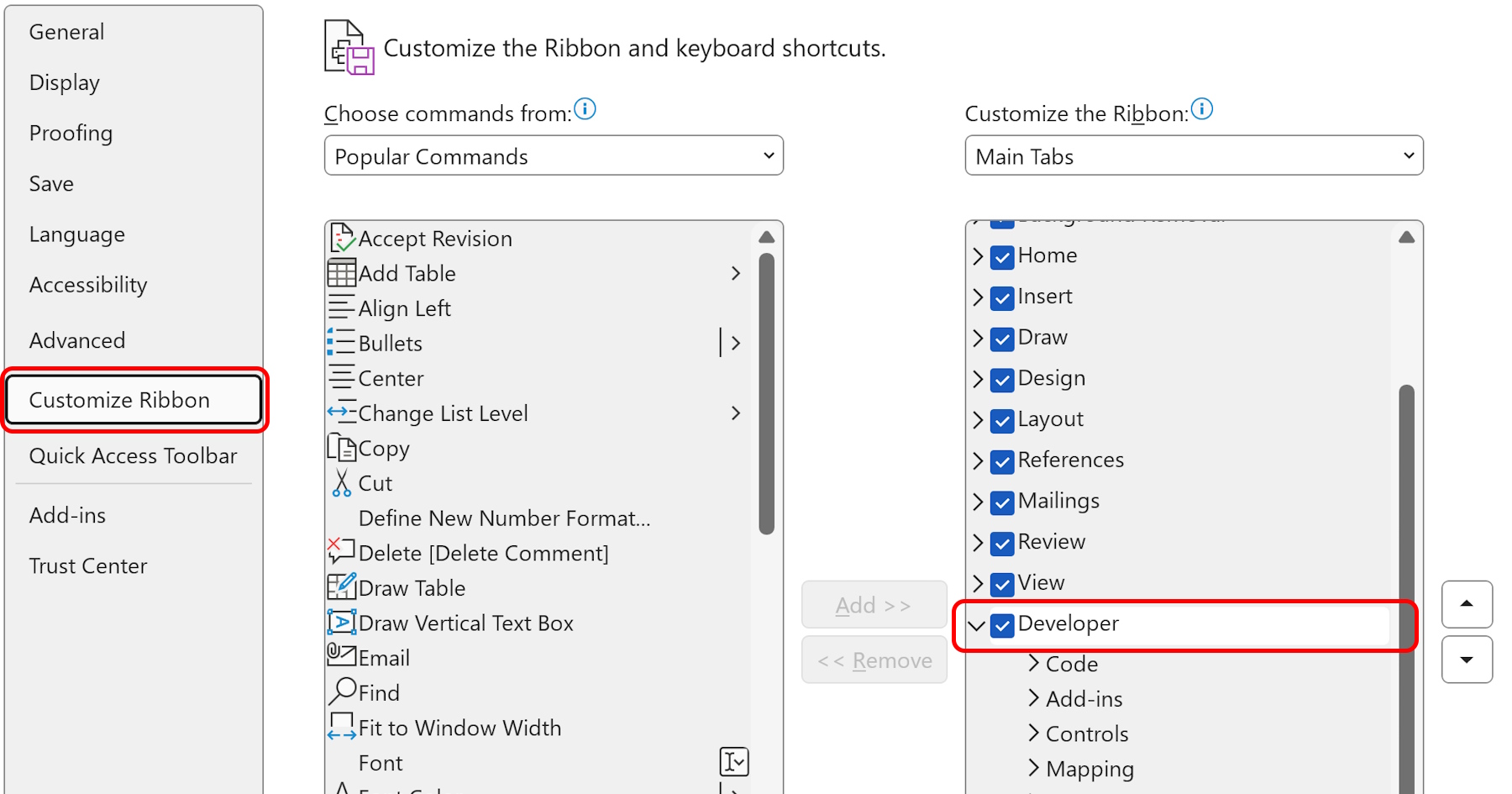
Developer Tab in Microsoft Word
VBA macros can cut repetitive task time by up to 90%. Here's how to enable Word's Developer Tab and use its Controls, Code, and XML tools to build smarter documents.
Read article →