How to Search the Web Without Leaving Word

Web search sidebar open alongside a Microsoft Word document

Working on a research or a school project. Whenever you need to look up for more information on a word or phrase you can do it directly in Word.

You need to select a word or phrase in your document, right-click on it and click on "Search" in the menu. A sidebar will appear giving you search results on your topic from the web.

How to search the web without leaving Word

Get document management tips delivered to your inbox

We’ll email you once or twice per month, and never share your information.

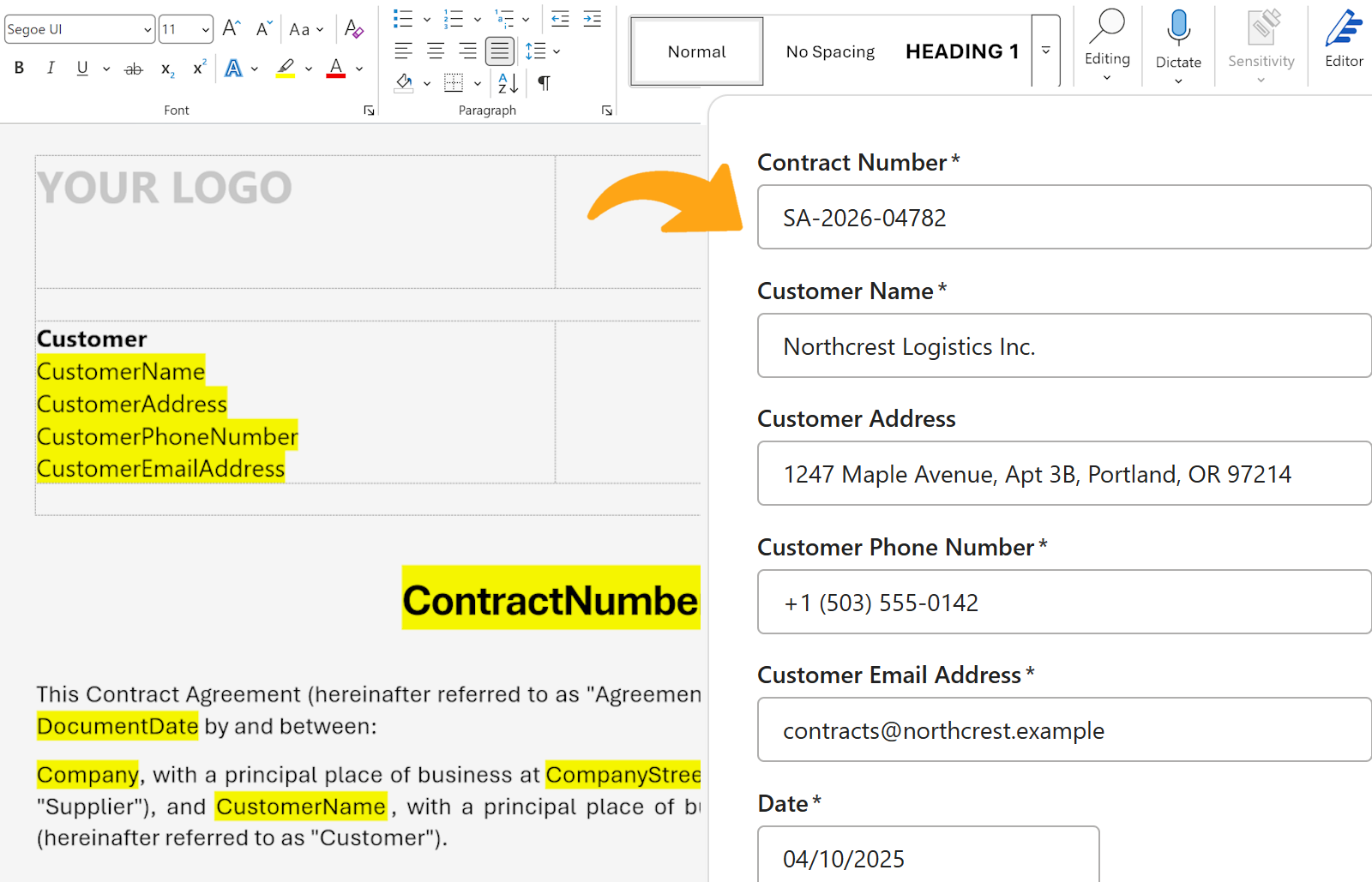
Turn any Word document into a fillable template

Open the document you already use, and your team fills in a short form to get the finished file.

  • Put fields where the text changes: names, dates, amounts
  • Every font, table and header stays as you designed it
  • One approved version, shared with the whole team

Get started for free See how it works

Free for individuals. $4.99 per user/month for teams.
A Word document open in the WordFields editor, with a field selected and its properties beside it