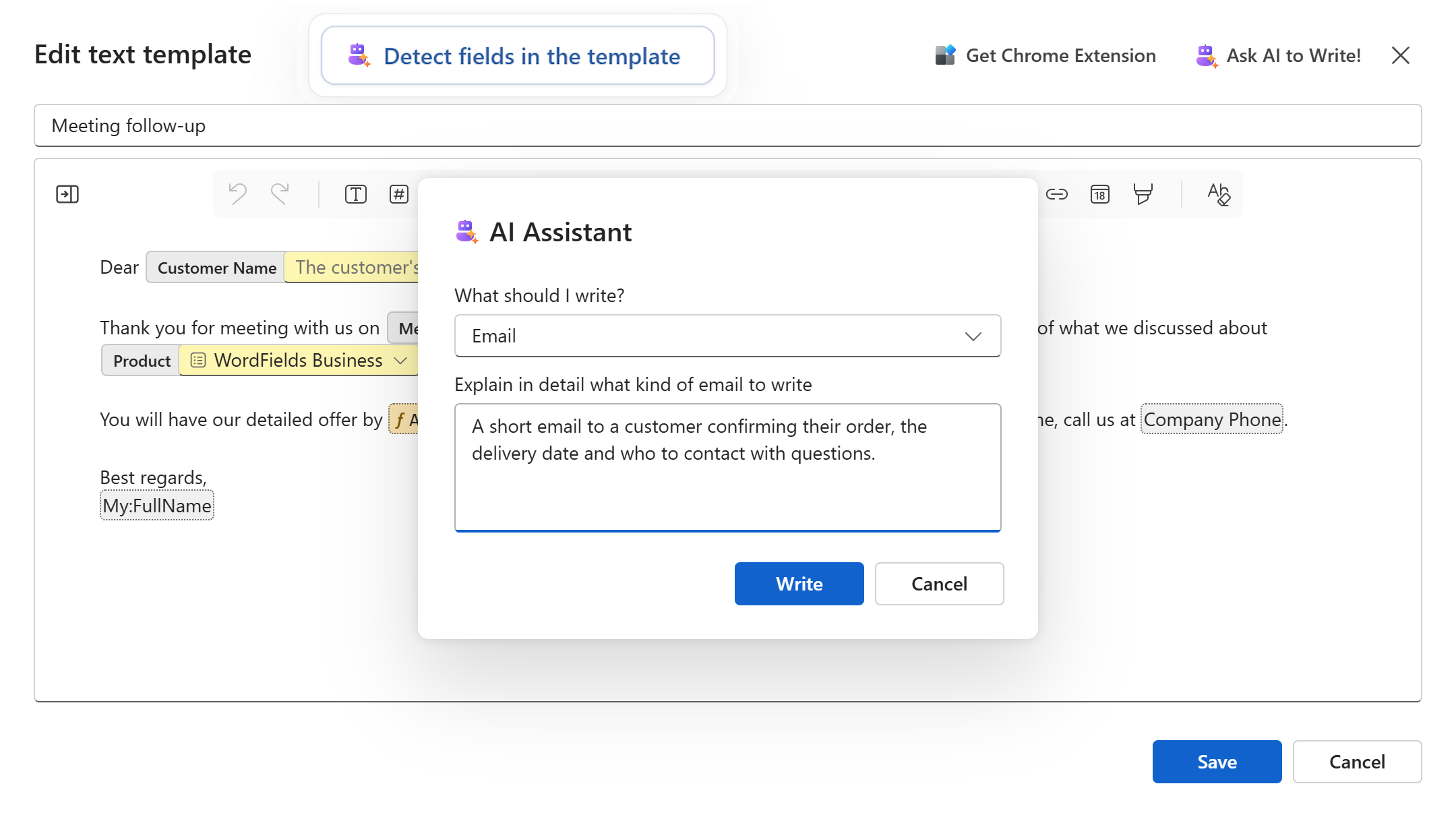
Three places the assistant saves the work
- Ask AI to write. Say what kind of text you need (an email, a letter, a note, a message, a document), describe it in a sentence, and a draft lands in the editor with fields already in place for the customer's name, the date, the amount. Edit it as you would any text.
- Auto-insert fields. Paste the text your team already uses, or open the document, and the assistant reads it and marks the parts that change, such as names, dates, amounts and a value that repeats, as fields and references. One click to undo if it reads something wrong.
- Fill with AI. When it is time to create a document, copy the email or notes that hold the details and let the assistant fill in the form from them. Check the values, create the document, done.
Next up: Insert any snippet anywhere with the browser extension