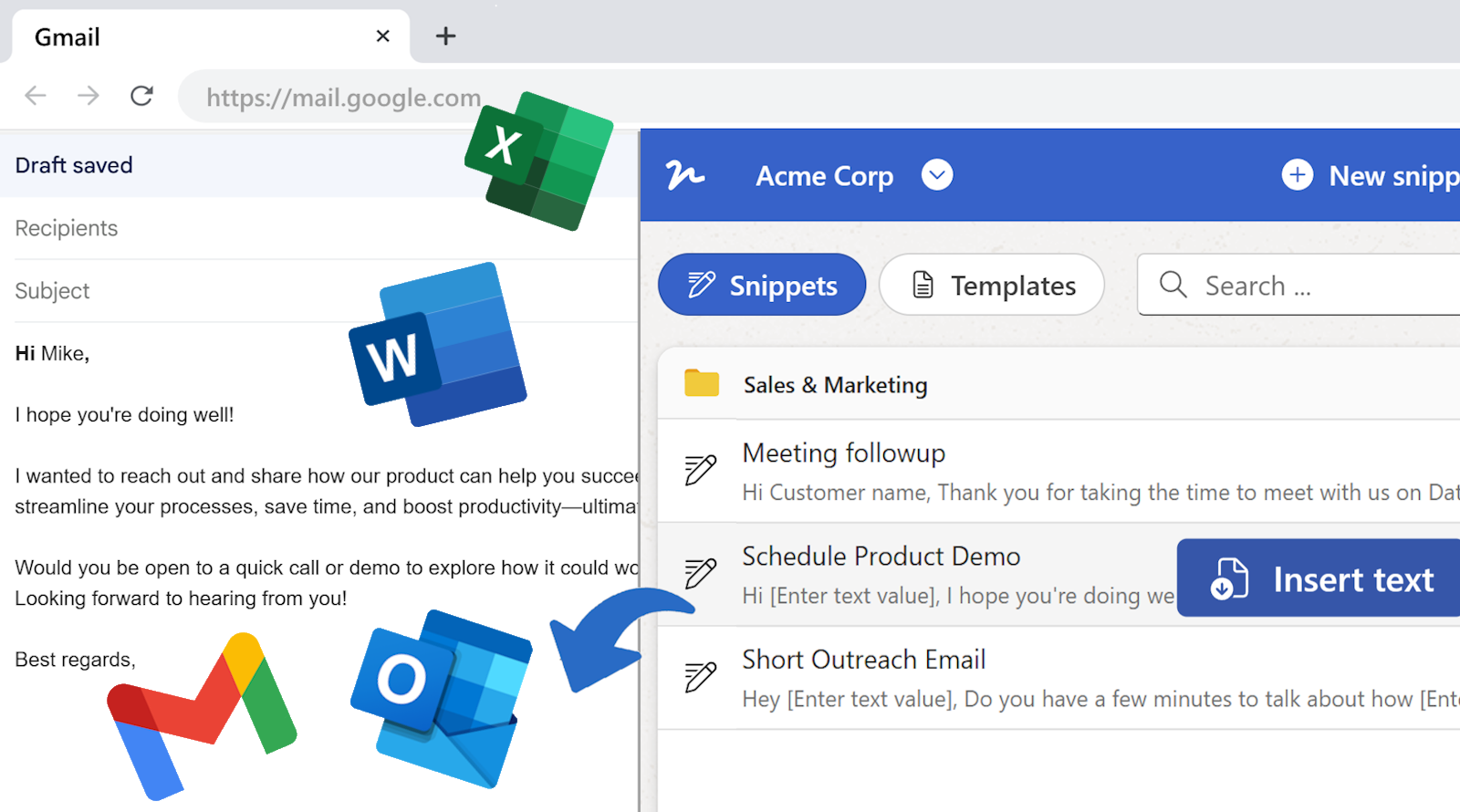
Your snippets, wherever you write
- Click in the text box, click the extension, pick the snippet. One without fields goes in at once; one with fields opens a small window to fill in first, merge tags and formulas worked out as you type; then Insert text puts it in, formatting and all.
- Search by name or by a word in the text, browse by folder, switch between your workspaces. Right-click in any text box for Insert snippet… to open the extension ready for that box.
- Document templates are a click away too: the Documents filter lists them, and Create document opens the form in a new tab. Works in Chrome, Edge and the other Chromium browsers, with your WordFields sign-in.
Next up: Number your documents automatically