-
 Document automation
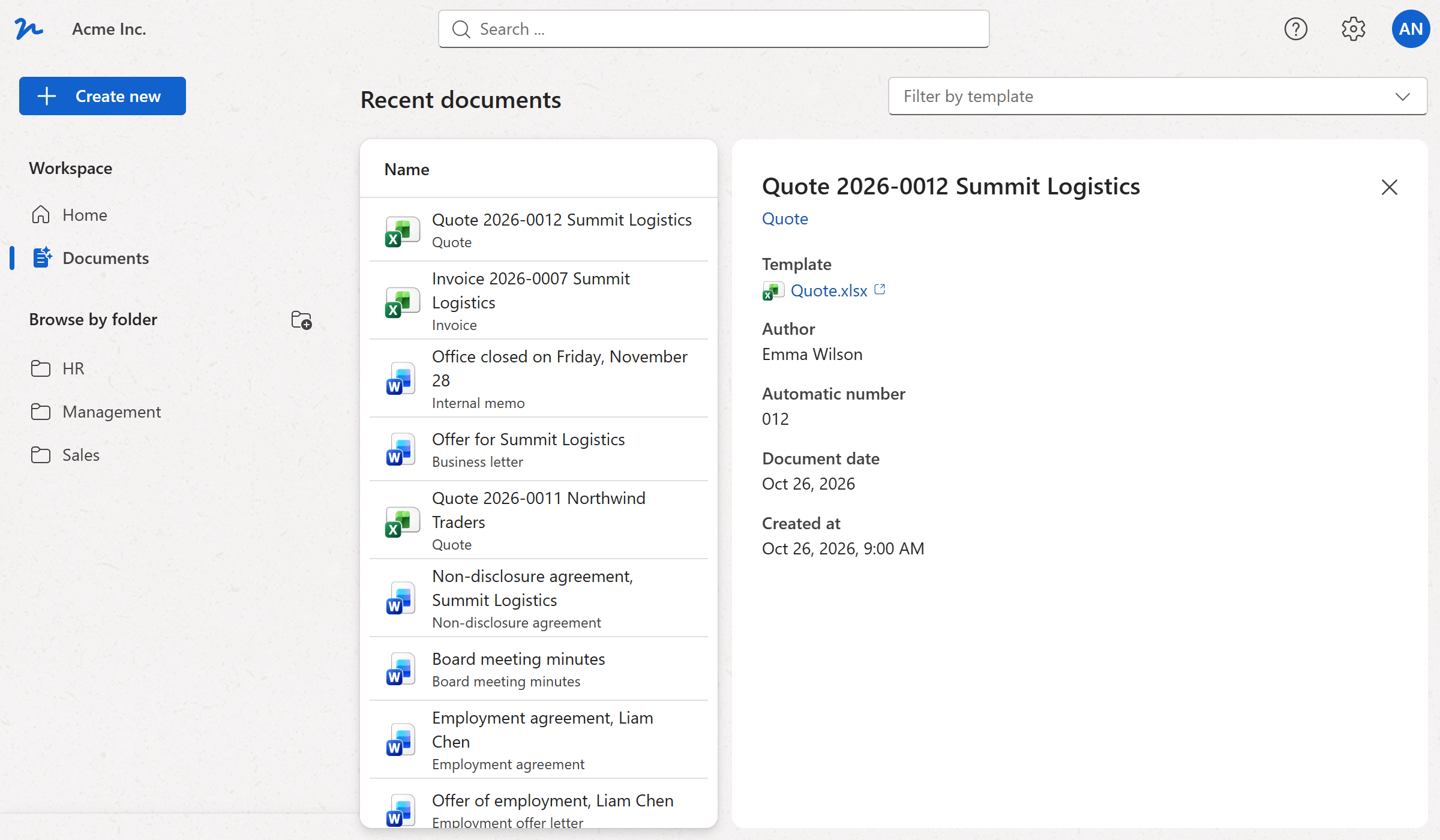
How to keep a document register
A document register lists every document you issue: its number, title, date, author and where the file is. What to record, and how to keep it up to date.
Read article → -
 Document automation
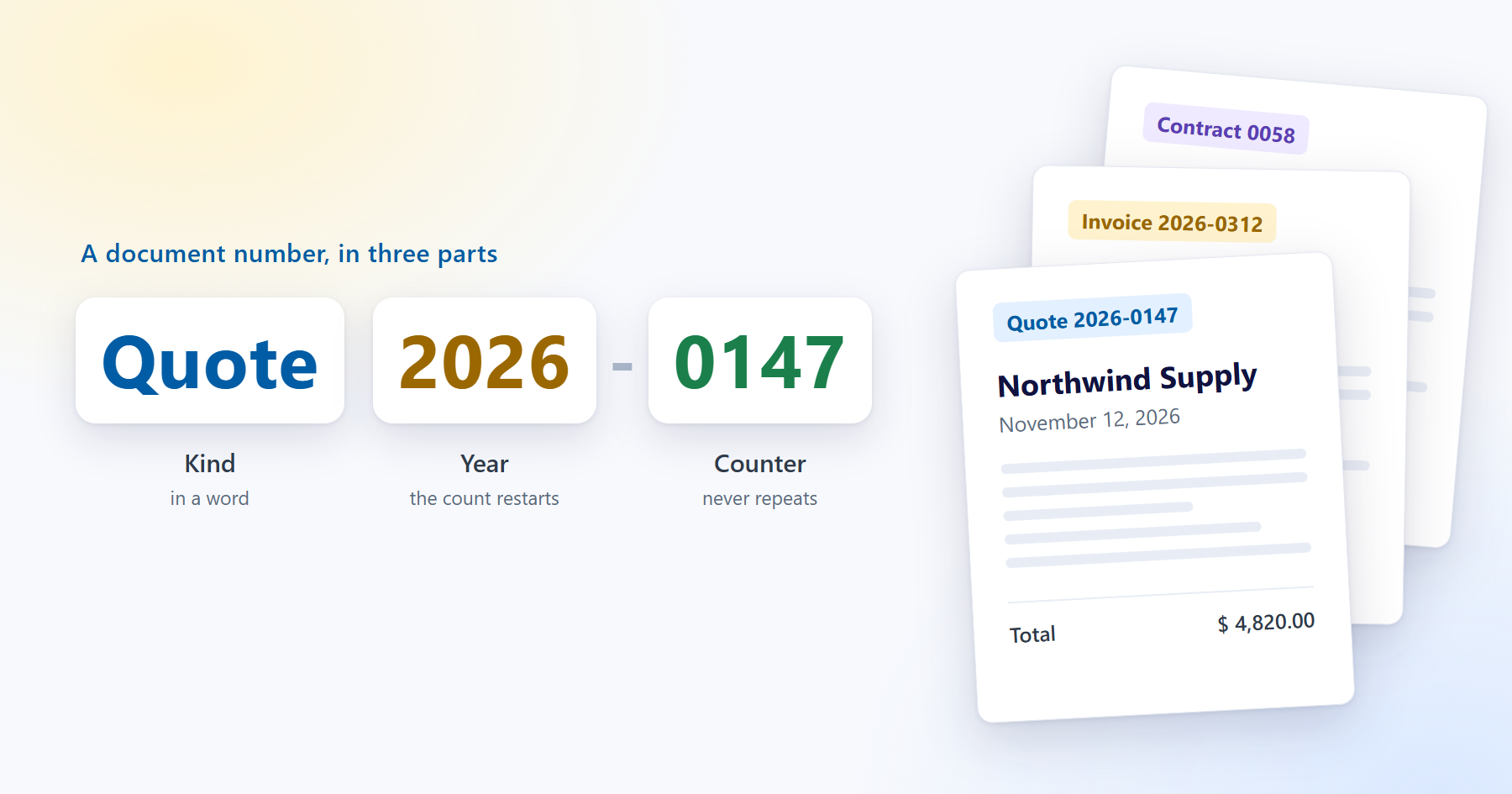
Document numbering systems
How to design a document numbering system: what goes in the number, when the count restarts, examples for quotes, contracts and invoices, and how to keep it.
Read article → -
 Email templates
 in Outlook
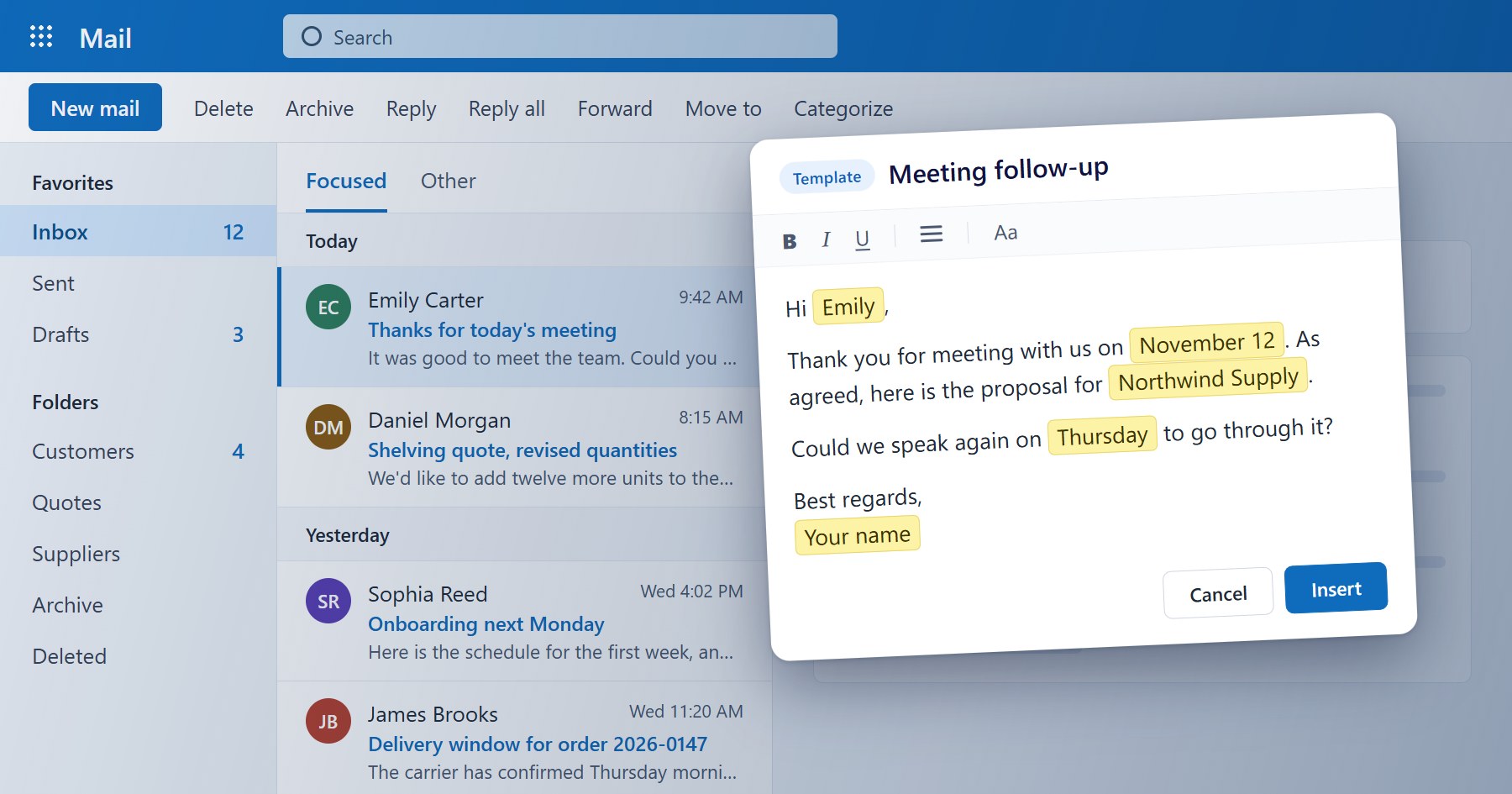
Outlook has four kinds of email template: Mail templates, My Templates, .oft files and Quick Parts. Which one your version has, and how to create each.
Read article → -
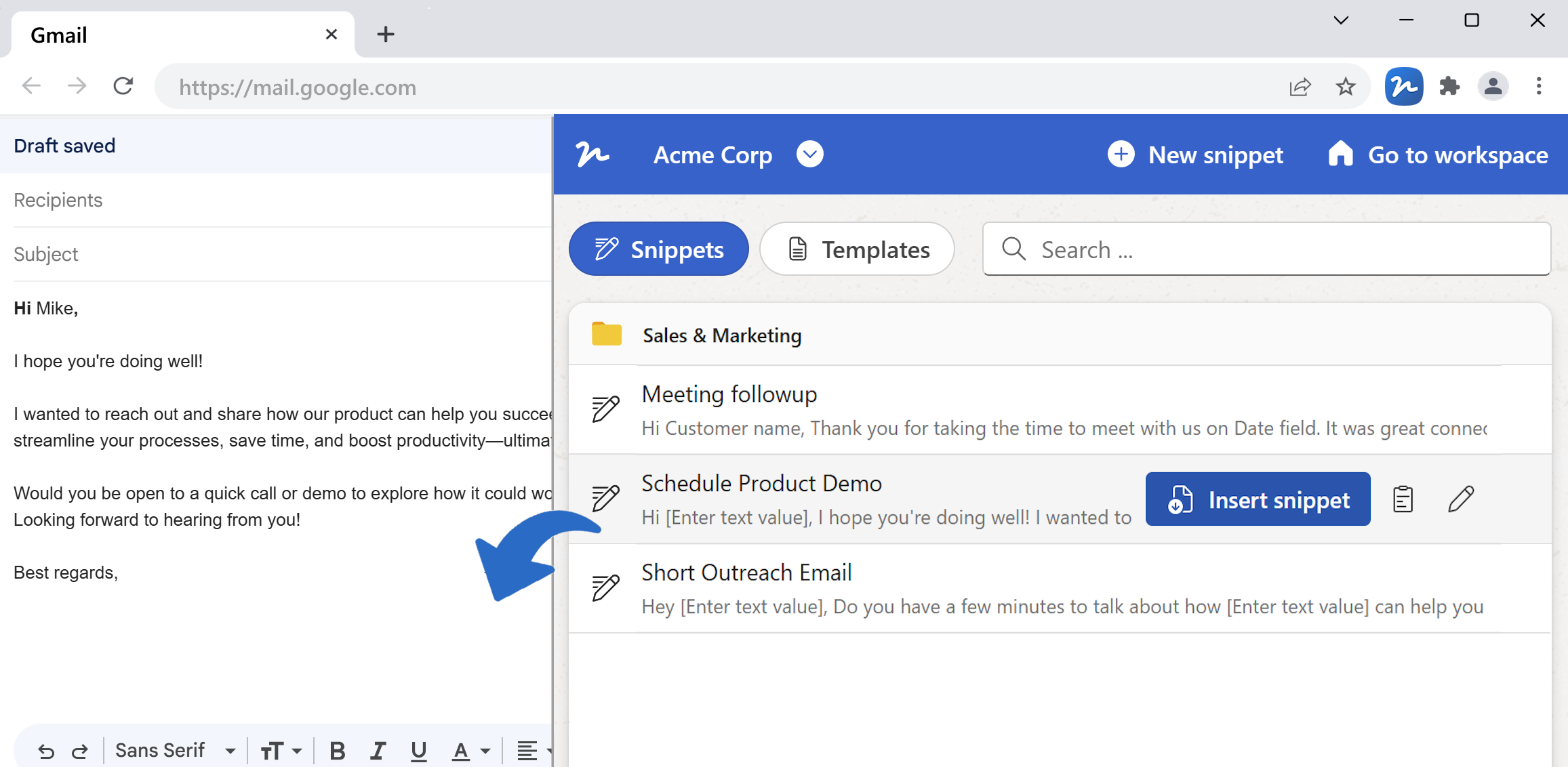 Email templates
 in Gmail
Turn on templates in Gmail's settings, save a draft as a template and insert it in any reply. Plus what Gmail's templates can't do for a team.
Read article → -
 Document automation
Document Generation in SharePoint Automation
Learn how to automate document generation in SharePoint using custom forms, document libraries, and workflows. Explore the integration of wordfields.com for enhanced document automation capabilities.
Read article → -
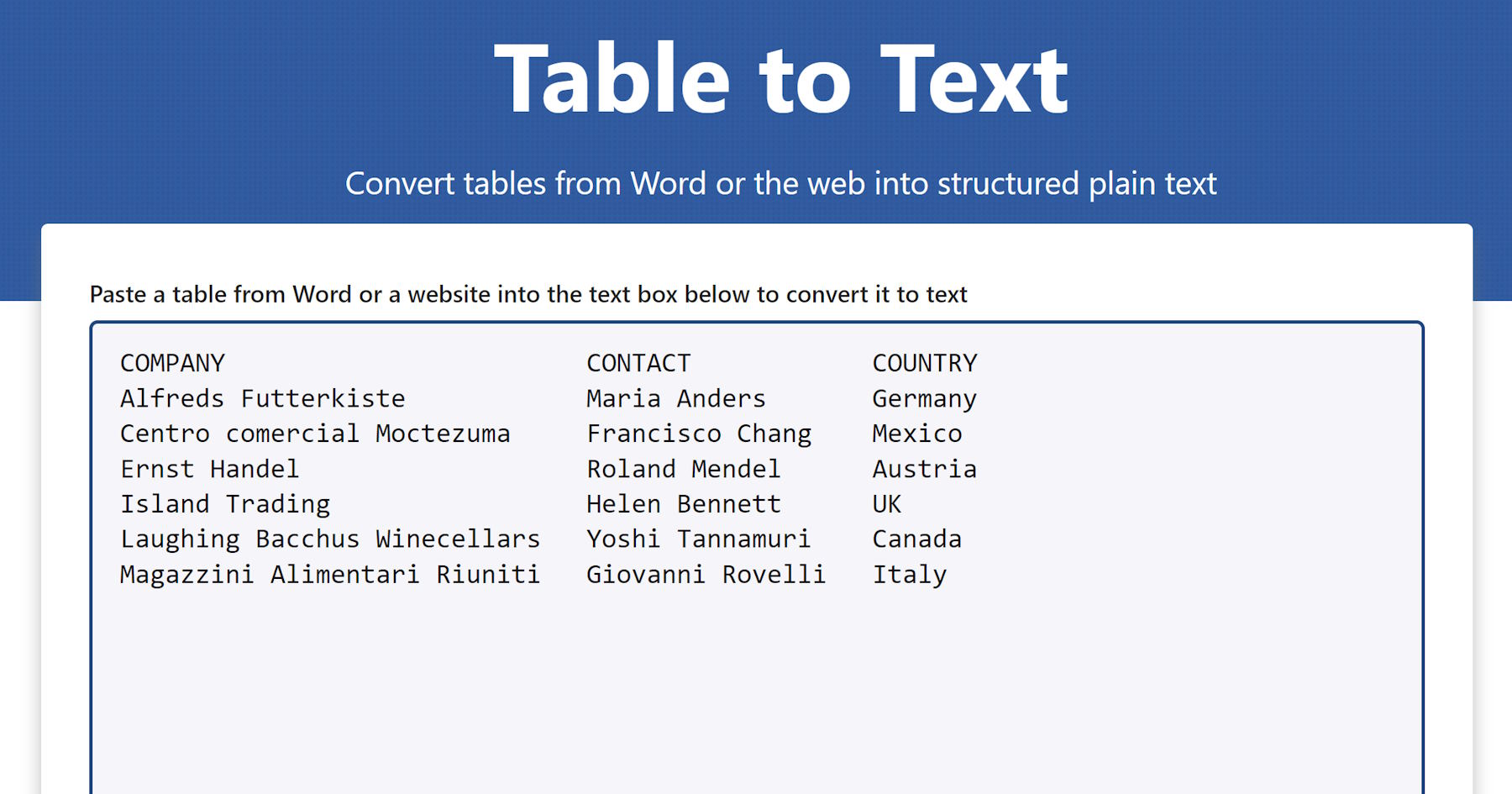 Document automation
Converting Tables to Text
Explore the benefits of converting tables from text editors or websites into plain text format. Learn how tools like Table to Text can streamline data extraction and improve compatibility with other apps.
Read article → -
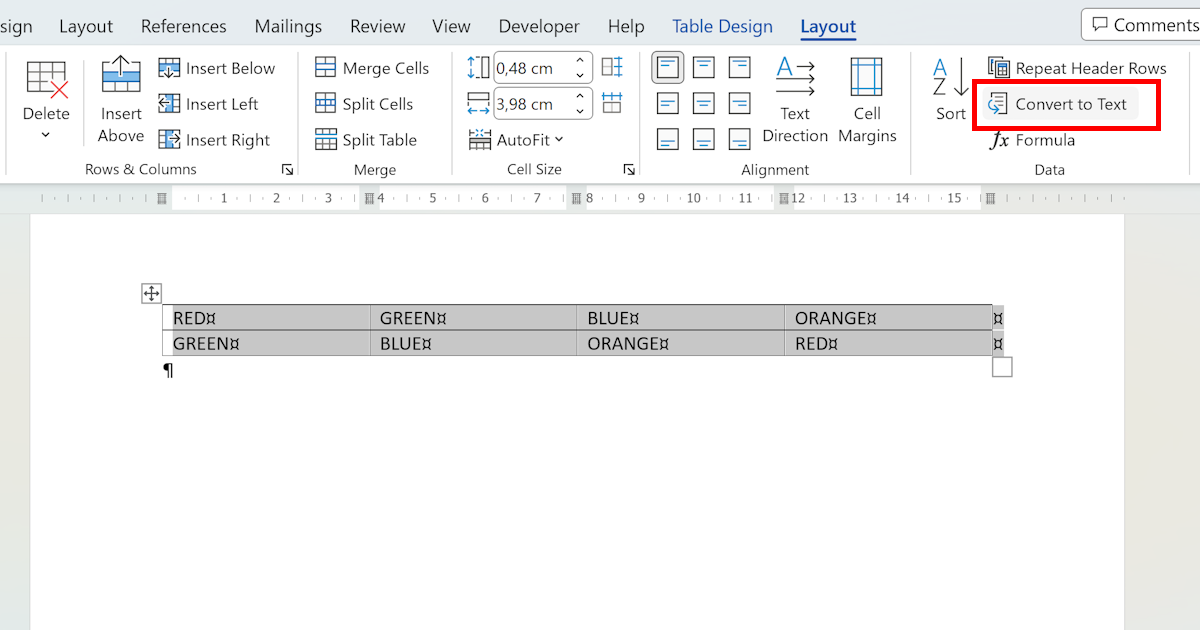 Word tutorials
Convert Table to Text in Word
Word's Convert to Text feature removes table structure in 3 clicks. Here's how to choose the right delimiter — tabs, commas, or paragraph marks — for your use case.
Read article → -
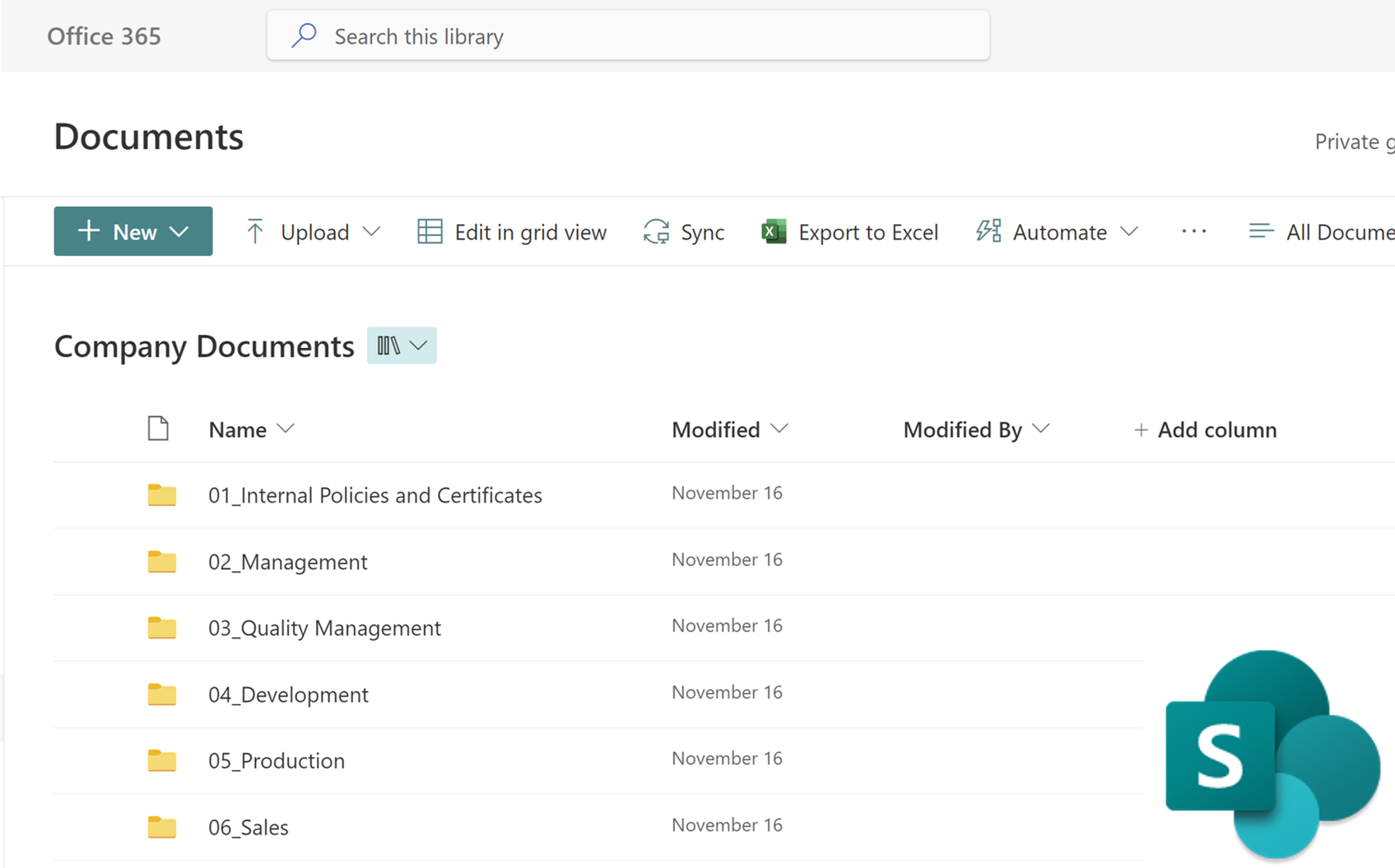 Quality & compliance
Implementing ISO 9001:2015 in a Company Using SharePoint
Discover how to implement ISO 9001:2015 in your company using SharePoint, including steps for setting up a site, defining document libraries, assigning permissions, and monitoring document control processes.
Read article → -
 Template management
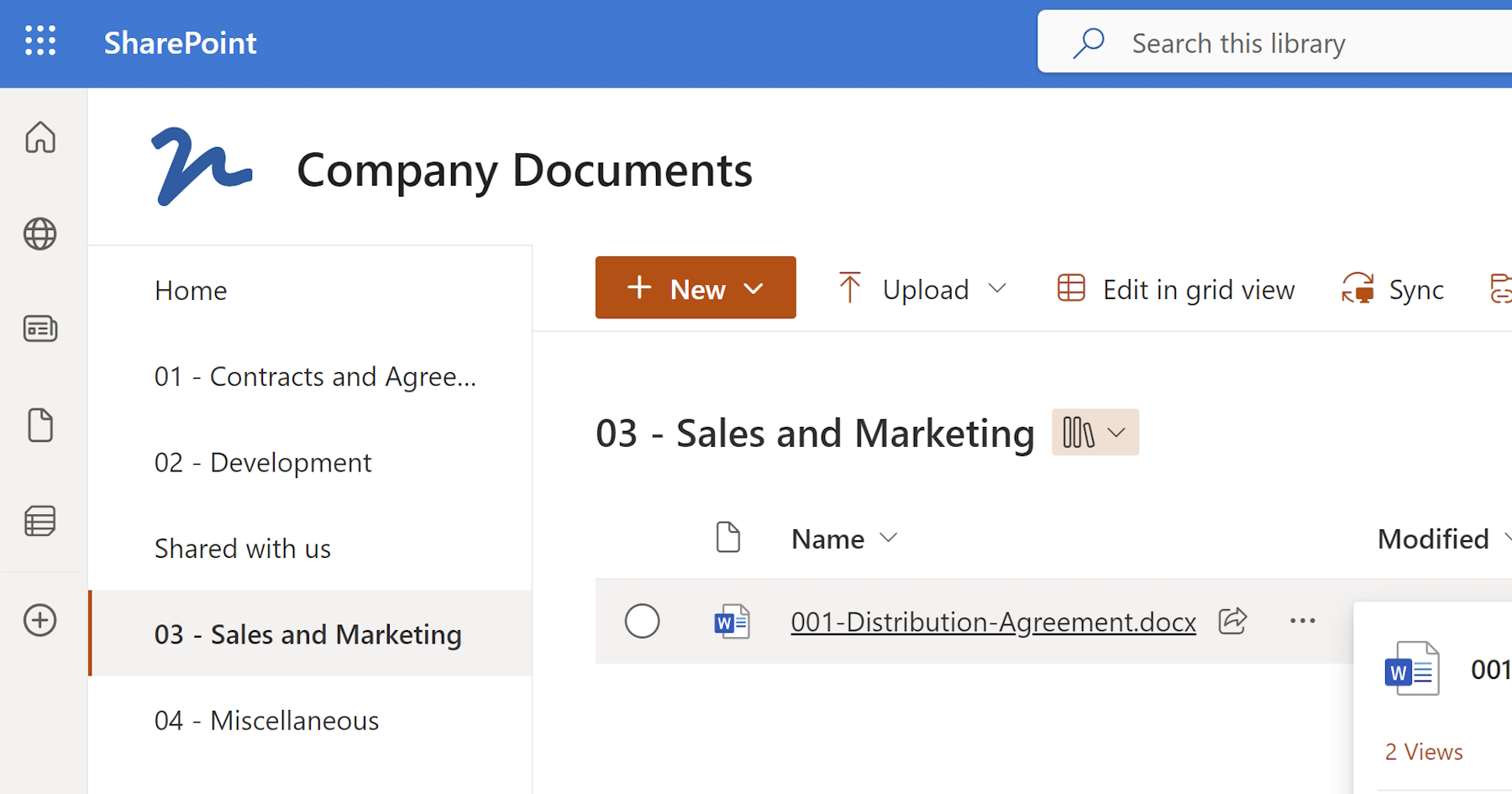
Creating a Document Management System in SharePoint 365
Learn how to create a document management system using SharePoint sites. Follow step-by-step instructions to configure document libraries, define content types, set up workflows, and implement permissions.
Read article → -
 Template management
The Importance of Common Document Templates
Discover why using common templates for business documents is crucial for organizations. Streamline communication, save time, ensure consistency, and enhance compliance and efficiency across your team.
Read article → -
 Template management
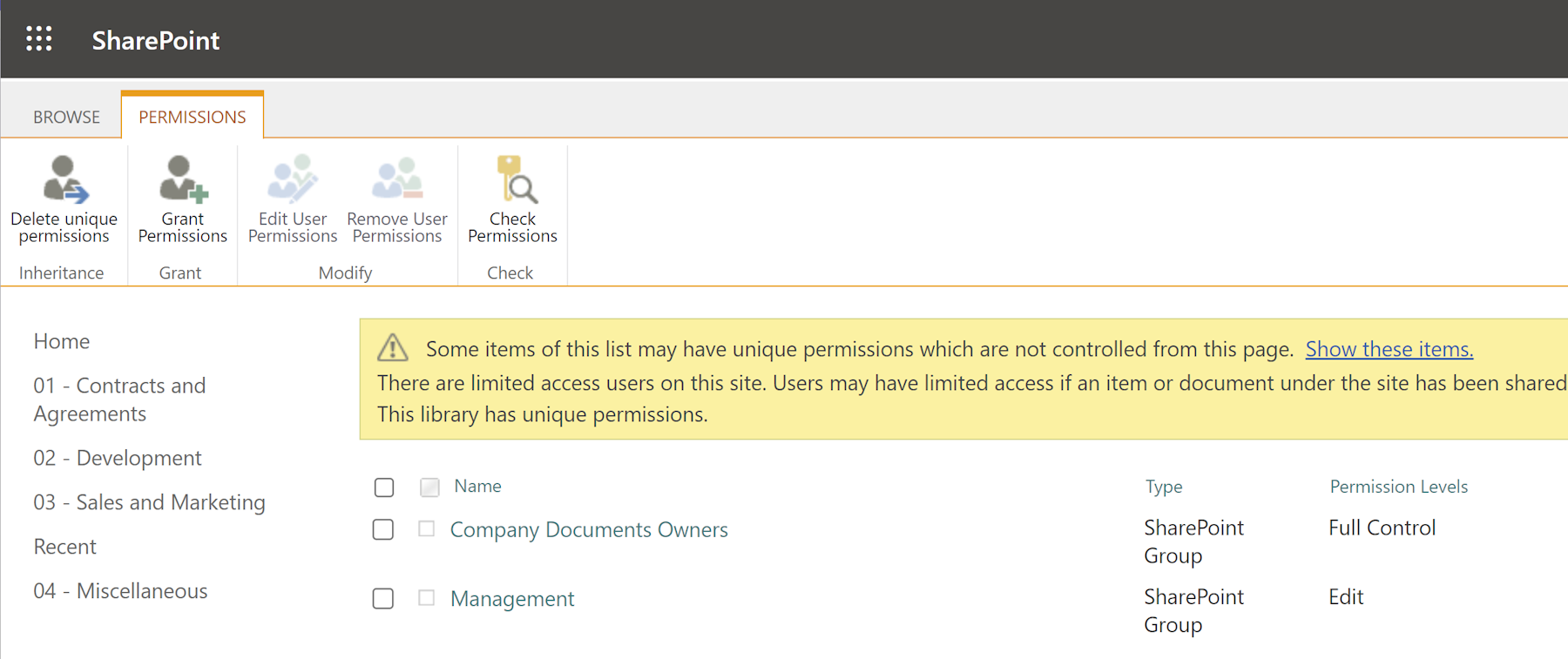
Customize Permissions for SharePoint
Learn how to customize permissions for a SharePoint list or library and ensure only authorized users have access to sensitive information. Enhance security and maintain data integrity in SharePoint.
Read article → -
 Template management
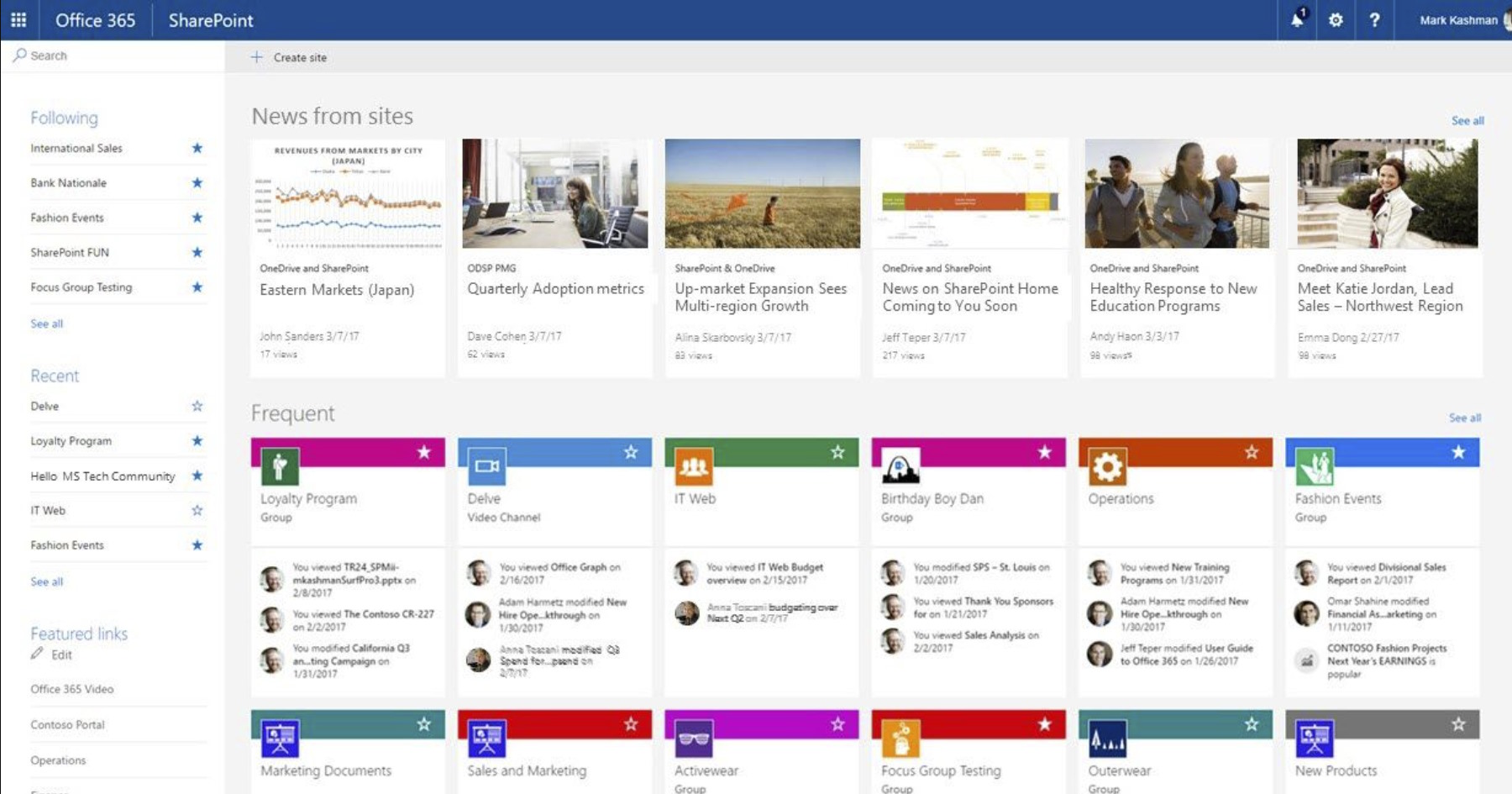
Create a New SharePoint Site and Invite Members
Learn how to create a new SharePoint site and invite or assign internal members. Follow our step-by-step guide to streamline collaboration and document management within your organization effectively.
Read article → -
 Template management
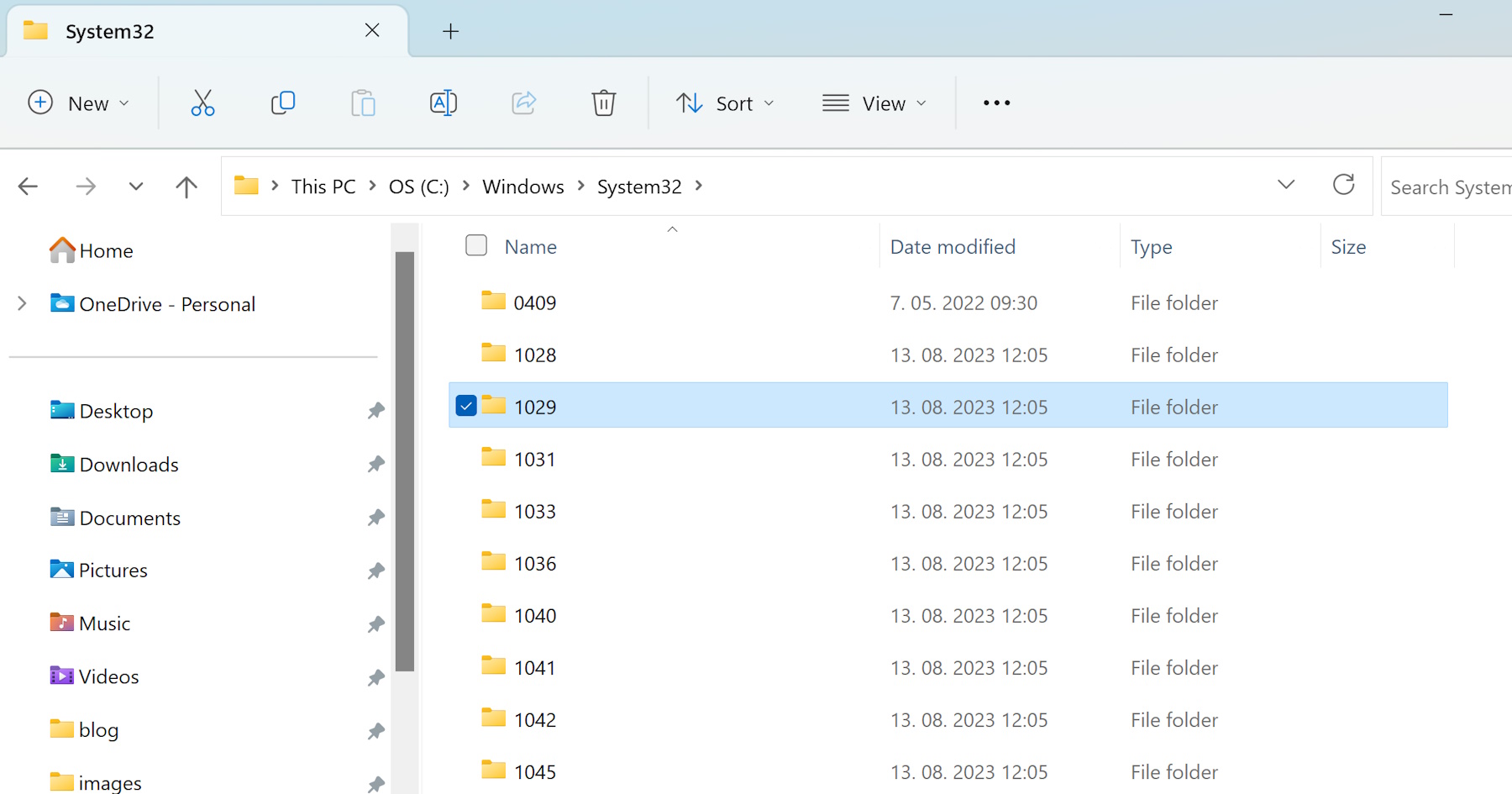
Folder Naming Conventions Importance
Learn about the importance of folder naming conventions and how they improve organization and collaboration. Implementing best practices will optimize your digital workspace and make finding files easy.
Read article → -
 Template management
File Naming Conventions: Organize Your Files
Implementing effective file naming conventions is crucial for maintaining an organized workflow. Learn best practices and examples to keep your files well-structured and easily accessible at all times.
Read article → -
 Template management
Importance of Directory Folder Structure
Learn why a well-designed directory folder structure is crucial for efficient file management. Explore tips for creating an effective structure that enhances organization, searchability, and collaboration.
Read article →