-
 Document automation
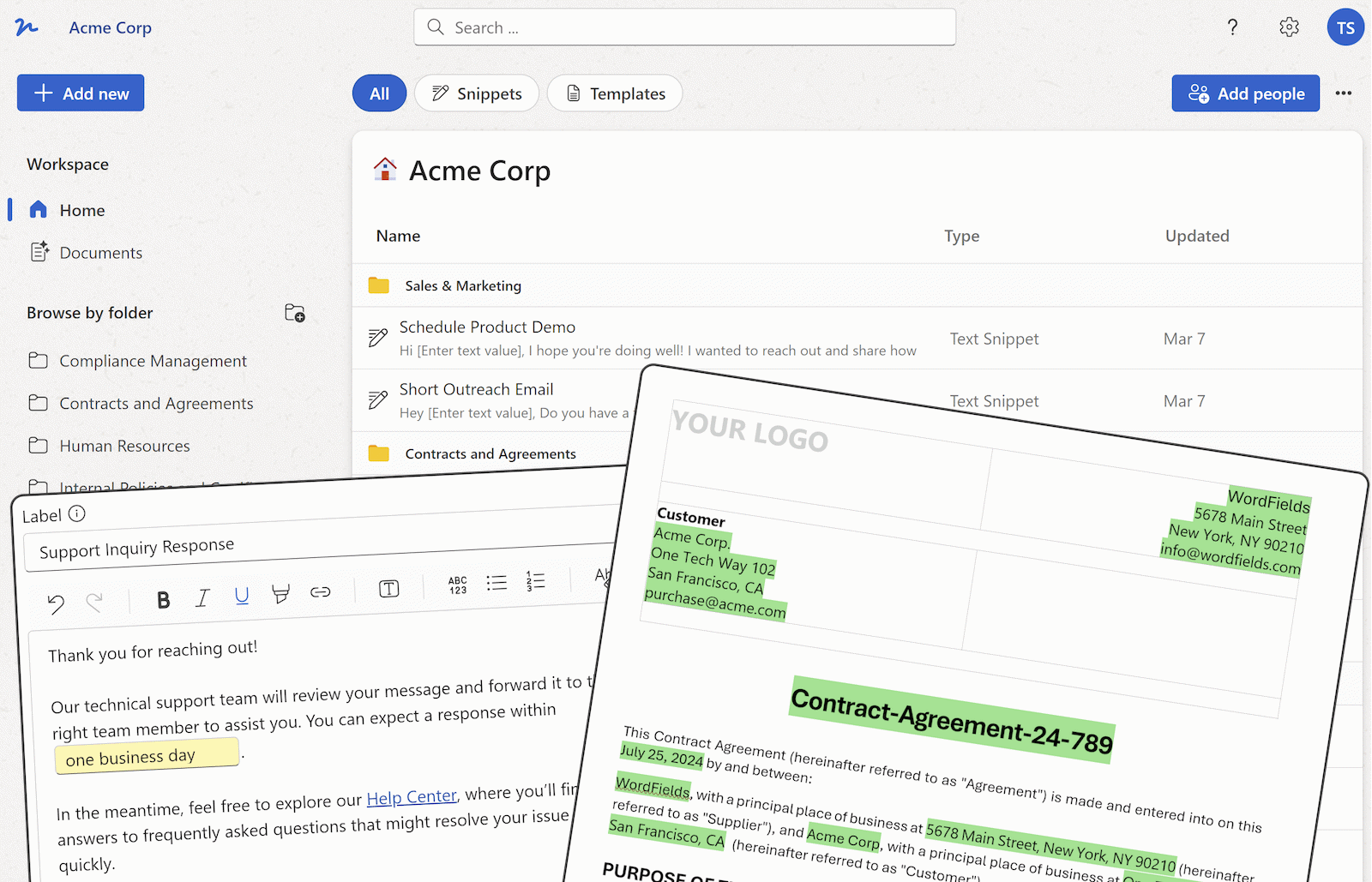
A Beginners Guide to Document Automation
Tired of manually creating and formatting documents? Introduce document automation to your organization and experience the benefits of streamlined document creation, reduced errors, improved consistency and cost savings.
Read article → -
 Microsoft Word tutorials
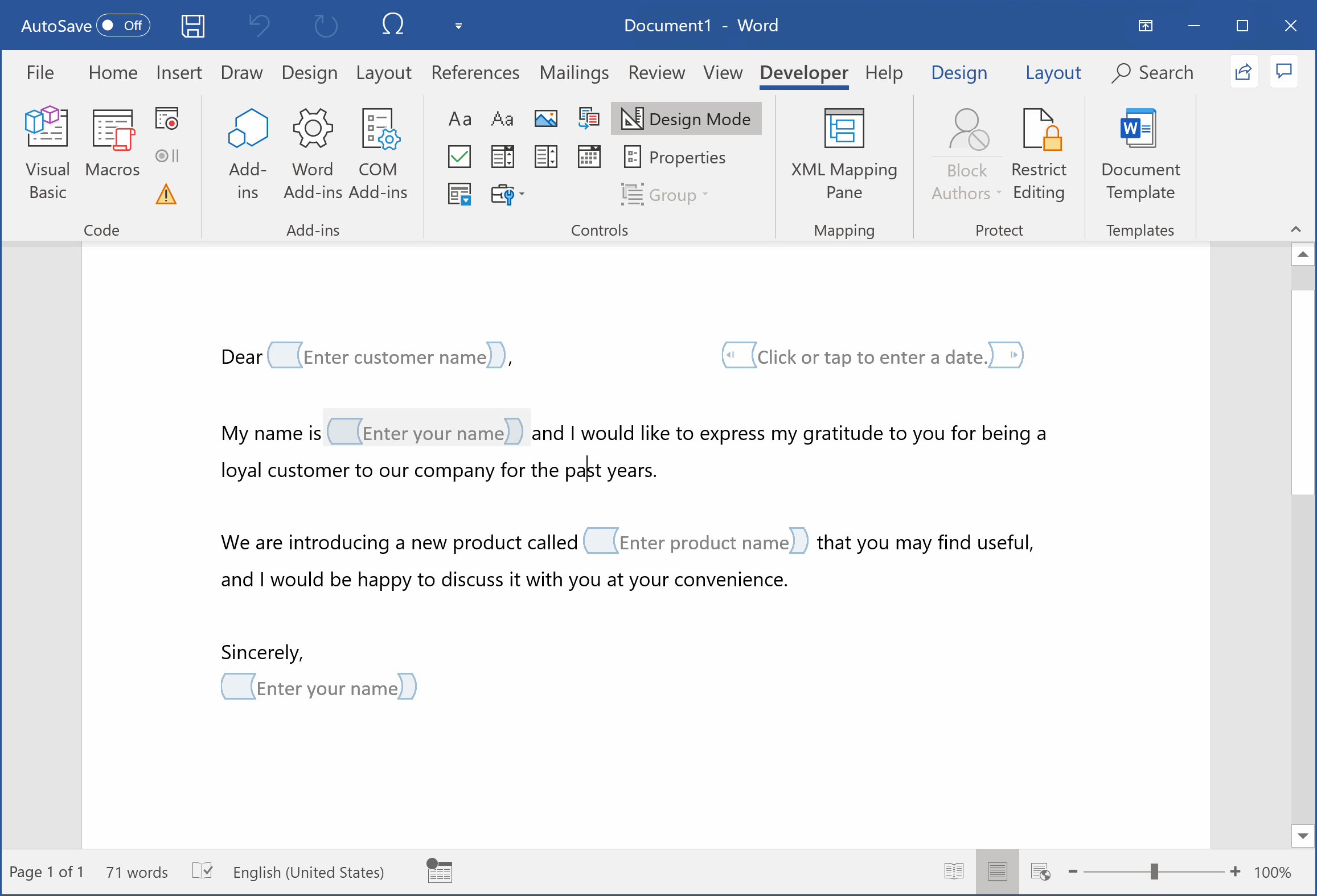
What Is a Merge Field?
A merge field is a placeholder that auto-fills documents from a data source. McKinsey finds workers lose 9.3 hours a week hunting for info that fields fix.
Read article → -
 Document automation
7 Best Practices To Organize Your Business Documents
The best practices for organizing business documents include creating a clear and consistent folder structure and naming conventions. These practices help to make documents easy to find, navigate and manage.
Read article → -
 Microsoft Word tutorials
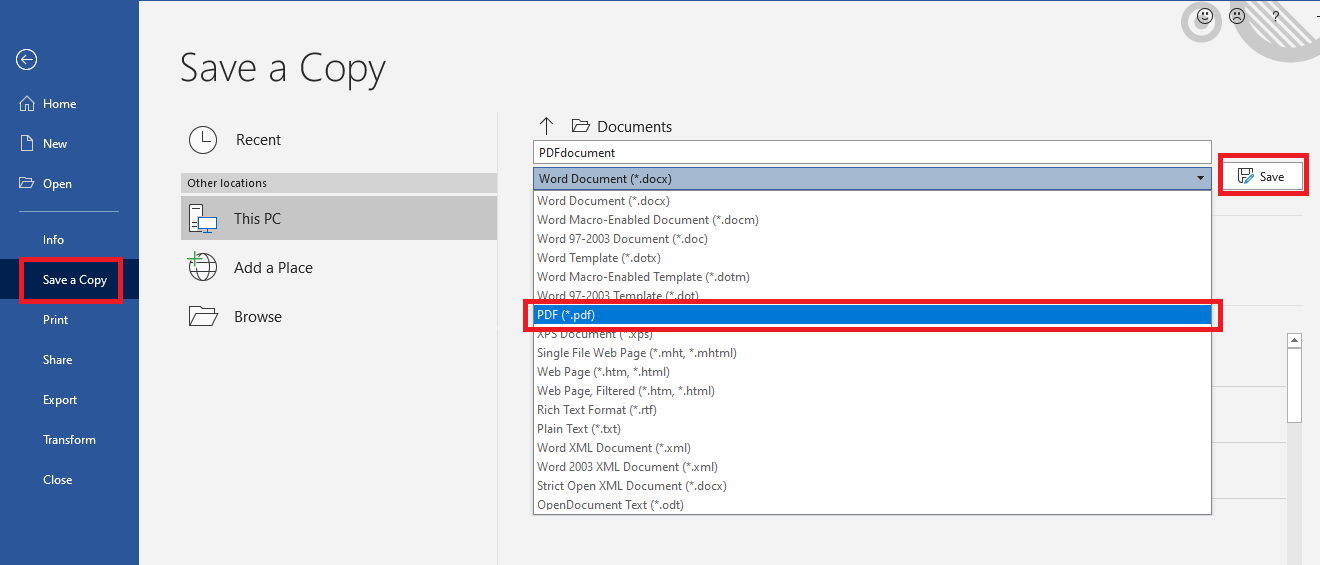
How to save Word document as PDF
Before emailing the final version of your Word document, convert it to PDF to preserve all formatting and layout. Learn how to save any Word document as PDF using the built-in Save As feature in Word.
Read article → -
 Microsoft Word tutorials
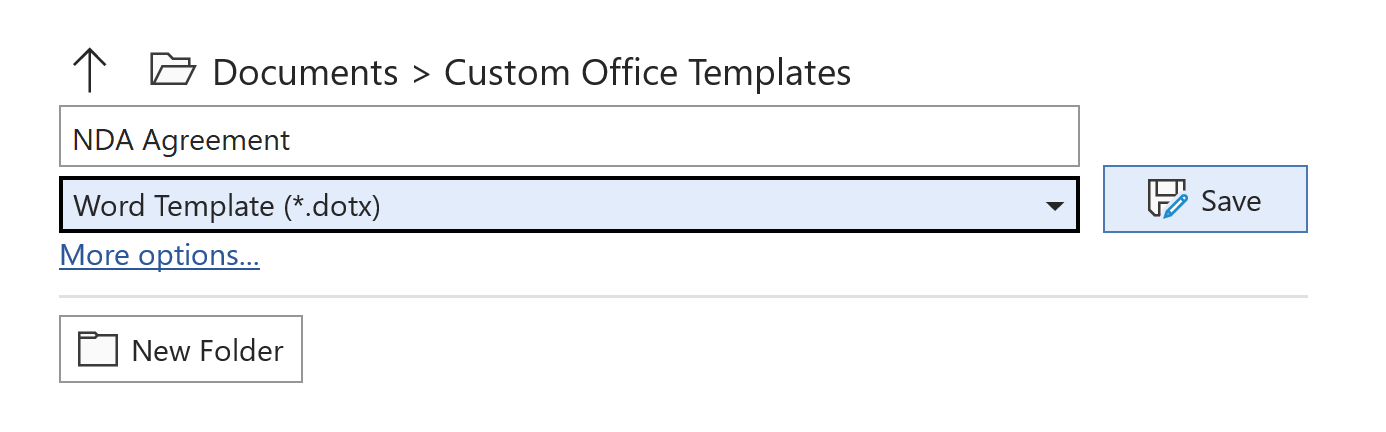
Creating a Simple Word Template
If you need to create the same sort of document often — like a contract, order form, or letter — you can create a custom Word template to save time and keep all your documents consistent and organized.
Read article → -
 Microsoft Word tutorials
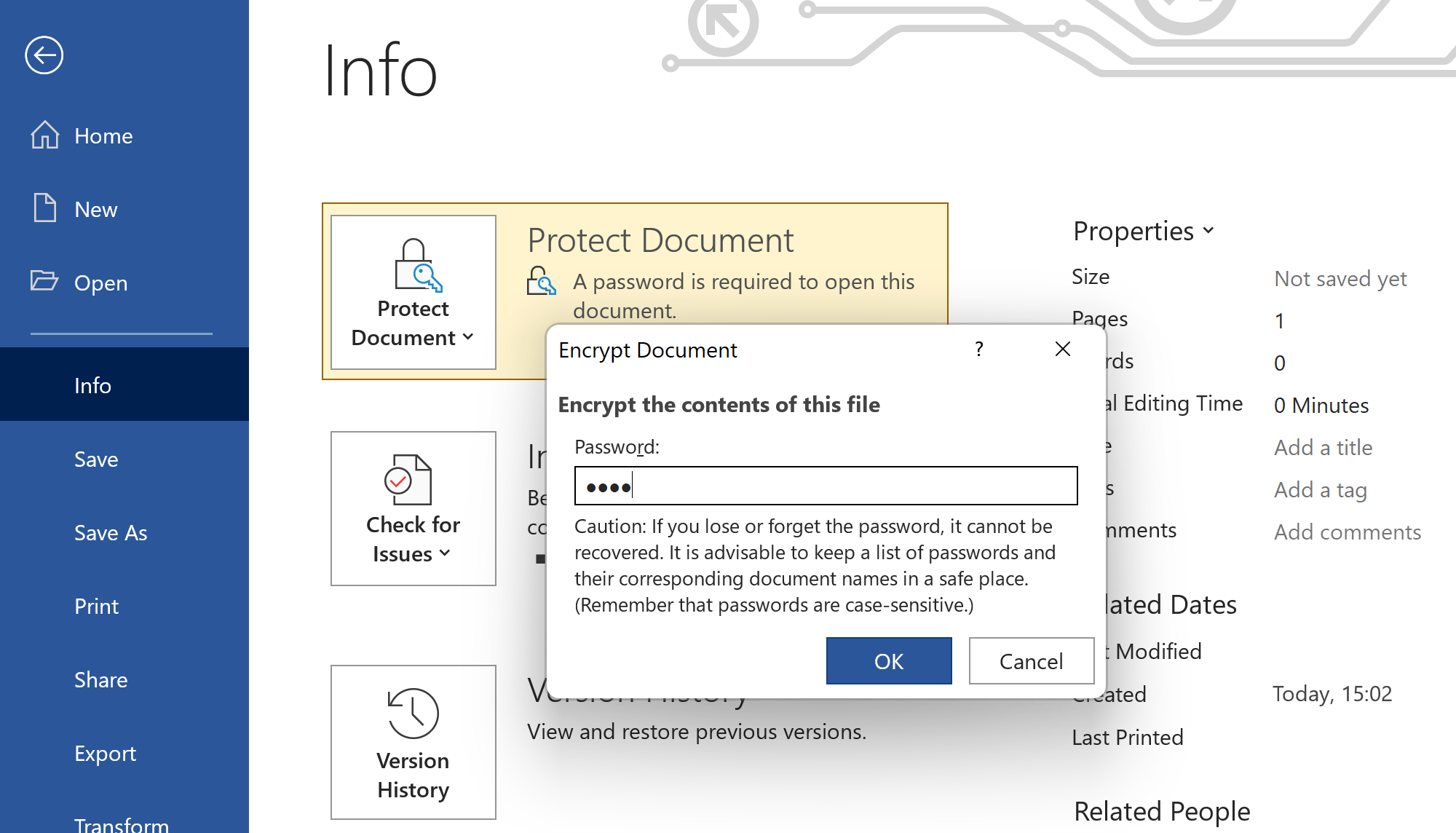
Password Protect Word Document
Prevent unauthorized users from opening or modifying your Word documents by adding a secure password. This gives you an extra layer of protection so only authorized people can view your document content.
Read article → -
 Microsoft Word tutorials
Search Web from Microsoft Word
Working on a research or school project? Whenever you need to look up more information on a word or phrase, you can search the web directly in Microsoft Word without ever needing to switch to your browser.
Read article → -
 Microsoft Word tutorials
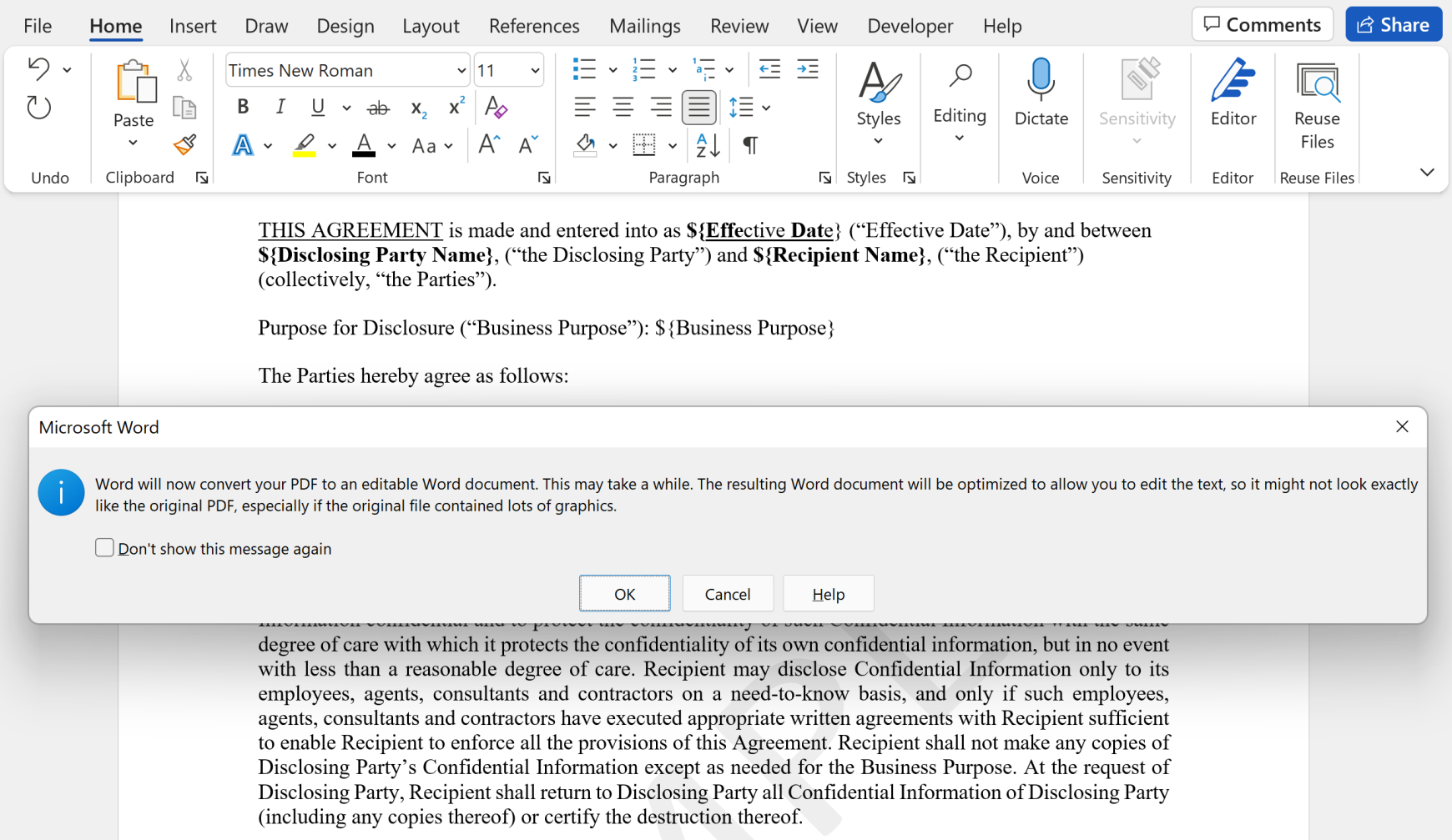
How to Edit PDF Document in Microsoft Word
You can automatically convert any PDF into an editable .docx document. Learn how to open and edit PDF files directly in Microsoft Word without needing any additional software or third-party conversion tools.
Read article → -
 Microsoft Word tutorials
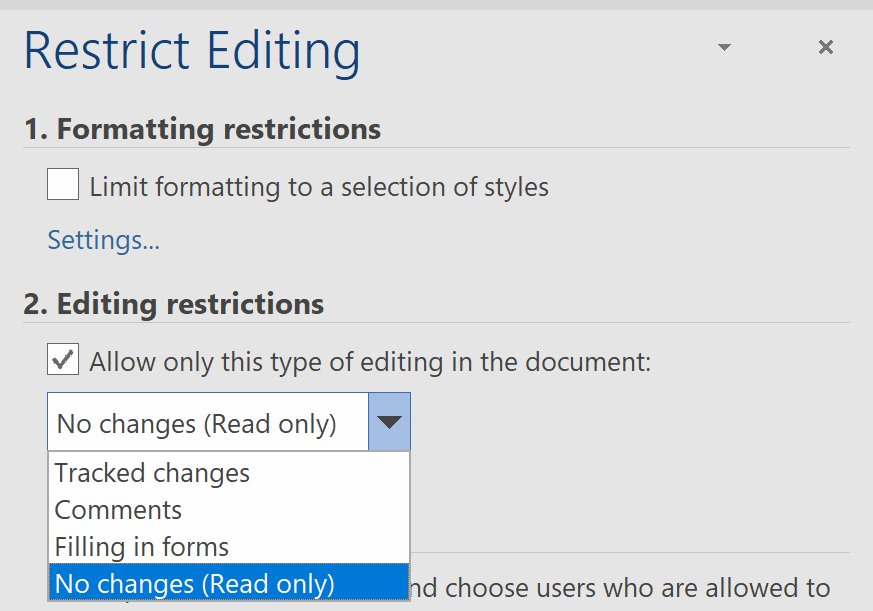
Protect Word Document From Editing
Learn how to protect a Word document from editing by locking specific text or the entire file. Apply the same read-only restrictions you'd find in PDF documents directly to your Word files and templates.
Read article → -
 Template management
Why Are Document Templates a Must-Need
Discover all the reasons why document templates are essential for your business. Save time, ensure consistency, and streamline the creation of proposals, contracts, agreements, and other key business documents.
Read article → -
 Template management
How Best to Manage Document Templates
Learn how to effectively manage your document templates to save time and stay organized. Discover best practices for maintaining a standardized, validated set of templates ready for your whole team to use.
Read article → -
 Template management
Share document templates with your team
Learn how to share document templates with your team and colleagues. Everyone in the company benefits when there is a shared stack of business templates ready to facilitate fast and consistent document creation.
Read article →