-
 Microsoft Word tutorials
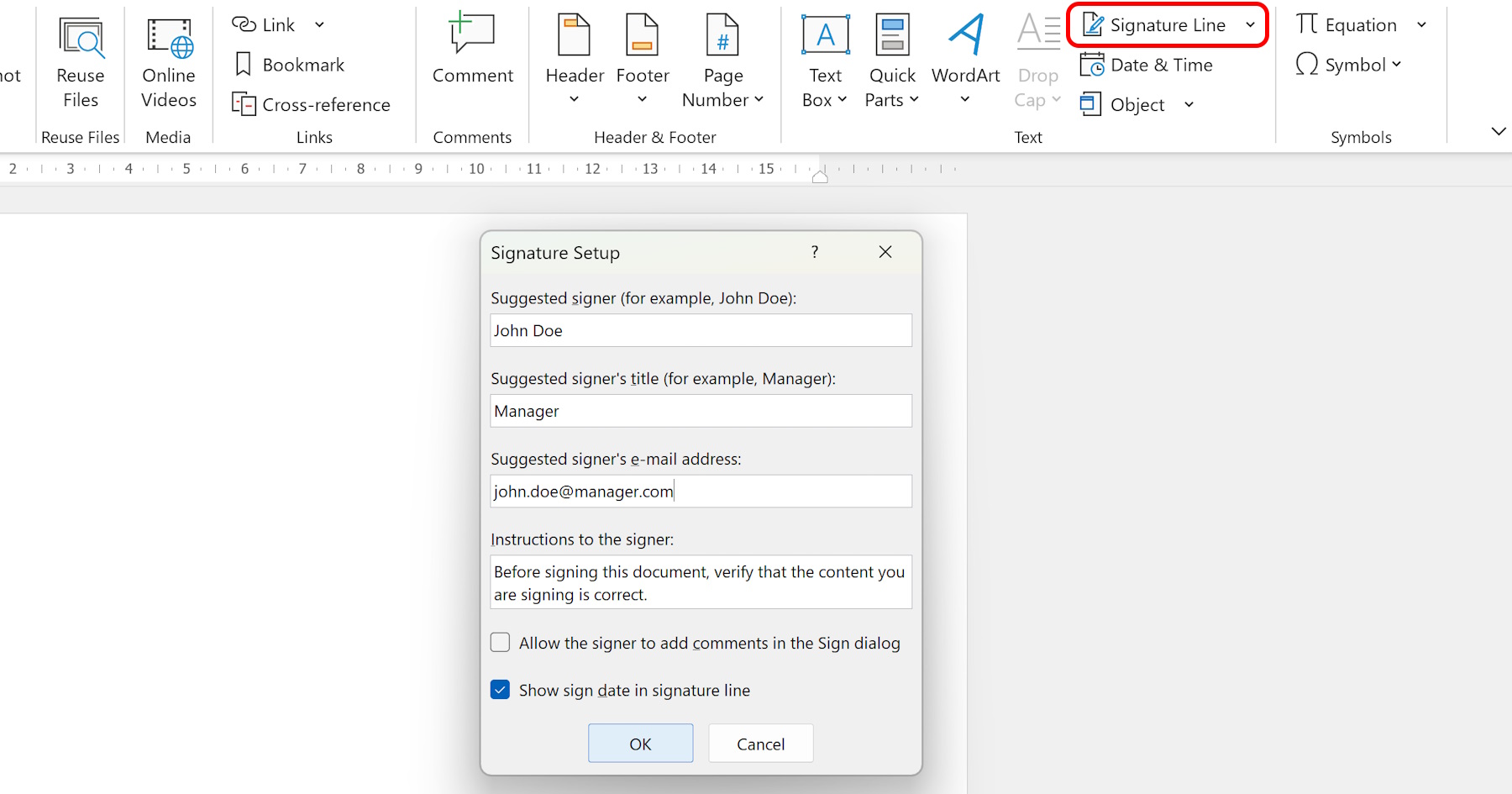
Electronically Sign a Word Document
Learn how to electronically sign Word documents and streamline your document signing process. Say goodbye to printing, signing, and scanning with these easy digital signature methods in Microsoft Word.
Read article → -
 Microsoft Word tutorials
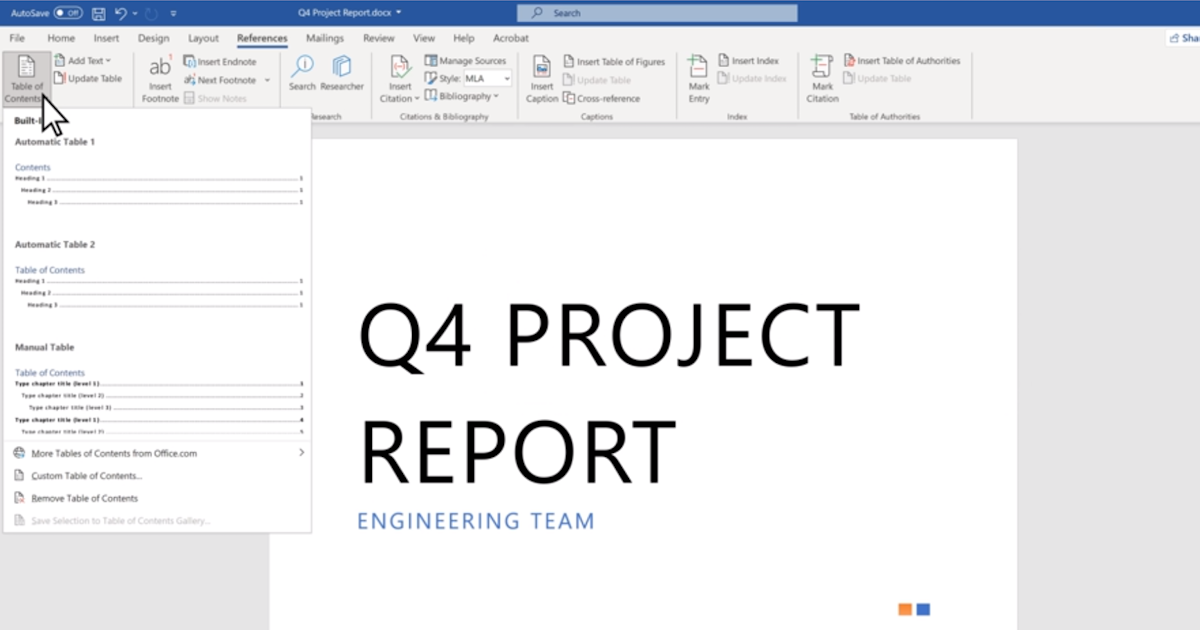
Table of Contents in Microsoft Word
Discover how to create and use a Table of Contents in Microsoft Word to make document organization and navigation much easier. Follow our step-by-step guide to enhance the accessibility of your documents.
Read article → -
 Microsoft Word tutorials
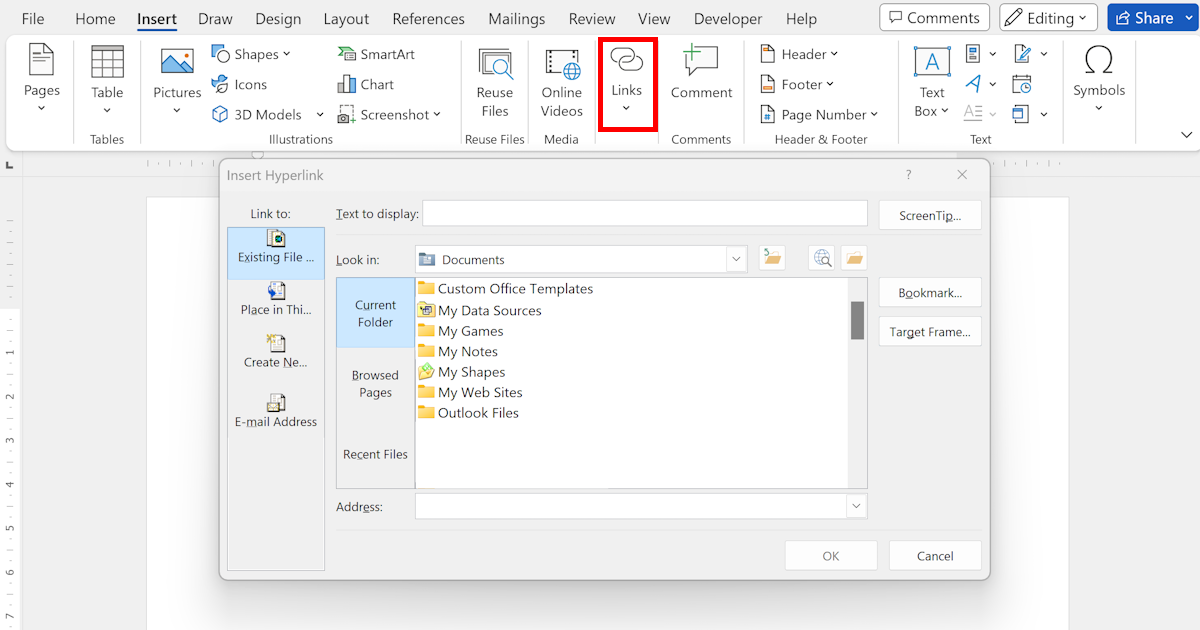
Inserting a Hyperlink in Word
Learn how to insert a hyperlink in Word with this step-by-step guide. Easily add links to web pages, email addresses, and document sections to improve overall navigation and usability across your documents.
Read article → -
 Microsoft Word tutorials
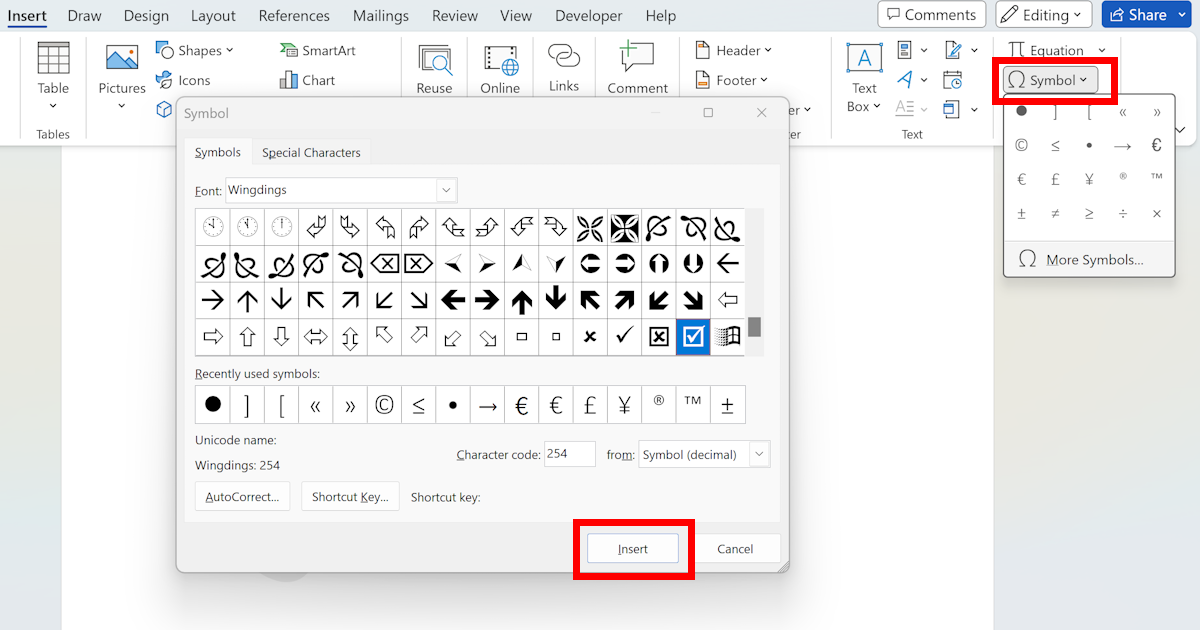
Insert a Tick Sign in Word: Methods and Techniques
Learn how to easily insert a tick sign in Word using various methods, including the Symbol command, keyboard shortcuts, AutoCorrect, and specific fonts like Wingdings to enhance your Word documents visually.
Read article → -
 Microsoft Word tutorials
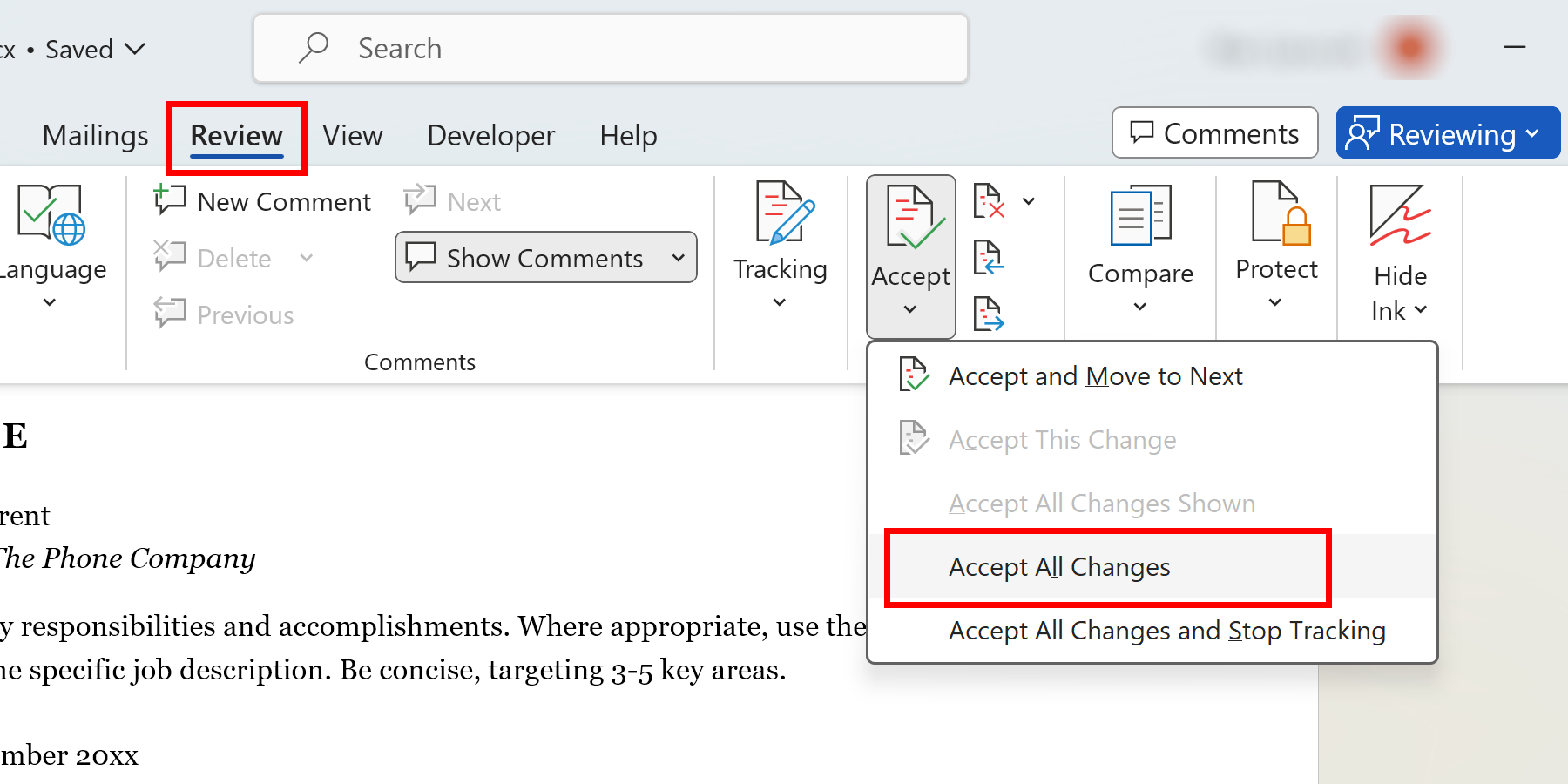
Accept All Changes in Word
Learn how to accept all changes in Word and save time while ensuring a polished final document. Follow our step-by-step guide to streamline your document review and editing process in Microsoft Word today.
Read article → -
 Microsoft Word tutorials
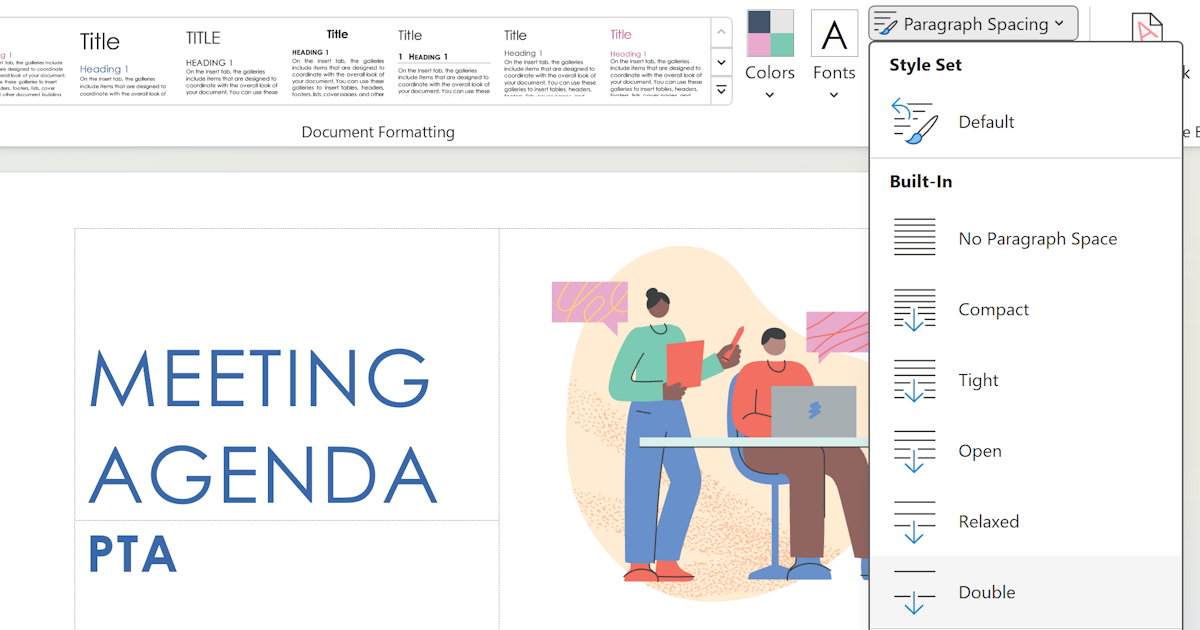
Double Spacing in Word
Learn how to double space in Microsoft Word to enhance readability and meet formatting requirements. Follow these simple steps to correctly format your essays, reports, and research papers with double spacing.
Read article → -
 Microsoft Word tutorials
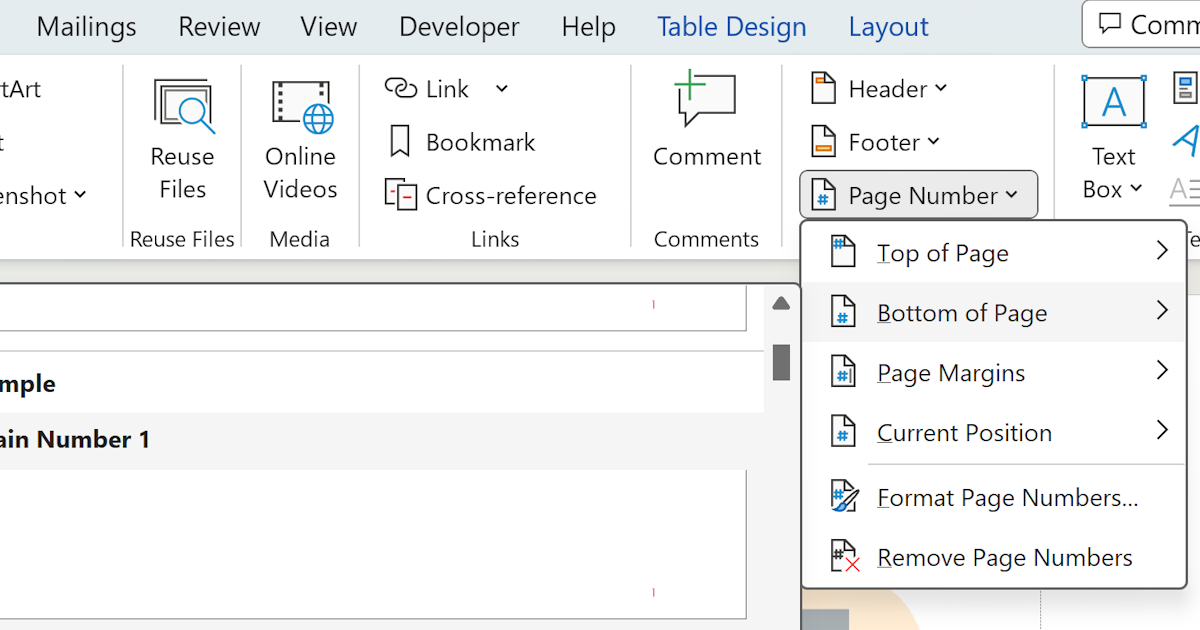
Inserting Page Numbers in Word
Learn how to insert and customize page numbers in Word with this step-by-step guide. Enhance the organization and navigability of your documents with correctly formatted and properly positioned page numbers.
Read article → -
 Microsoft Word tutorials
Guide to Encrypted Word Documents
Learn how to encrypt your Word documents to protect sensitive information from unauthorized access. Find step-by-step instructions for creating and opening encrypted Word documents safely and securely.
Read article → -
 Microsoft Word tutorials
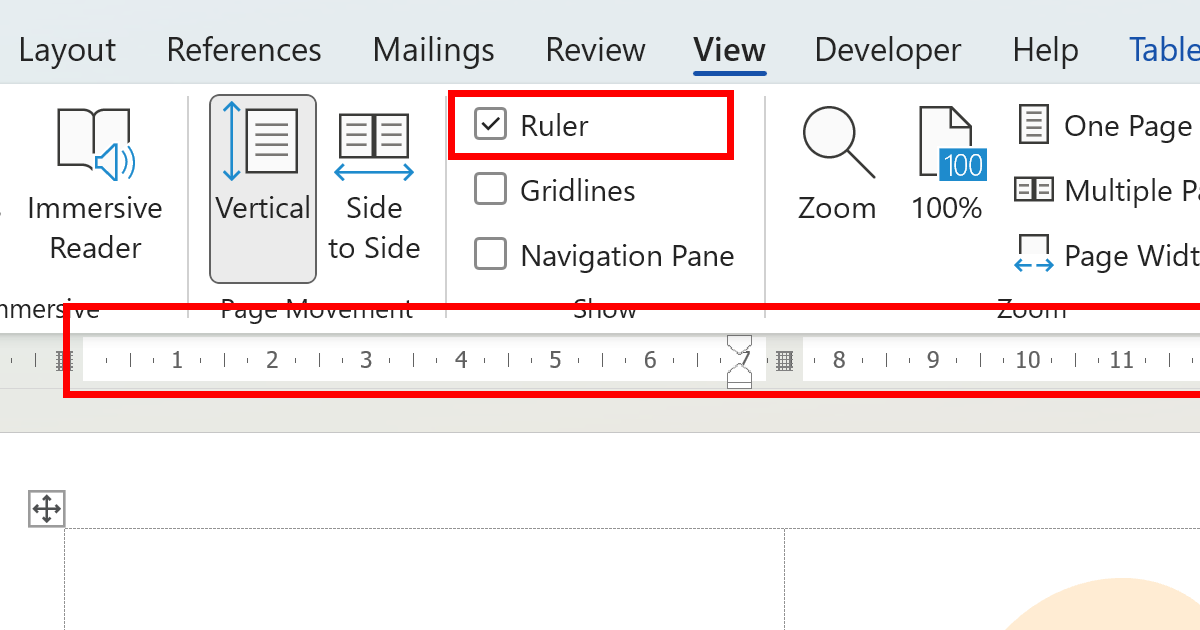
Understanding Word's Ruler
Explore the functionalities of the Microsoft Word ruler tool designed to simplify document design. Learn to manage margins, indentation, tabs, table design, and list formatting effectively using the ruler.
Read article → -
 Microsoft Word tutorials
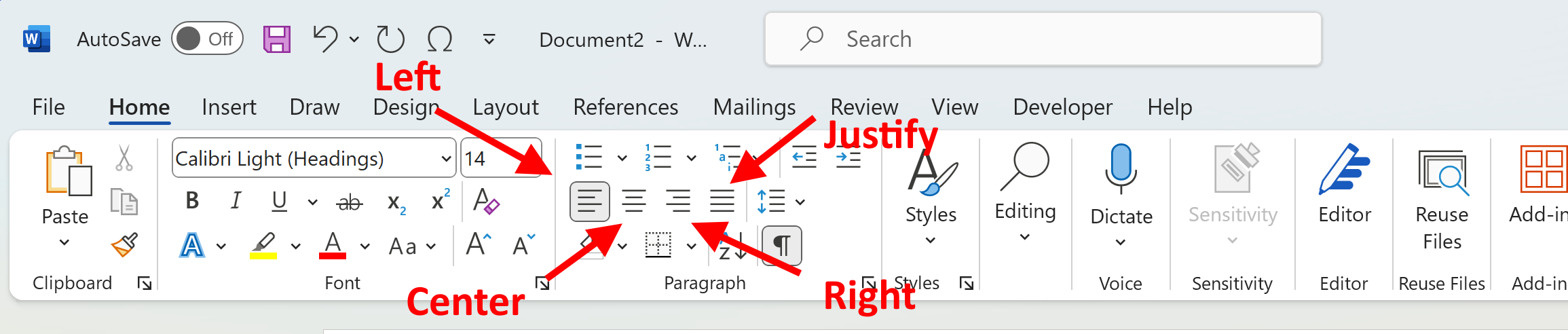
Aligning Text in Microsoft Word
Learn how to align text in Microsoft Word using center, justify, left, and right alignment options. Create visually appealing and well-organized documents with the correct text alignment applied every time.
Read article → -
 Microsoft Word tutorials
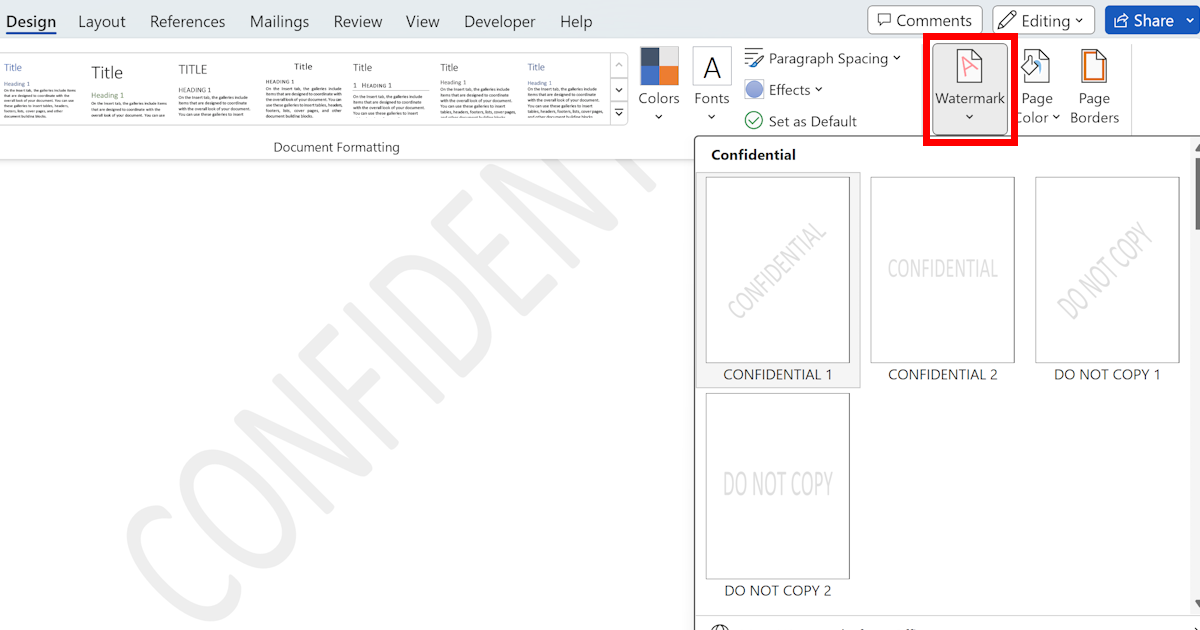
Inserting Watermark in Word
Learn how to insert a watermark in Word with this step-by-step guide. Enhance the visual appeal of your documents or protect them from being copied by adding fully custom watermarks in Microsoft Word.
Read article → -
 Microsoft Word tutorials
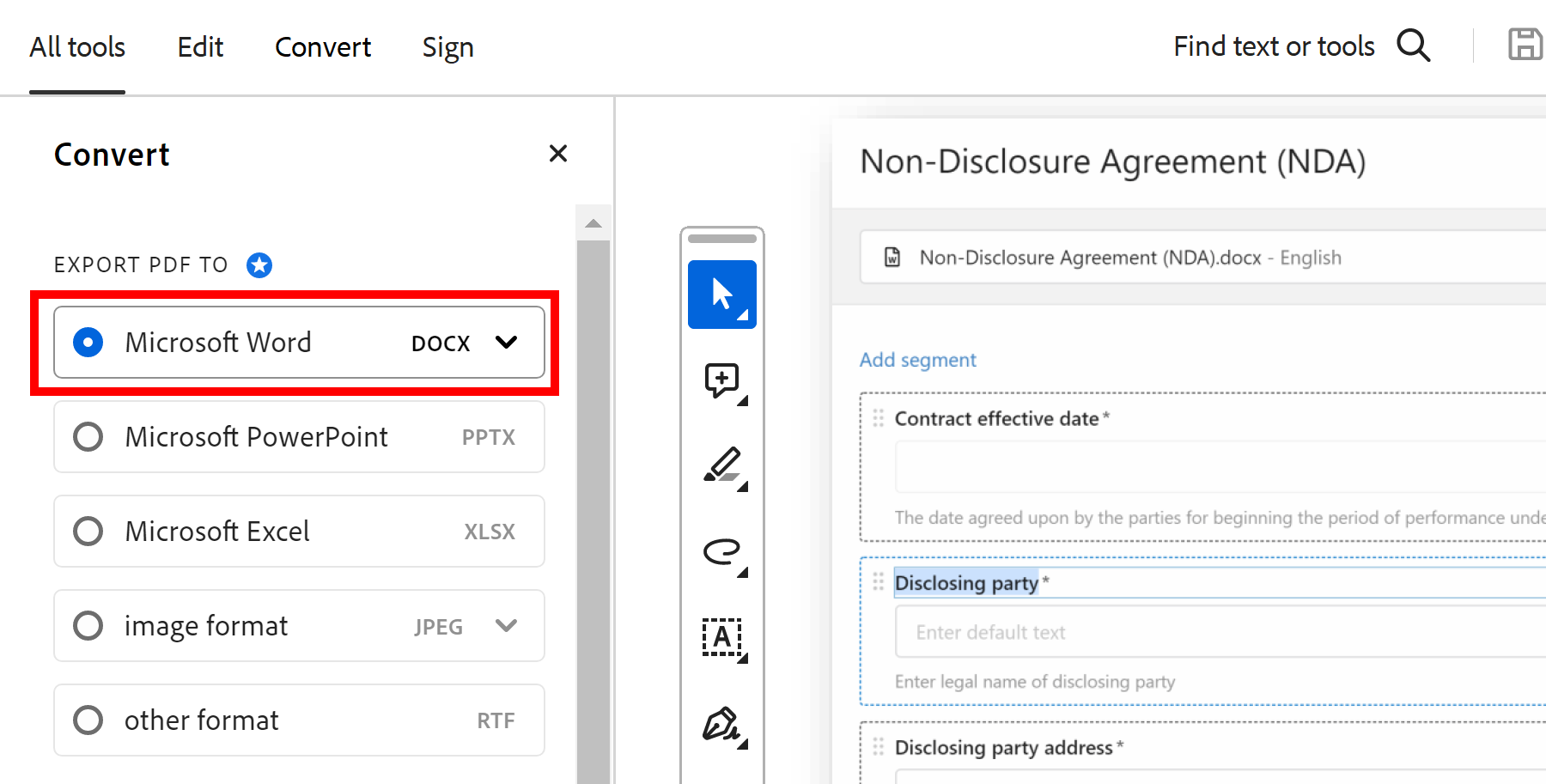
Copy & Paste PDF Into Word
Learn how to copy and paste a PDF into Word without losing formatting. Follow these simple steps to seamlessly transfer content from a PDF file into your Microsoft Word document with minimal formatting issues.
Read article → -
 Microsoft Word tutorials
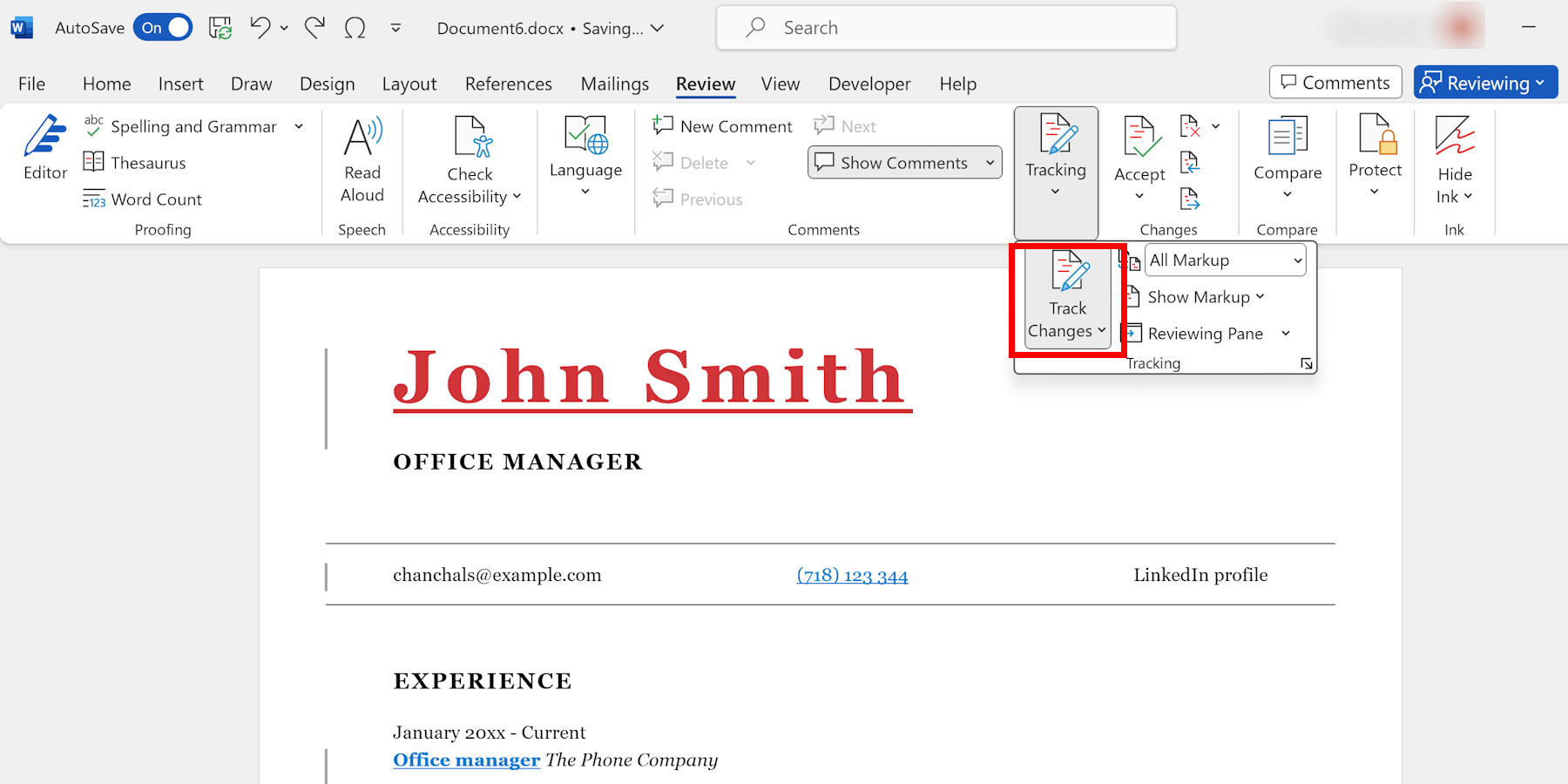
Track Changes in Word
Learn how to track changes in Microsoft Word and effectively manage edits in your documents. Discover features, options, and third-party add-ins to enhance collaboration and document review workflows.
Read article → -
 Template management
Windows Word Templates Guide
Discover the benefits of using Windows Word templates and learn how to find, use, and customize them. Improve your document creation process with these valuable tips and tricks for Microsoft Word users.
Read article → -
 Document automation
Implementing ISO 9001:2015 Standard for Document Management in a Company
Learn how to effectively implement ISO 9001:2015 standard for document management in your company, including steps for creating a document control policy, establishing procedures, and training employees.
Read article →