-
 Word tutorials
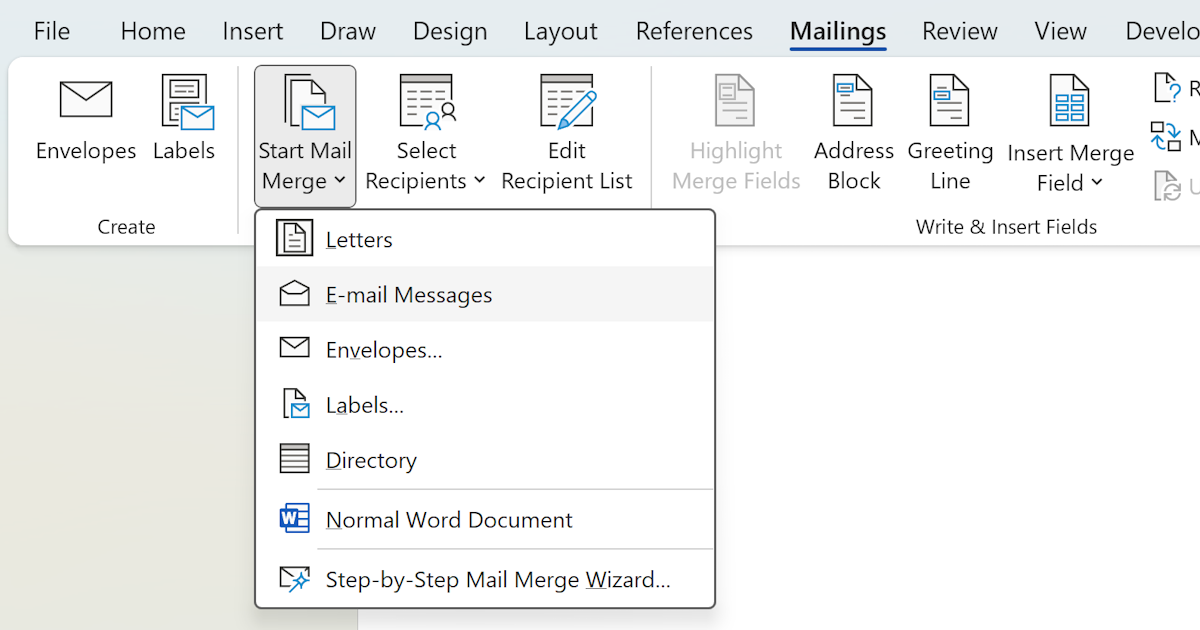
Using Mail Merge in Word
A hands-on guide to Word's Mail Merge: what you need, how to build the template, preview it, and send. Plus the friction points that tell you to move on.
Read article → -
 Word tutorials
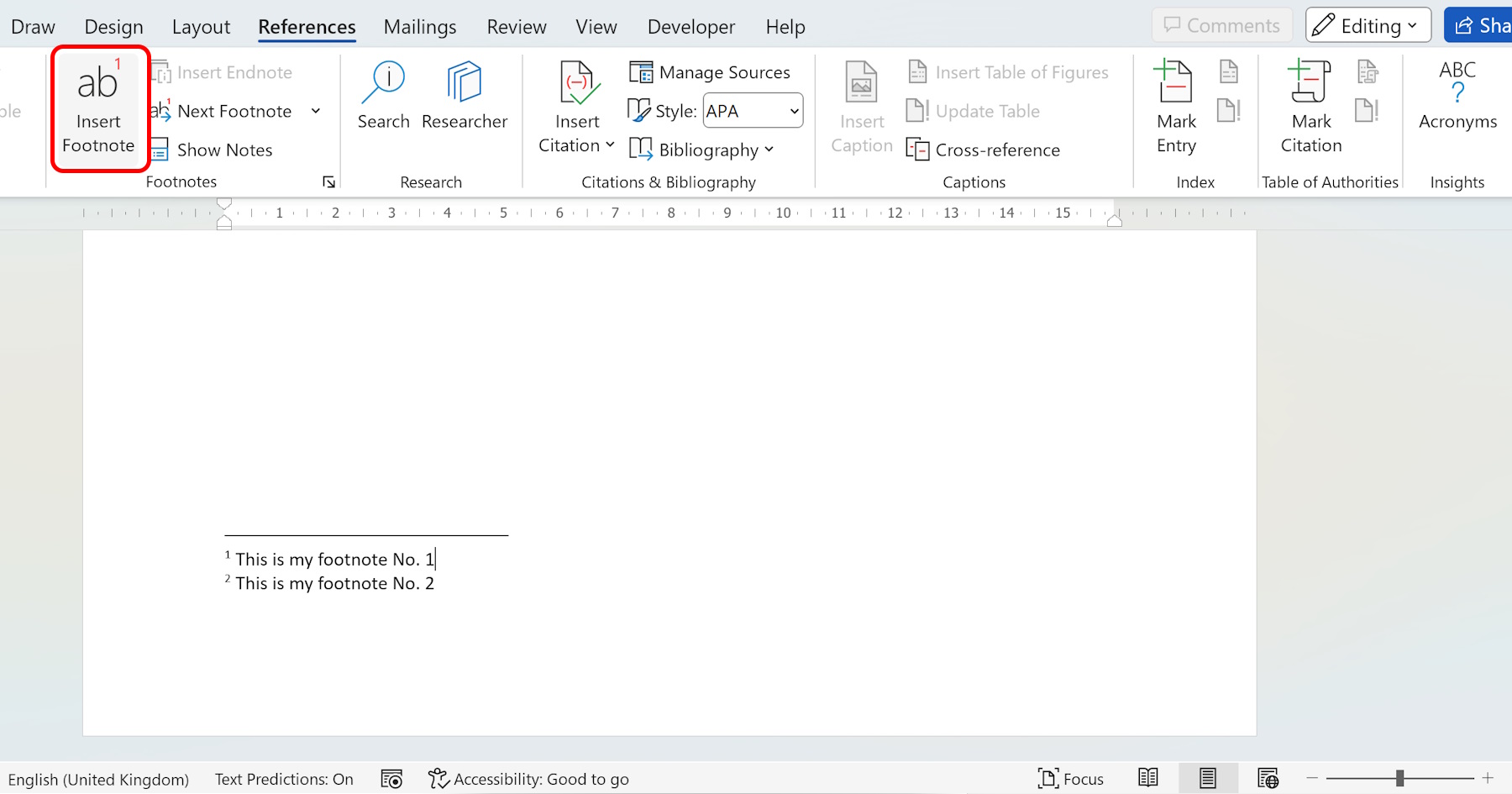
Create Footnotes in Word
Learn how to create footnotes in Word with this step-by-step guide. Add professional citations and additional notes at the bottom of each page without interrupting the flow of your main document text.
Read article → -
 Word tutorials
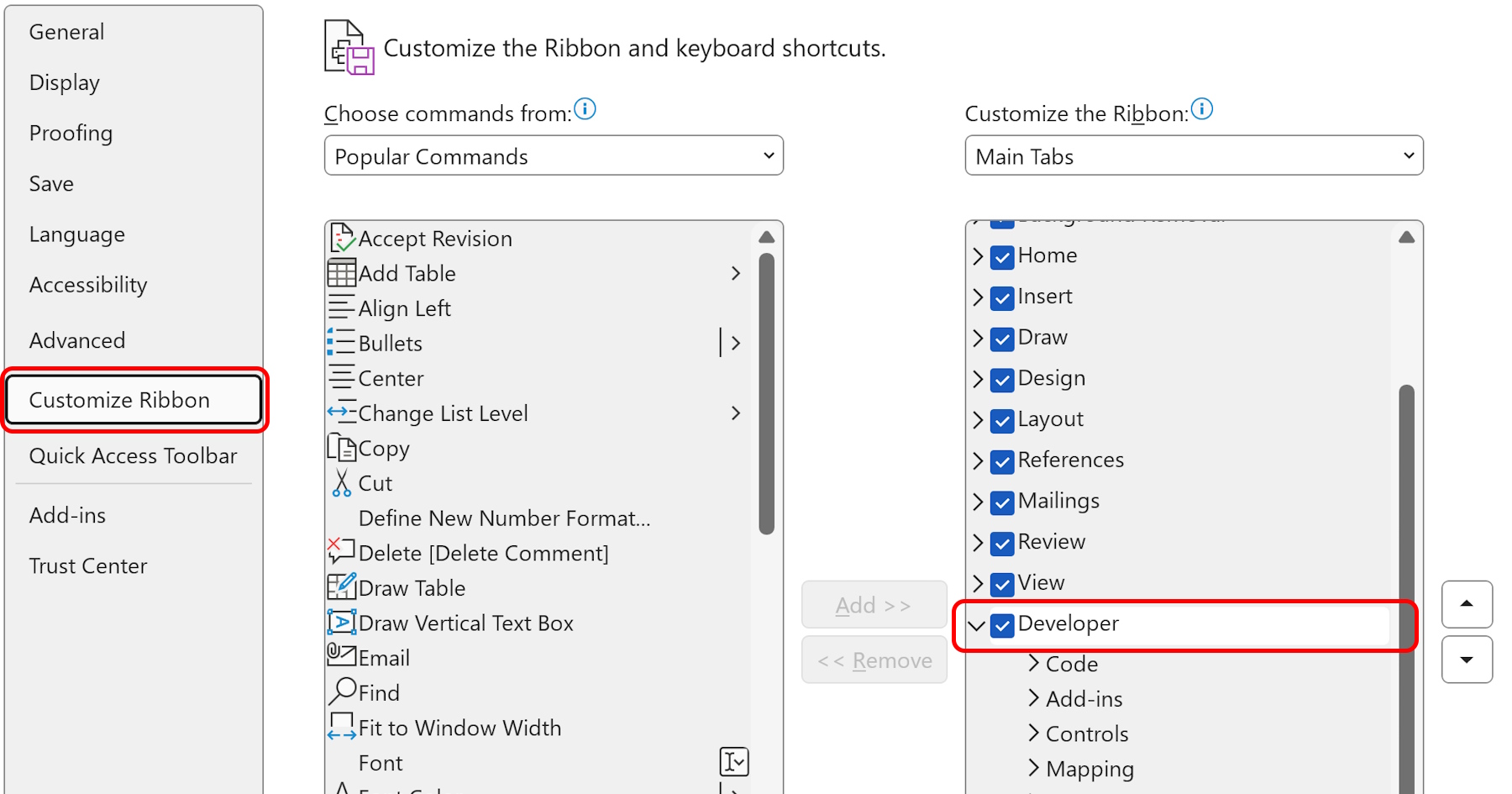
Developer Tab in Microsoft Word
VBA macros can cut repetitive task time by up to 90%. Here's how to enable Word's Developer Tab and use its Controls, Code, and XML tools to build smarter documents.
Read article → -
 Business documents
Recommendation Letter Sample
Learn how to write a compelling recommendation letter with this sample. Get tips on what to include and how to structure your letter to make it powerful, persuasive, and truly memorable for the reader.
Read article → -
 Business documents
Understanding Non-Disclosure Contracts
Learn all about non-disclosure contracts, their key elements and benefits, and how to create an effective NDA to protect your confidential information, trade secrets, and valuable intellectual property.
Read article → -
 Business documents
Formal Letter Sample
Learn how to write a formal letter with this comprehensive sample. Get step-by-step guidance on the format and content of a professional letter, along with practical tips for effective business communication.
Read article → -
 Business documents
Writing an Effective Project Proposal
Learn how to write an effective project proposal with clear objectives, a detailed methodology, and a persuasive summary. Follow our step-by-step guide to craft a compelling proposal that wins approval.
Read article → -
 Word tutorials
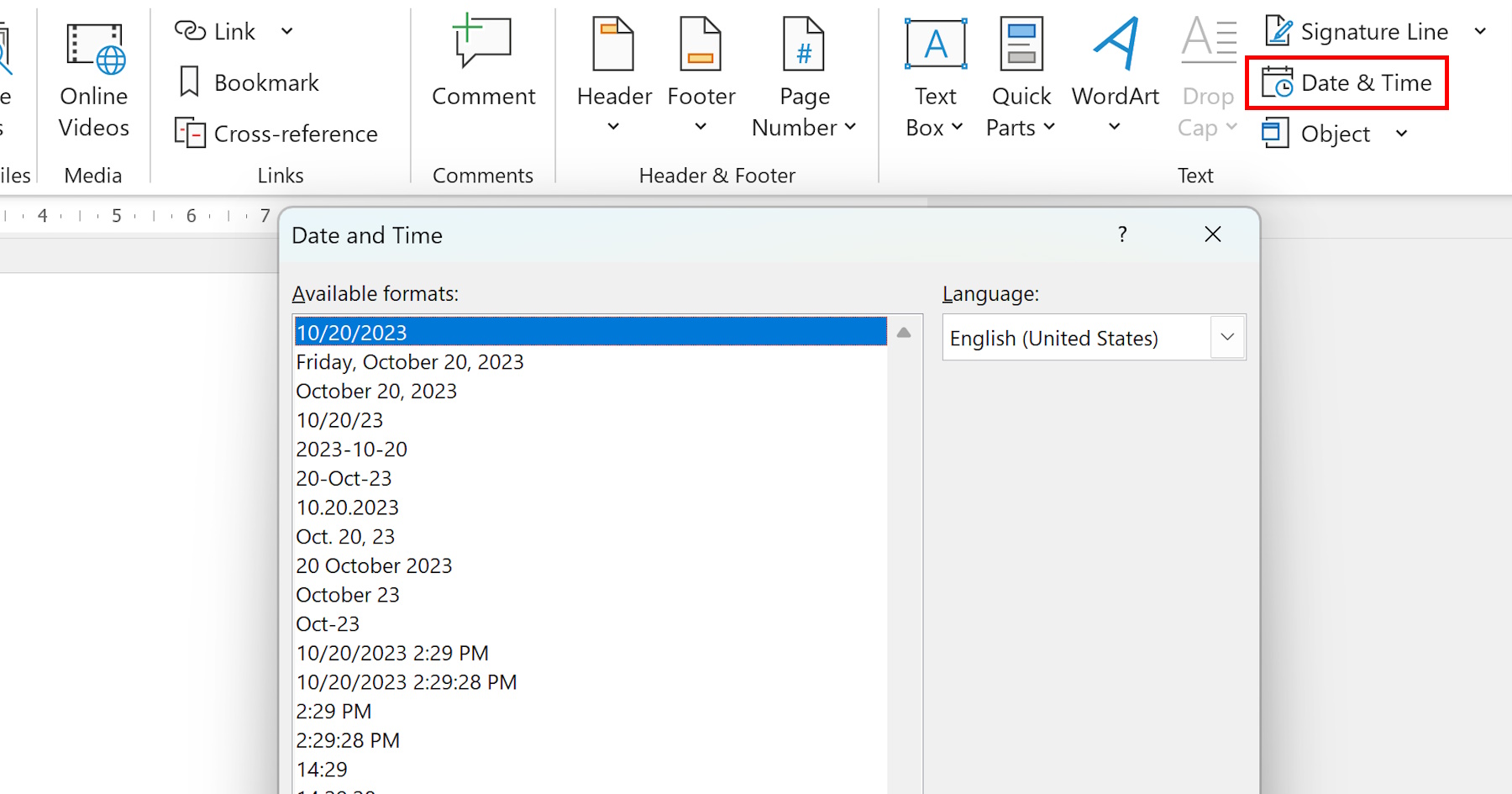
Insert Today's Date in Word
Word's Alt+Shift+D shortcut inserts a live date field in under a second. Here are 4 methods — from one-keystroke shortcuts to VBA macros — so you pick the right one.
Read article → -
 Document automation
What is document automation?
Document automation means creating documents from a template and a few answers instead of by copy and paste. How it works, what to automate, and where to start.
Read article → -
 Word tutorials
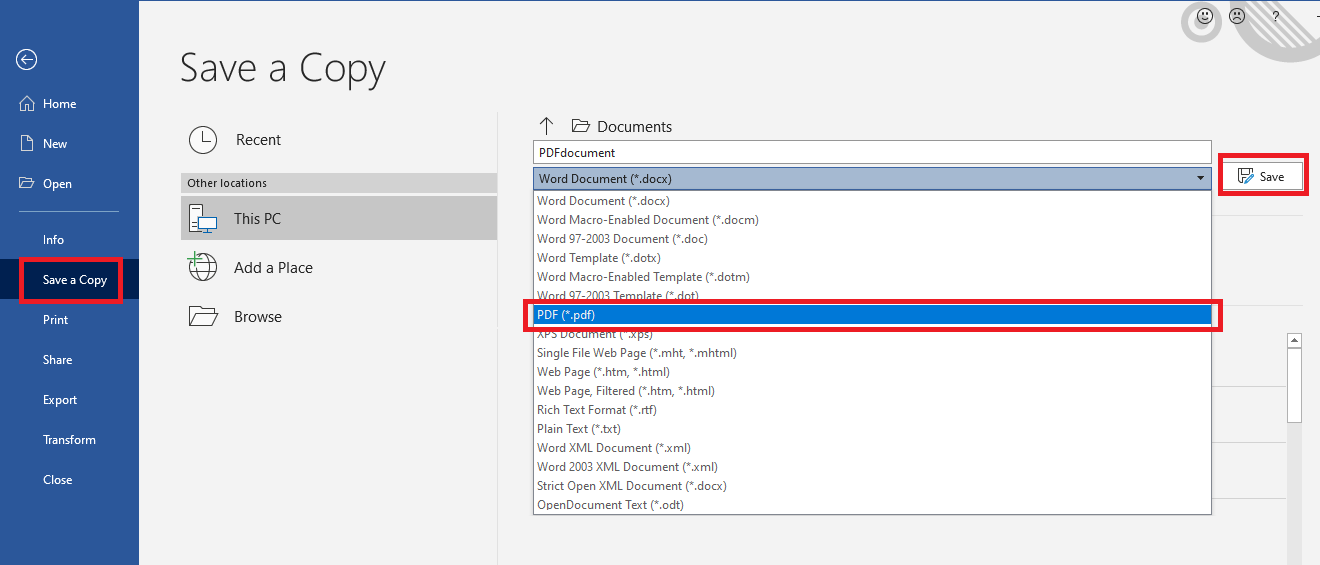
Convert Word to PDF: Step-by-Step Guide
Learn how to convert Word to PDF effortlessly. Explore methods such as using Microsoft Word, online conversion tools, PDF printers, and mobile apps while retaining your document's formatting and layout.
Read article → -
 Business documents
Writing an Exceptional Presentation Letter
Learn how to write an exceptional presentation letter that grabs the attention of hiring managers. Craft a compelling and effective letter that helps you stand out from the competition with confidence.
Read article → -
 Business documents
Understanding Authorization Letters
Learn about the purpose, format, and key considerations of authorization letters. Grant or receive authority to act on behalf of another person or organization with full confidence and complete legal clarity.
Read article → -
 Word tutorials
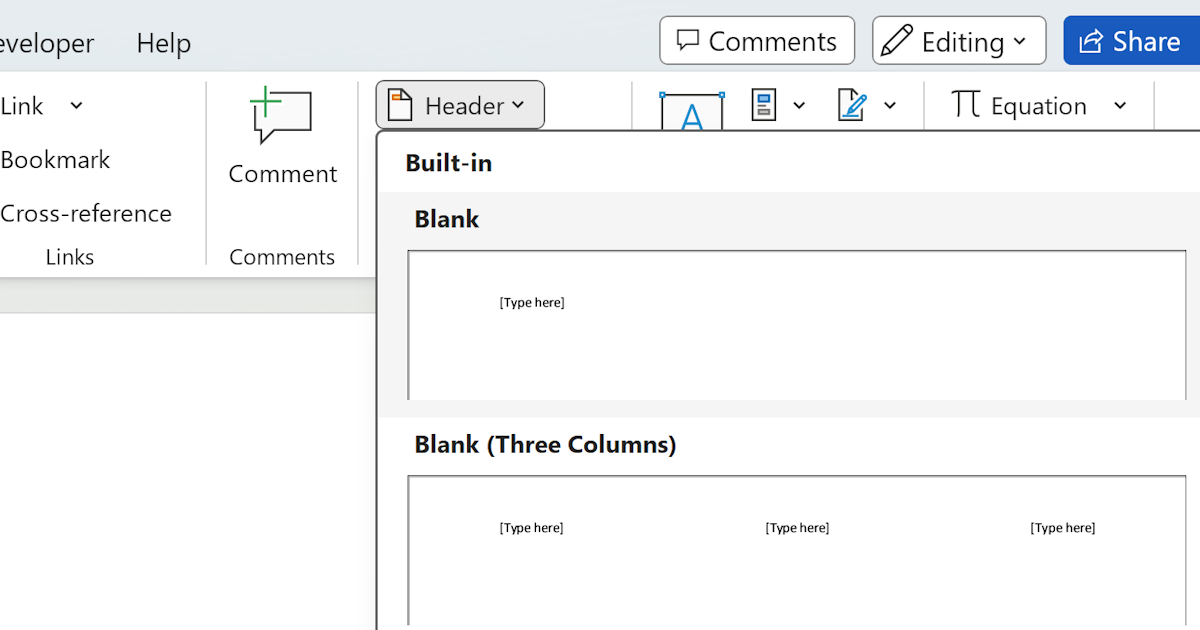
Headers and Footers in MS Word
Explore the functionality and customization options of headers and footers in MS Word. Learn how to add, customize, and optimize these essential document elements to save time and greatly improve formatting.
Read article → -
 Word tutorials
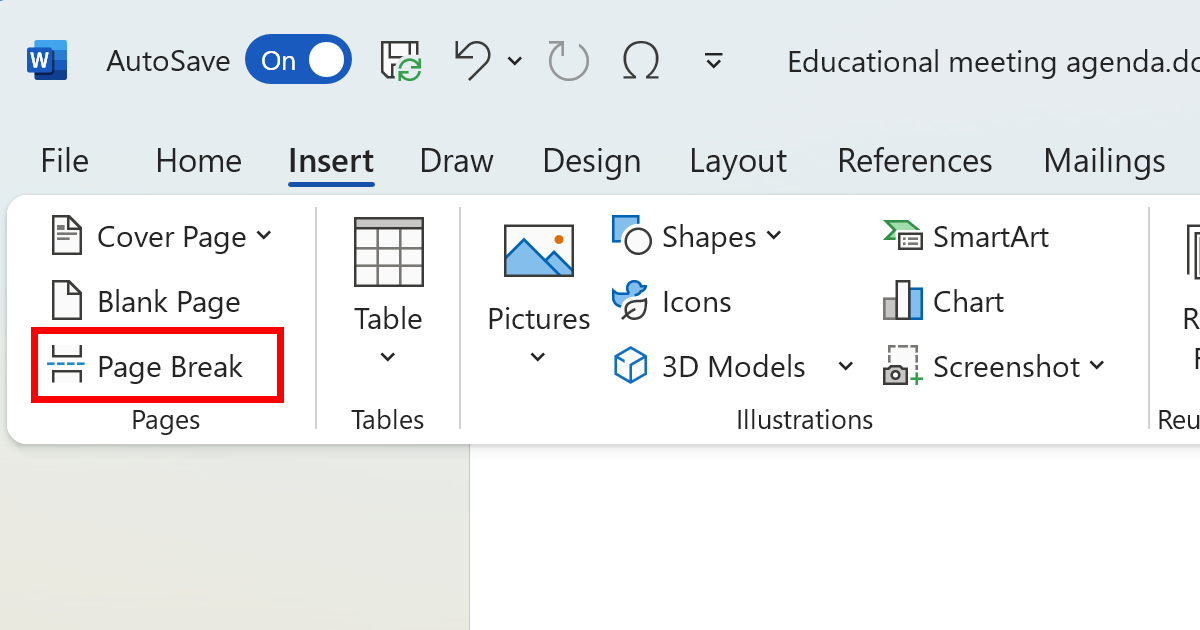
Inserting a Page Break in Word
Learn how to insert a page break in Microsoft Word with this step-by-step guide. Take full control of your document's layout and prevent awkward page breaks for a cleaner, more professional appearance.
Read article → -
 Word tutorials
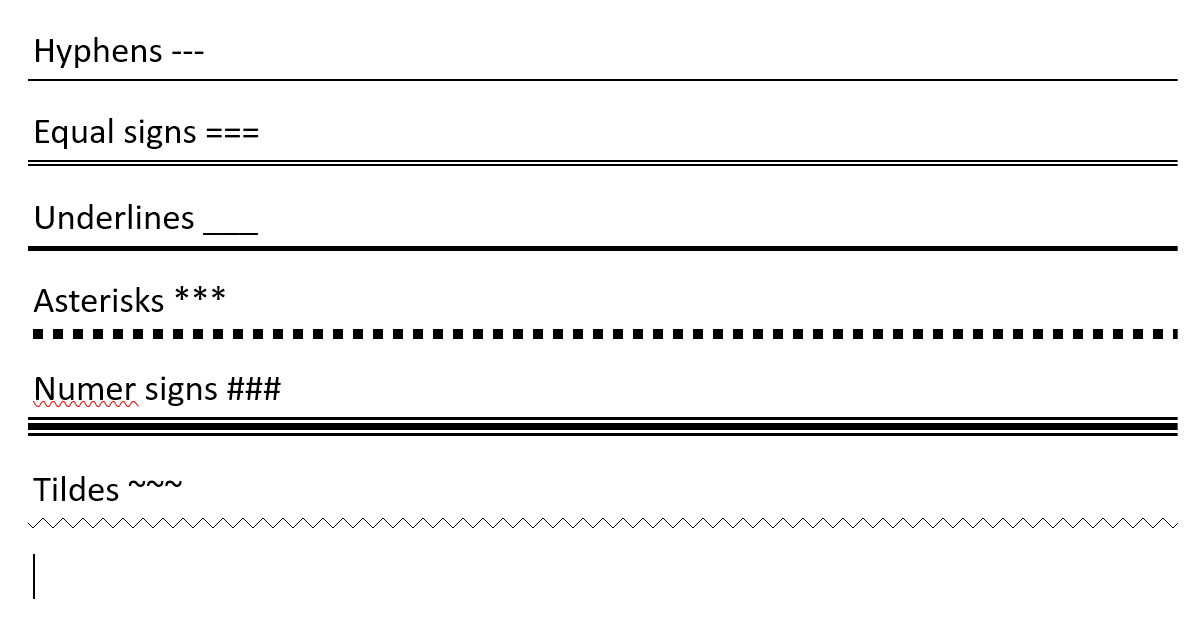
Add a Horizontal Line in Word
Learn how to add a horizontal line in Word to make your documents more visually appealing and organized. Follow our step-by-step guide supporting Microsoft Word 2010, 2013, 2016, 2019, and newer versions.
Read article →