-
 Template management
Letter of Intent Sample: Crafting a Compelling Letter
Learn how to write a powerful letter of intent with this detailed sample. Follow the structure and content provided to create a compelling letter that effectively communicates your intentions and objectives.
Read article → -
 Template management
Writing an Effective Offer Letter
Learn how to write an effective offer letter that clearly outlines the terms of employment. Find a sample offer letter format and tips to create a professional letter that secures candidate acceptance.
Read article → -
 Document automation
CLM: A Comprehensive Guide
Learn about the different stages of contract lifecycle management (CLM), the benefits it offers, and popular CLM software solutions available in the market to better streamline your contract processes.
Read article → -
 Microsoft Word tutorials
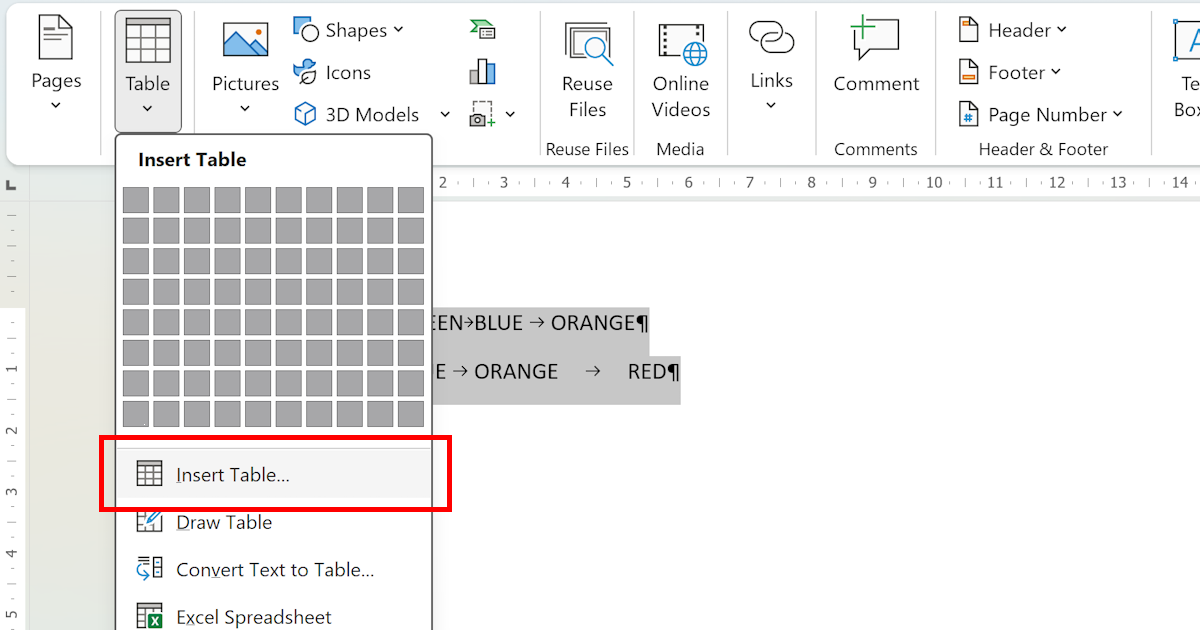
Convert Text to Table
Word's Convert Text to Table feature turns comma- or tab-delimited text into a formatted table in seconds. Here's exactly how to do it — plus when to use it.
Read article → -
 Template management
Writing an Effective Business Proposal
Learn how to write an effective business proposal that captures the attention of potential clients or investors. Follow our step-by-step guide to create a persuasive and well-structured proposal document.
Read article → -
 Document automation
ISO 9001 Certification Requirements
Learn about the key requirements for ISO 9001 certification, including leadership commitment, documentation, risk-based thinking, process approach, implementation, monitoring, and continual improvement.
Read article → -
 Microsoft Word tutorials
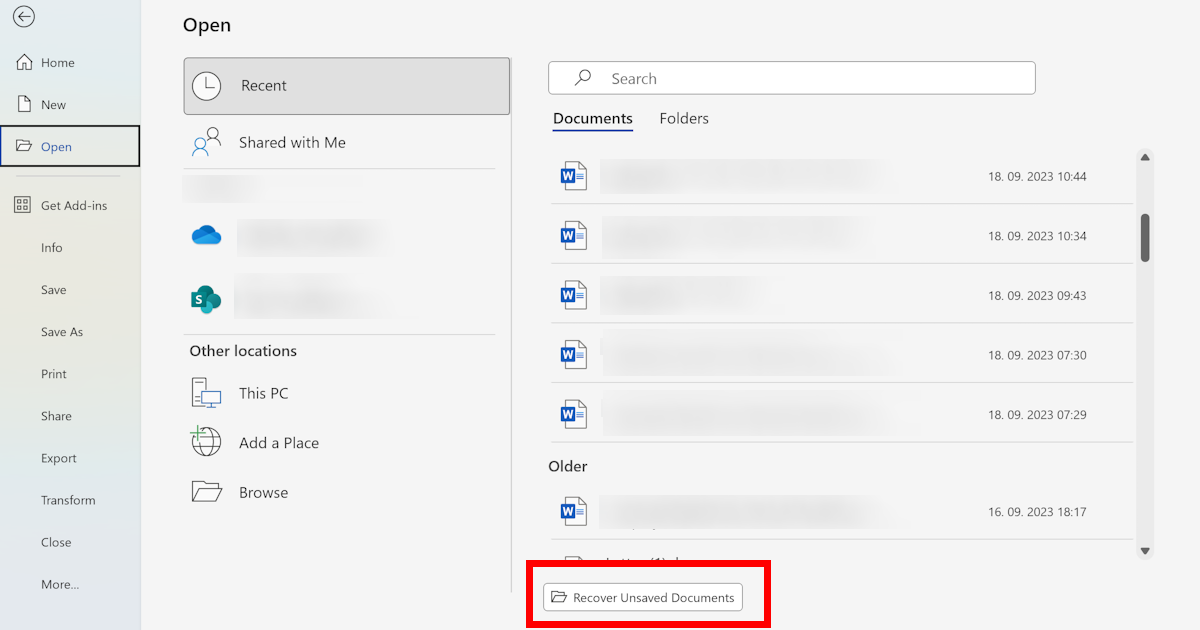
Finding Unsaved Word Documents
Learn how to find and recover unsaved Word documents using AutoRecover, temporary files, and the Document Recovery Pane. Discover practical tips to prevent losing any unsaved work in Microsoft Word in the future.
Read article → -
 Document automation
Generate Contracts and Agreements Automatically
Discover the benefits of automating the contract generation process. Explore the technologies behind it and the most popular tools and platforms for automatically generating contracts and legal agreements.
Read article → -
 Template management
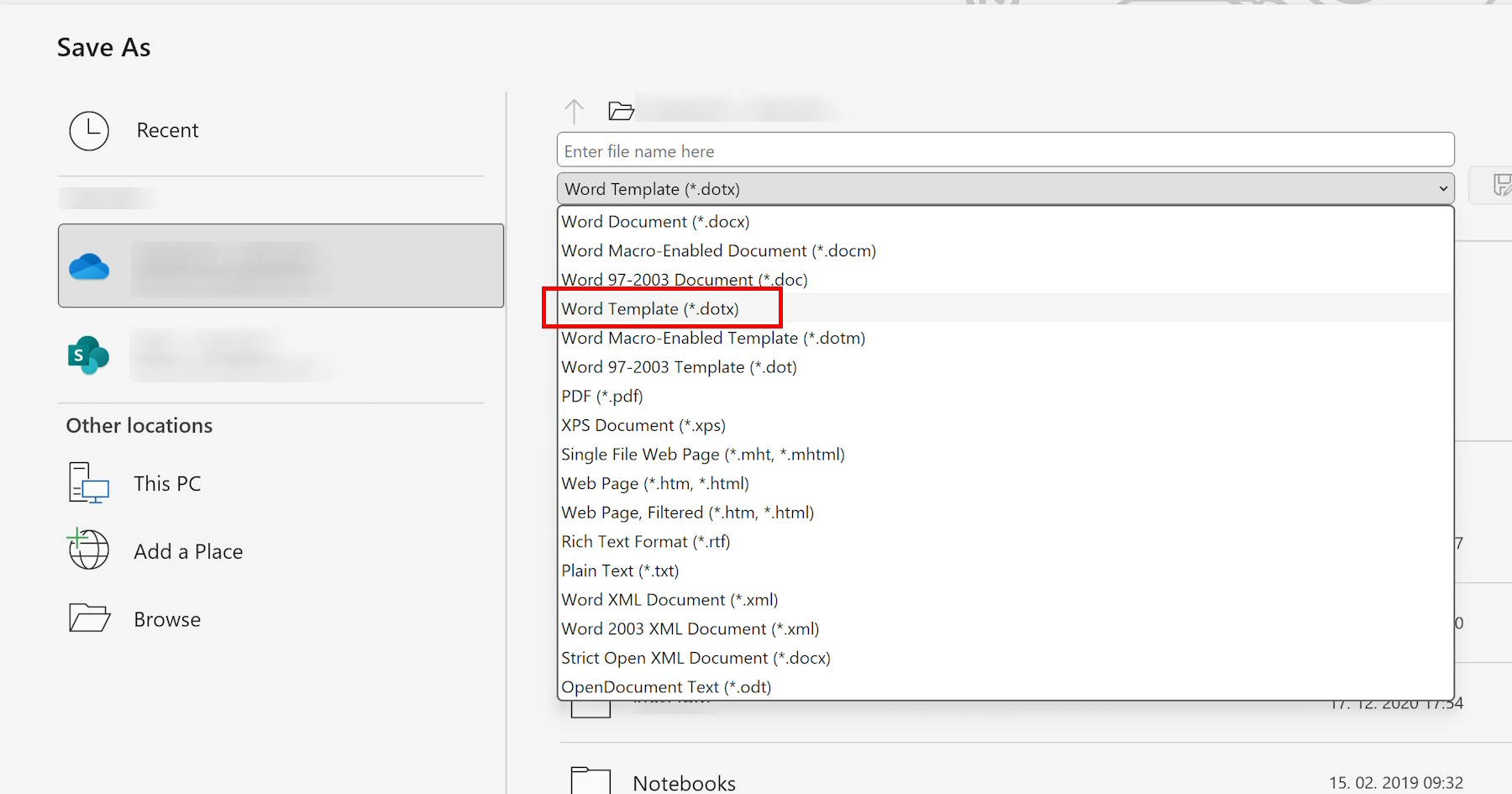
Saving a Template in Word
Learn how to save a template in Microsoft Word with this step-by-step guide. Discover various scenarios where saving templates can streamline your document creation process and save you valuable time.
Read article → -
 Microsoft Word tutorials
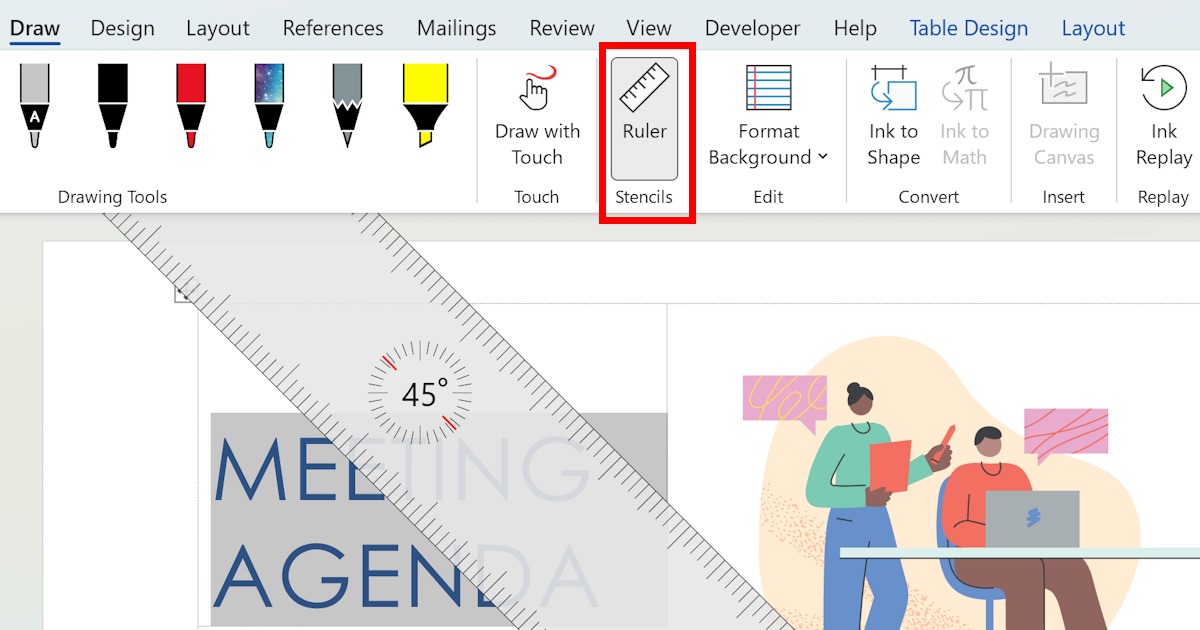
Using Stencils Ruler in Word
Learn how to use the stencils ruler feature in the drawing tab of Word to easily create and customize drawings in your documents. Get useful tips and tricks for getting the most out of this powerful tool.
Read article → -
 Template management
How to Formally Write a Letter
Learn how to write a formal letter effectively with this step-by-step guide. Covers formatting, writing engaging content, and proofreading to help you master professional letter writing with confidence.
Read article → -
 Microsoft Word tutorials
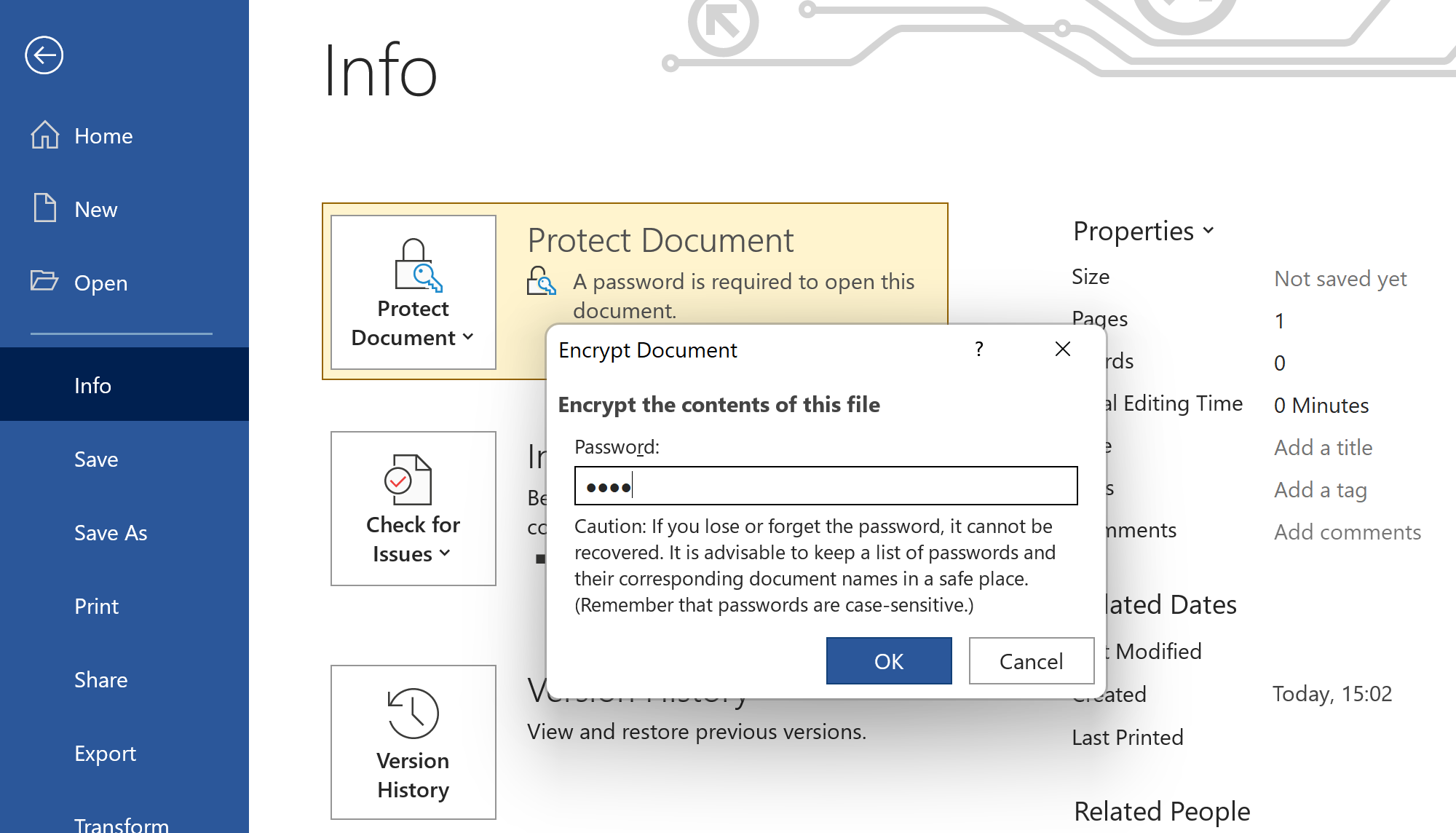
Password Protect a Word Document
Learn how to password protect a Word document and safeguard sensitive information from unauthorized access. Follow these simple steps to ensure your confidential documents stay private and fully secure.
Read article → -
 Microsoft Word tutorials
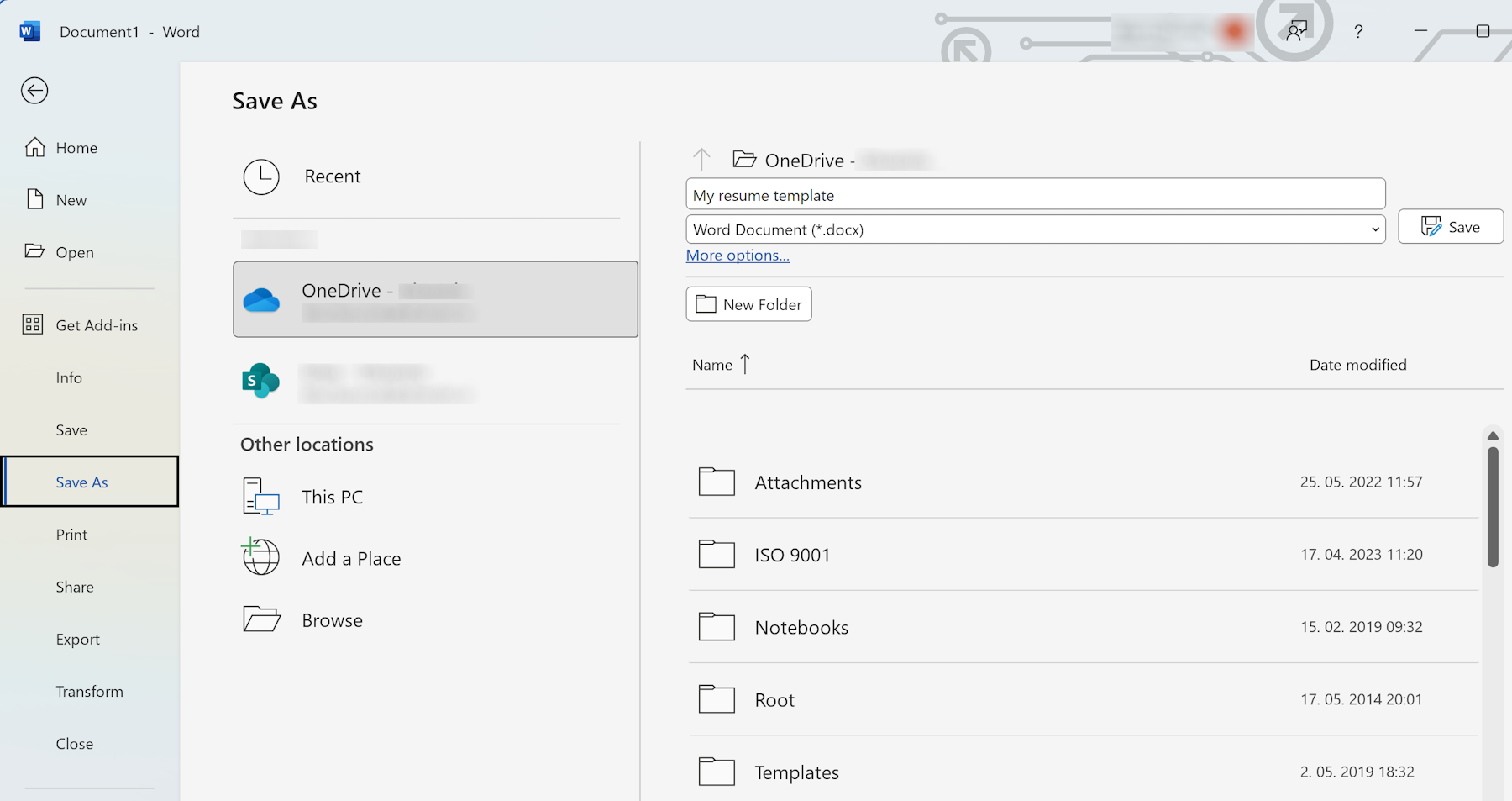
Create a Template in Word
Learn how to create a template in Microsoft Word and streamline your document creation process. Follow our step-by-step guide to design, define styles, and save your own reusable custom Word template.
Read article → -
 Microsoft Word tutorials
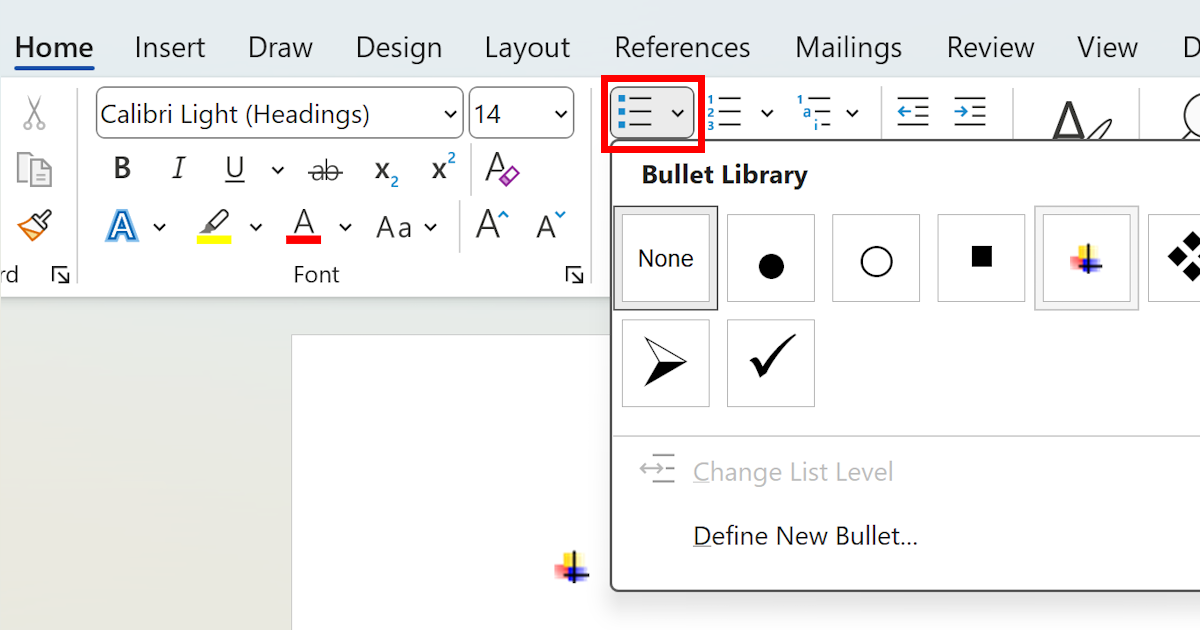
Mastering Numbering in Word
Learn how to master numbering in Word and create professional-looking documents with ease. Understand different numbering styles, how to apply and customize them, and troubleshoot common numbering issues.
Read article → -
 Microsoft Word tutorials
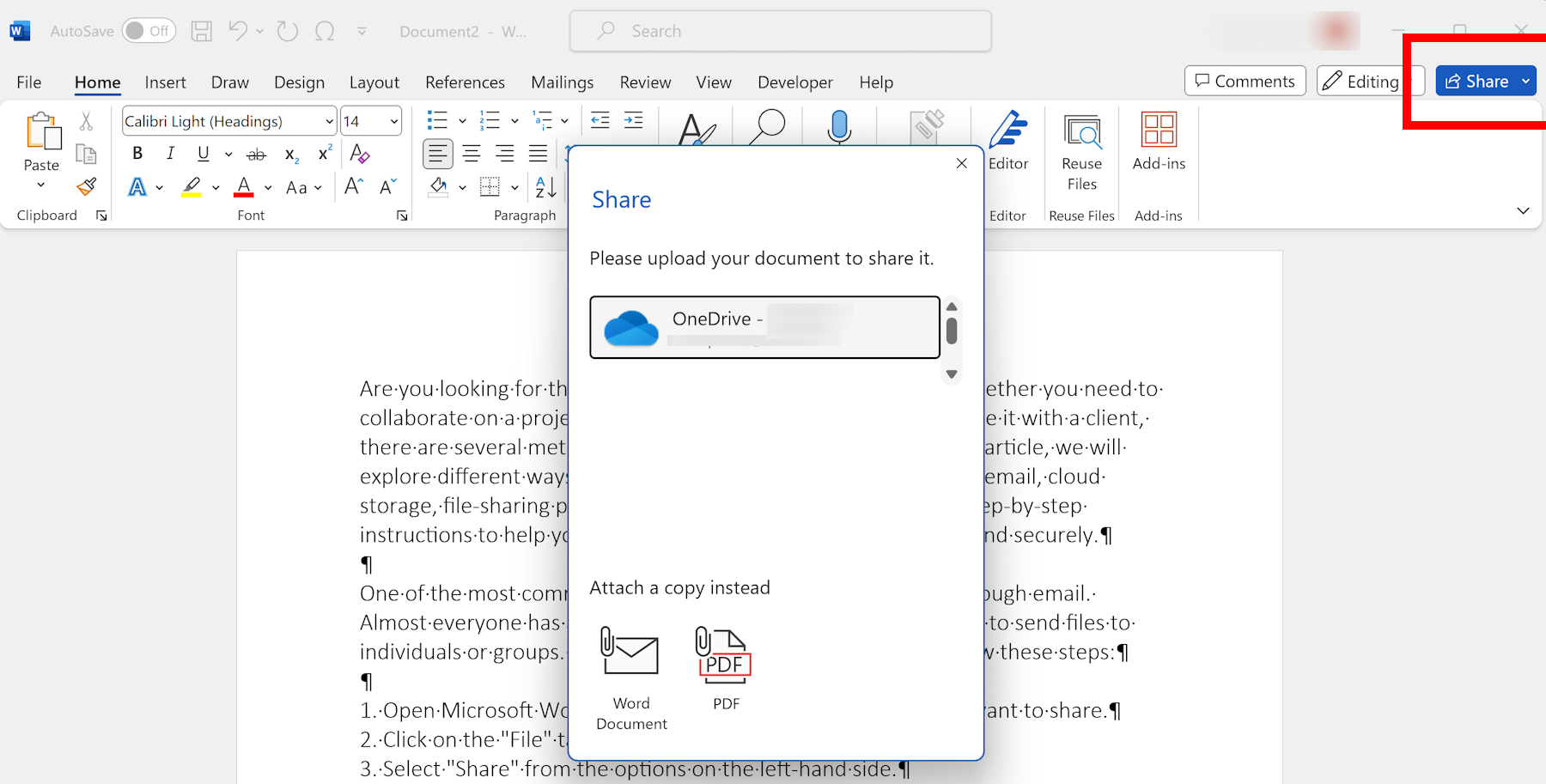
How to Share a Word Document
Learn different methods to easily share your Word documents with others, including email, cloud storage, and file-sharing platforms. Collaborate efficiently and securely with all your colleagues and clients.
Read article →