-
 Microsoft Word tutorials
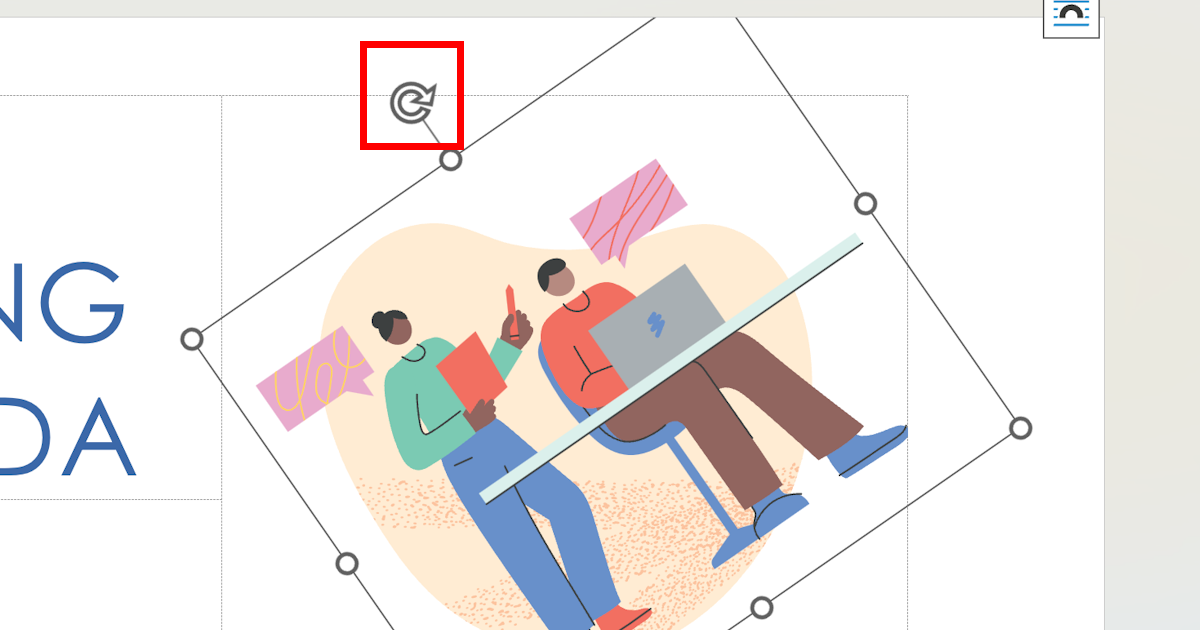
Rotate Picture in Word Guide
Learn how to easily rotate a picture in Microsoft Word with this step-by-step guide. Adjust the orientation of your images in just a few clicks to perfectly fit your document's overall layout and design.
Read article → -
 Template management
How to Write an Effective Request Letter
94% of hiring managers say a well-crafted letter influences their decisions. Learn the exact structure, phrases, and follow-up tactics that turn requests into favorable replies.
Read article → -
 Template management
Letter of Offer of Employment
Learn how to write a professional letter of offer of employment with a sample template. Get guidance on the purpose, components, and tips for creating an effective and well-structured job offer letter.
Read article → -
 Template management
Creating an Effective SOP Template
Learn why a well-documented SOP template is crucial for every business. Explore the key elements of a Standard Operating Procedure template and follow the steps to create an effective one for your team.
Read article → -
 Template management
Effective Meeting Notes: Templates and Best Practices
Learn the importance of taking effective meeting notes and discover a comprehensive meeting notes template. Improve collaboration and accountability within your team using these proven best practices.
Read article → -
 Template management
Importance of Formal Letterhead
Discover the significance of a formal letterhead, its key elements, and expert tips to create an effective letterhead that aligns with your brand identity and makes a truly lasting professional impression.
Read article → -
 Microsoft Word tutorials
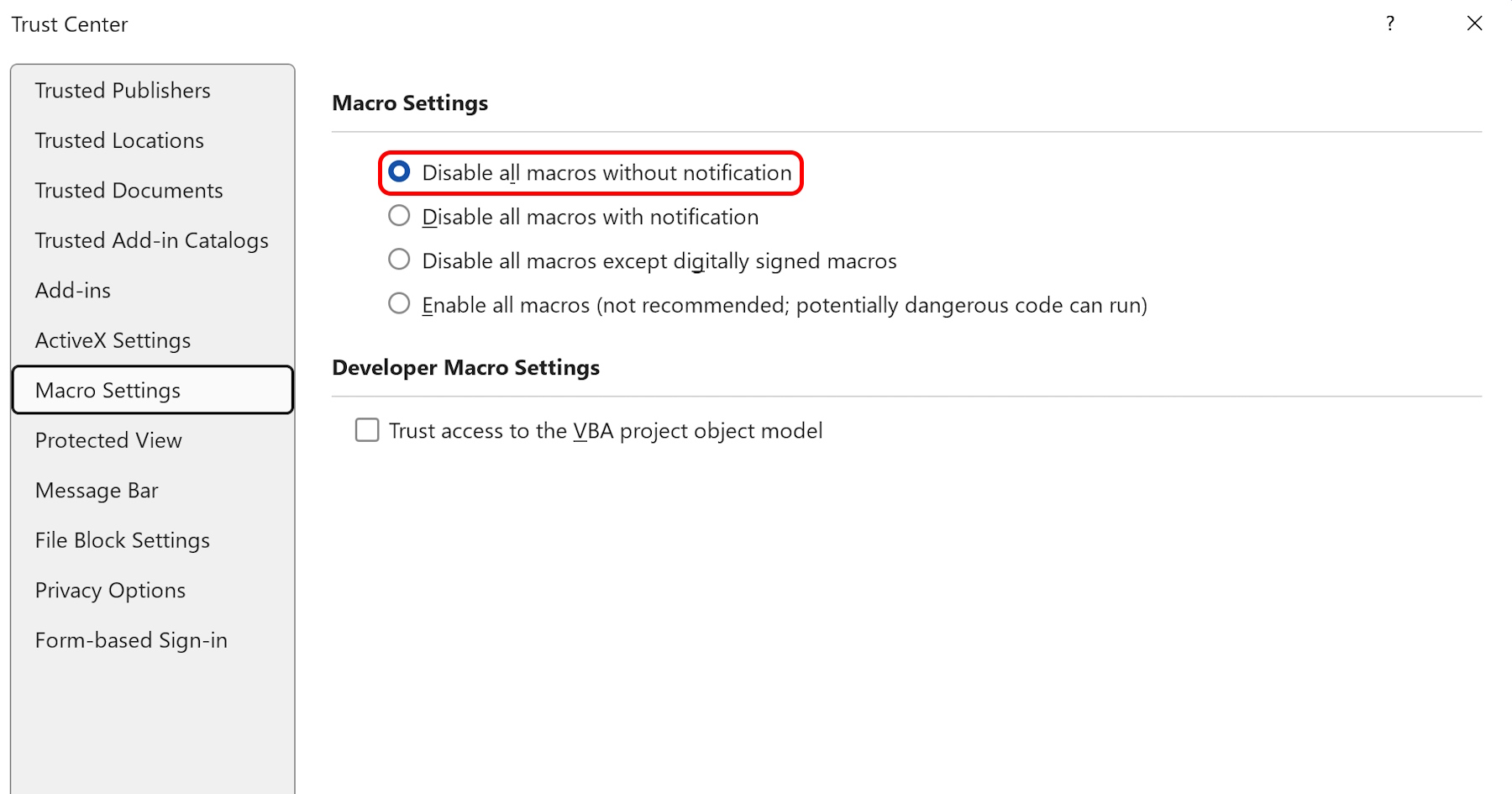
How to Disable Macros in Word
Learn how to disable macros in Microsoft Word to reduce the risk of virus infection and malware. Macros should only be enabled when necessary and always from trusted sources to keep your documents safe.
Read article → -
 Template management
Job Application Letter Example
Learn how to write an effective job application letter with our practical example. Increase your chances of getting called for an interview with a well-crafted, professional, and compelling application letter.
Read article → -
 Template management
Writing an Effective Excuse Letter
Learn how to write an effective excuse letter that explains your absence or delay in a professional and concise manner. A step-by-step guide with practical tips and clear examples for every situation.
Read article → -
 Microsoft Word tutorials
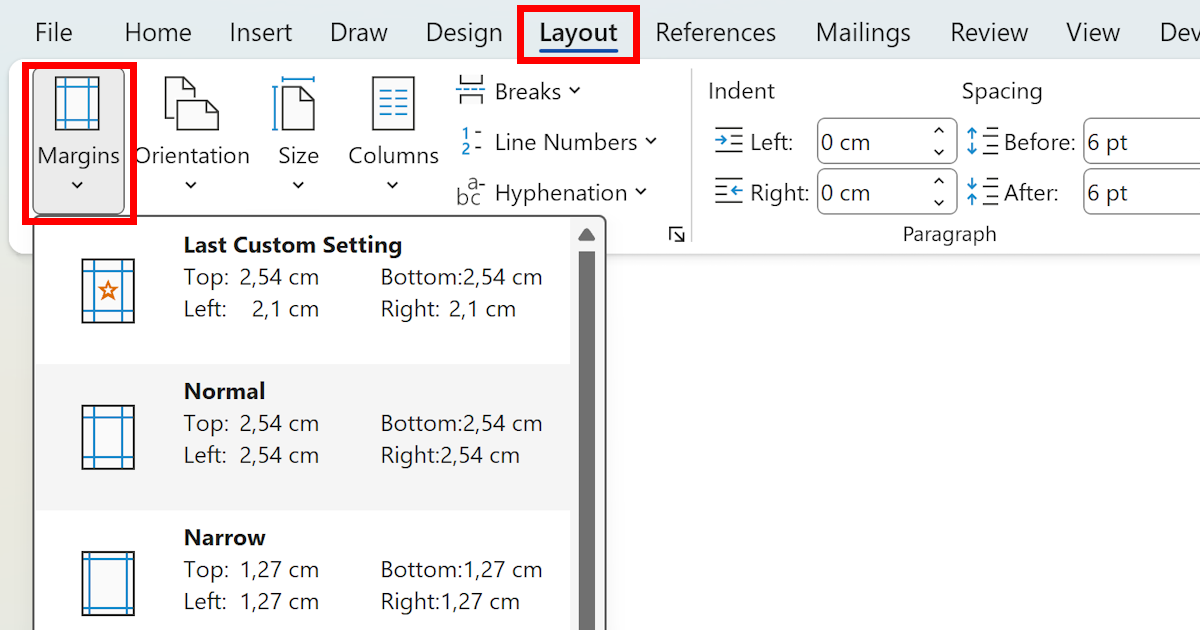
Complete Guide to Margins in Word
Learn everything you need to know about margins in Word, including how to set and adjust them, their importance for layout, and the recommended margin sizes for different types of professional documents.
Read article → -
 Microsoft Word tutorials
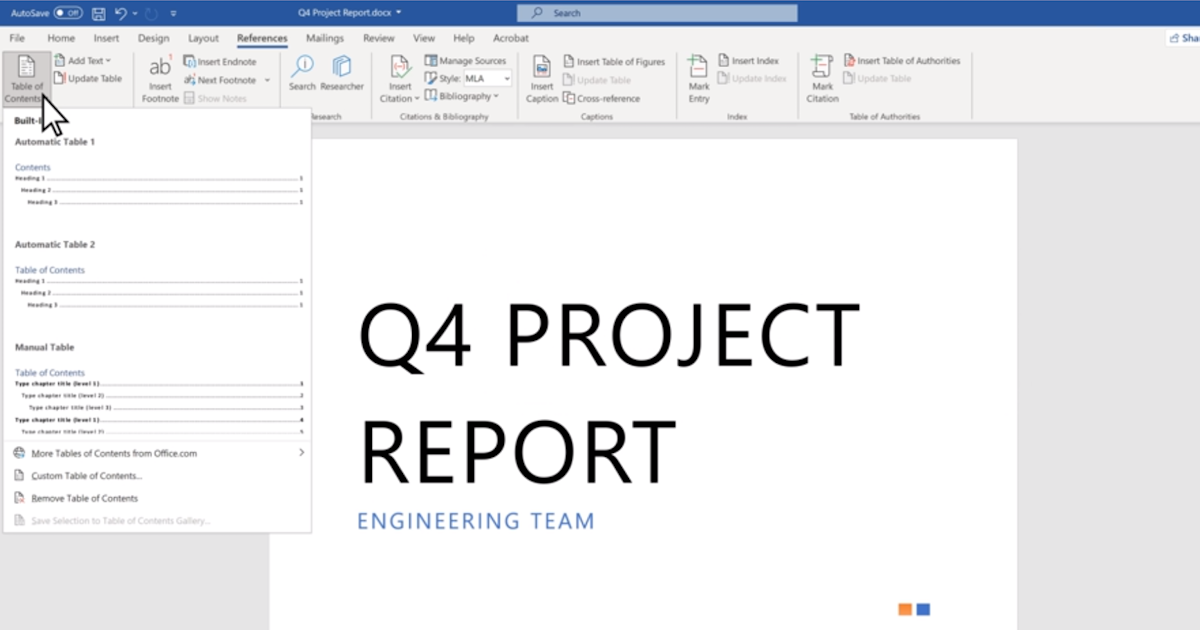
Inserting Table of Contents in Word
Learn how to insert a table of contents in Word and enhance the navigation and usability of your document. Follow our step-by-step guide to create a professional-looking, fully clickable table of contents.
Read article → -
 Microsoft Word tutorials
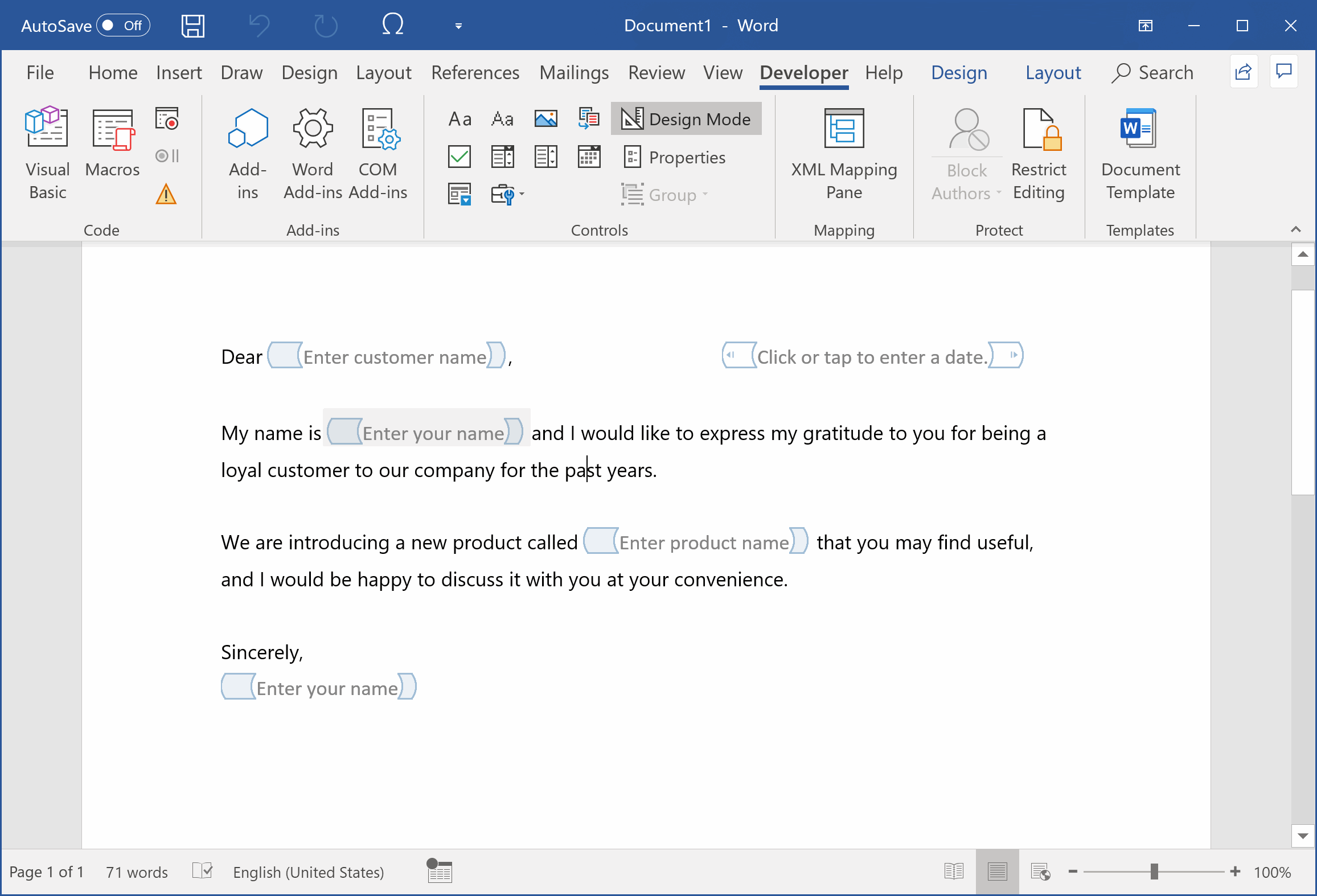
How to Make Fillable Fields in Word: A Comprehensive Guide
A helpful guide on how to make fillable fields in Microsoft Word — from enabling the Developer tab and creating text boxes to checkboxes and drop-down lists — plus how to properly protect the document.
Read article → -
 Microsoft Word tutorials
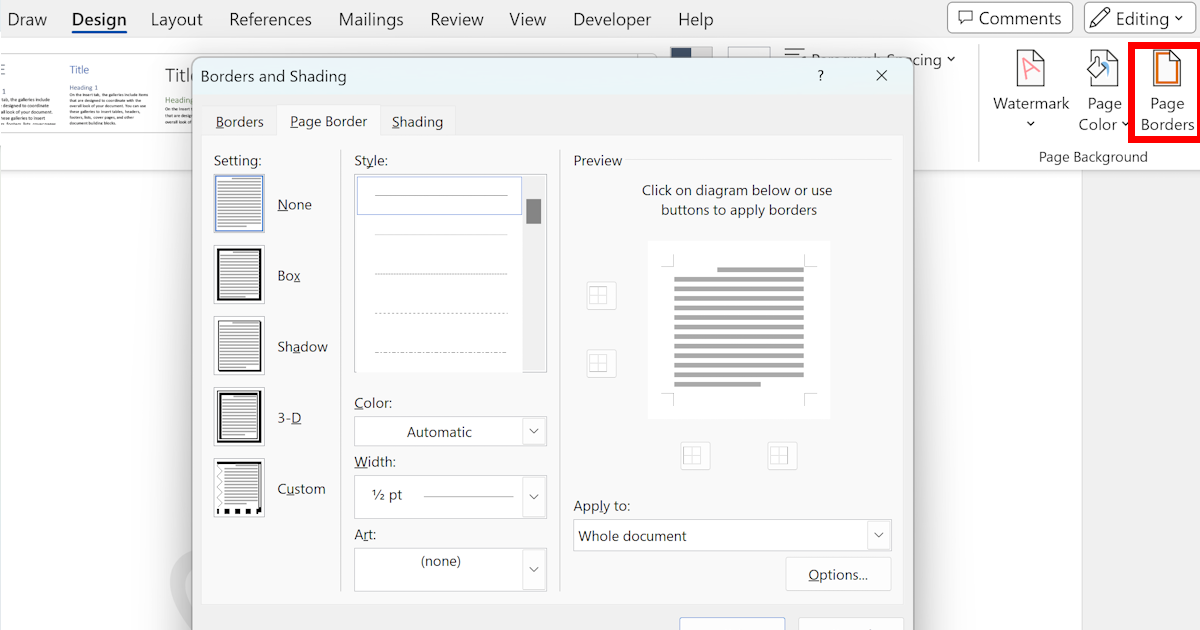
Inserting Borders in Word
Learn how to insert borders in Microsoft Word using various techniques, including Page Borders, section borders, custom borders, table borders, and handy keyboard shortcuts for a polished document look.
Read article → -
 Microsoft Word tutorials
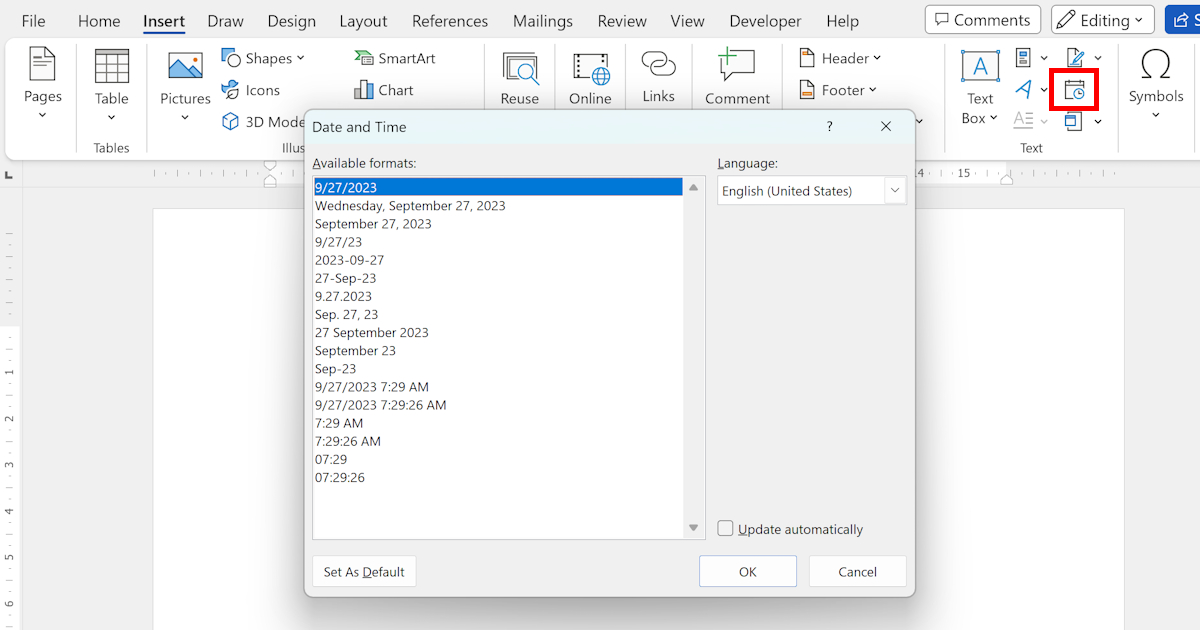
Inserting a Date in Microsoft Word
Learn different methods to insert a date in Microsoft Word, including the current date, specific dates, and custom date fields. Streamline your document creation process and save time with these tips.
Read article → -
 Microsoft Word tutorials
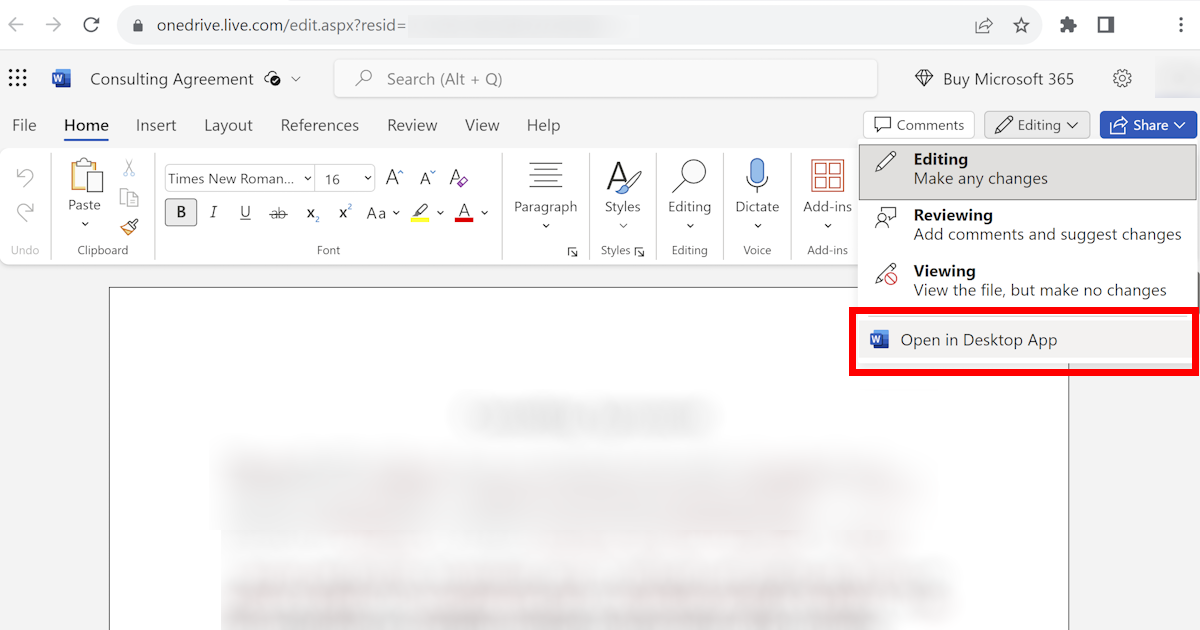
Open Word Document in Desktop App
Click 'Open in Desktop App' inside Word for the web to switch instantly. Here's how — plus which features only work in the desktop version and why it matters.
Read article →