Ready-made formulas for everyday templates — due dates, days overdue, totals with a discount, sentences that change with a choice, names in the right case — to copy and adapt.
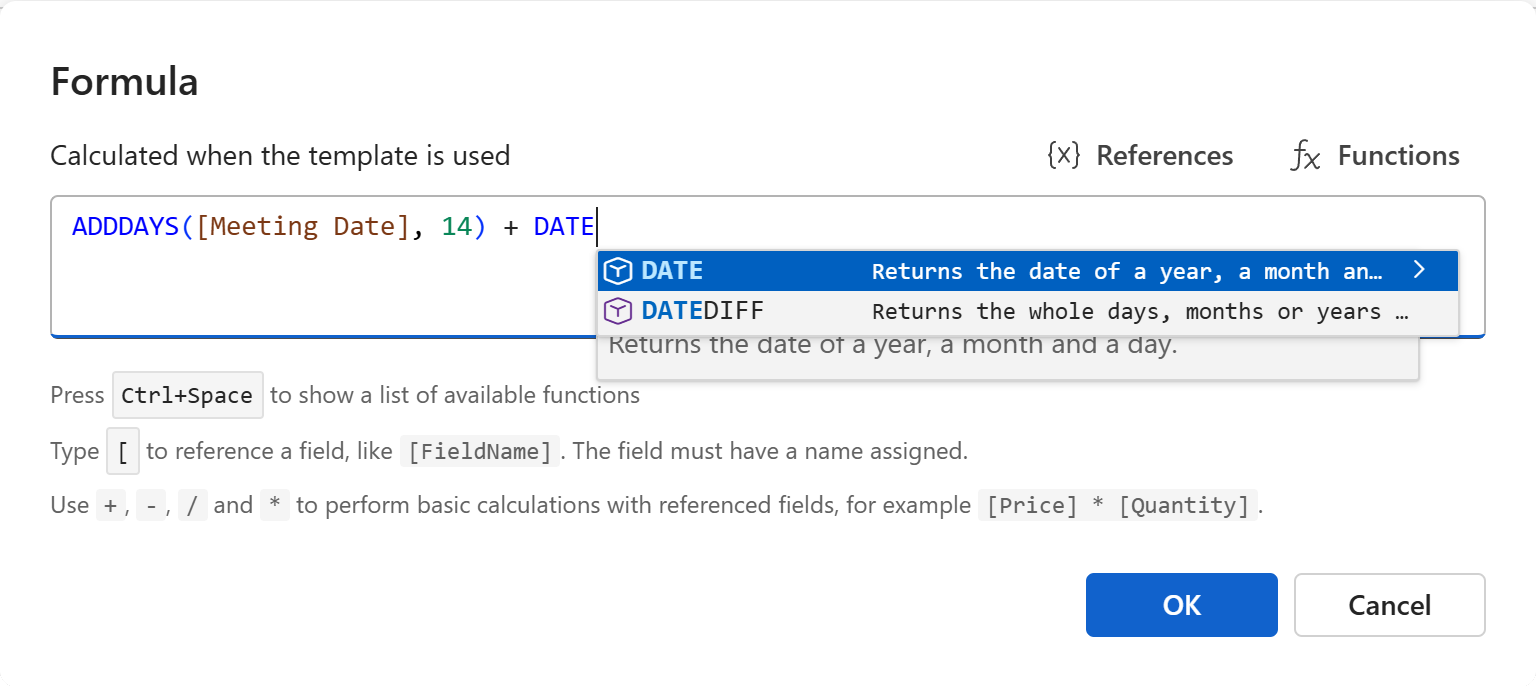
Each recipe is a formula to paste into the Formula dialog, with the fields it expects. Rename the fields to match your own, and pick the result's Format in the template pane where it matters.
Dates
A date two weeks after a meeting. A date field named Meeting Date; format the result as a long date.
ADDDAYS([Meeting Date], 14)
A payment due date, 30 days after the document's date. In a Word or Excel template, the document's date is a property; no field needed.
ADDDAYS([DocumentDate], 30)
The end of the month the document is made in — the last day of a billing period, for example.
EOMONTH([DocumentDate], 0)
The end of a probation period, a number of months after the start. A date field Start Date and a number field Probation Months.
ADDMONTHS([Start Date], [Probation Months])
The end of a contract, a number of years after it takes effect. A date field Effective Date and a number field Term Years.
ADDYEARS([Effective Date], [Term Years])
Days overdue. A date field Due Date; the result is a whole number, counted up to the day the reminder is made.
DATEDIFF([Due Date], TODAY())
A date inside a sentence, formatted there. Use TEXT when the date is part of a longer text the formula builds.
CONCAT("Please reply by ", TEXT(ADDDAYS(TODAY(), 7), "D"), ".")
Just the year, or the month's name.
YEAR([DocumentDate])
TEXT([DocumentDate], "MMMM")
Amounts
A total with a discount. Number fields Subtotal and Discount (the discount as a percentage, 10 for 10%). Format the result with two decimals.
ROUND([Subtotal] * (1 - [Discount] / 100), 2)
A line total, quantity times unit price.
[Quantity] * [Unit Price]
Tax added to a net amount, 8% here.
ROUND([Net Amount] * 1.08, 2)
The larger of two amounts — a minimum fee, say: the fee, or 5% of the amount, whichever is more.
MAX([Minimum Fee], [Amount] * 0.05)
An amount written in a sentence with its thousands separator.
CONCAT("The total comes to USD ", TEXT([Total], "N2"), ".")
Text that depends on a choice
A sentence that changes with a toggle. A toggle field named Remote Work.
IF([Remote Work], "This position includes the option to work remotely.", "This position is based at our office.")
A sentence that depends on an amount.
IF([Amount] > 1000, "Payment terms above our usual limit need a manager's approval.", "Standard payment terms apply.")
One of several texts, by a select field Priority with the options Normal, High and Urgent.
IFS([Priority] = "Urgent", "Please reply today.", [Priority] = "High", "Please reply within two days.", TRUE, "Please reply within a week.")
A fallback when a field is left empty. The contact's name when there is one, else the client's.
IFBLANK([Contact], [Client])
Names and lists
A name with each word capitalized, however it was typed. A text field Customer Name.
TITLE([Customer Name])
A name in capitals, for a heading or an envelope.
UPPER([Customer Name])
A full name from two fields.
CONCAT([First Name], " ", [Last Name])
The options picked in a multi-select, in a sentence. A select field Products that allows more than one option.
TEXTJOIN(", ", TRUE, [Products])
How many were picked, and a word that agrees with it.
COUNT([Products])
IF(COUNT([Products]) = 1, "product", "products")
Workspace and document values
The company's address from the shared values, as a formula rather than a merge tag — useful inside a longer text.
CONCAT(PREVALUE("Company Name"), ", ", PREVALUE("Company Address"))
The document's number, padded, in a Word or Excel template.
TEXT([AutomaticNumber], "D4")
The author's email address in a document template.
VALUE("Author.EmailAddress")
Tip
A field used only in a formula — a discount percentage that shouldn't be printed, a quantity that only a total needs — can be marked Not part of the text, used only in formulas in its properties. The user still fills it in; the text only shows the result.