If you belong to more than one WordFields workspace with the same account, you can switch between them at any time without signing out.
Switch workspace
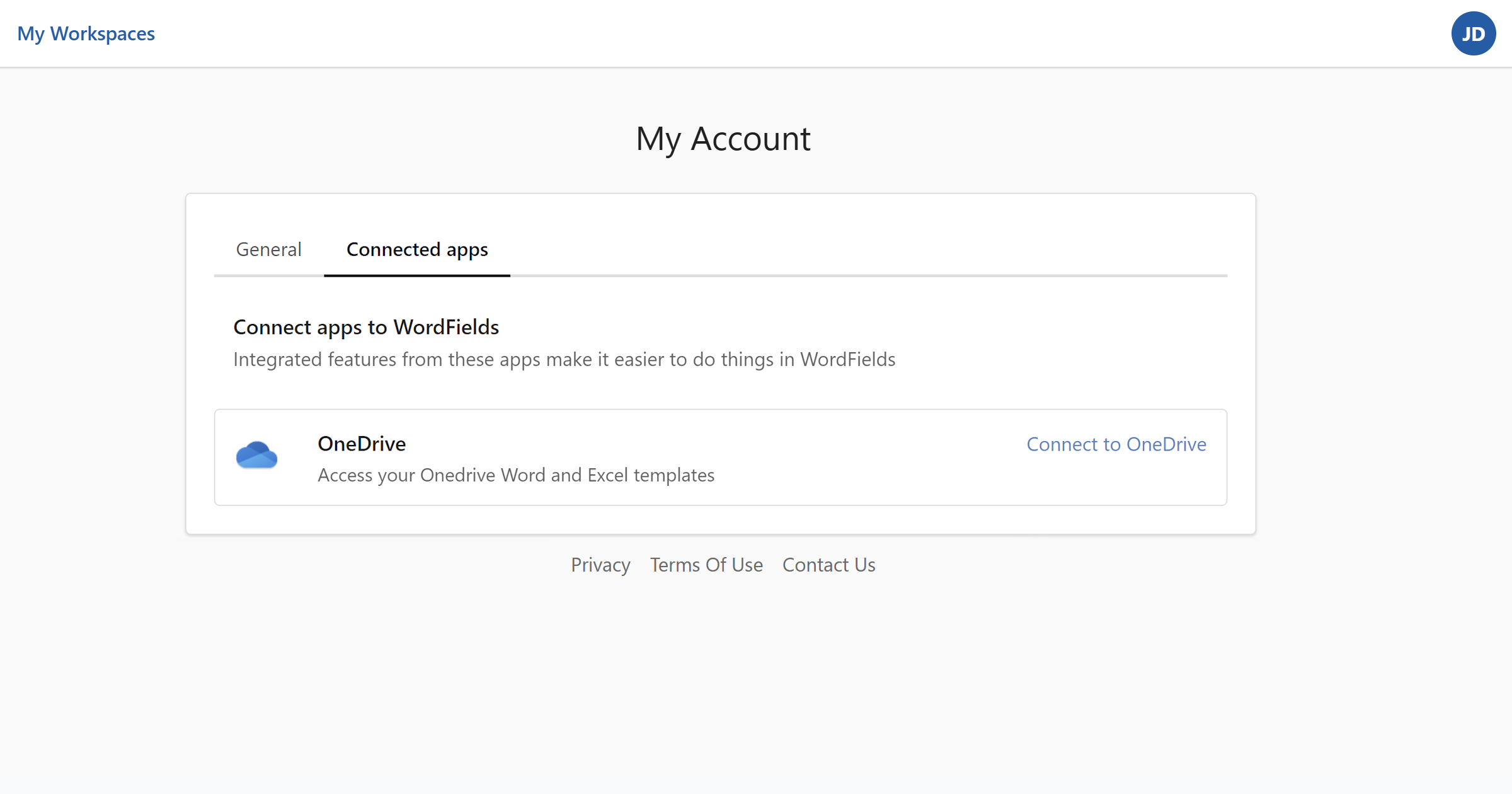
- Click the icon with your initials in the top-right corner of the navigation bar.
- Select My workspaces from the menu.
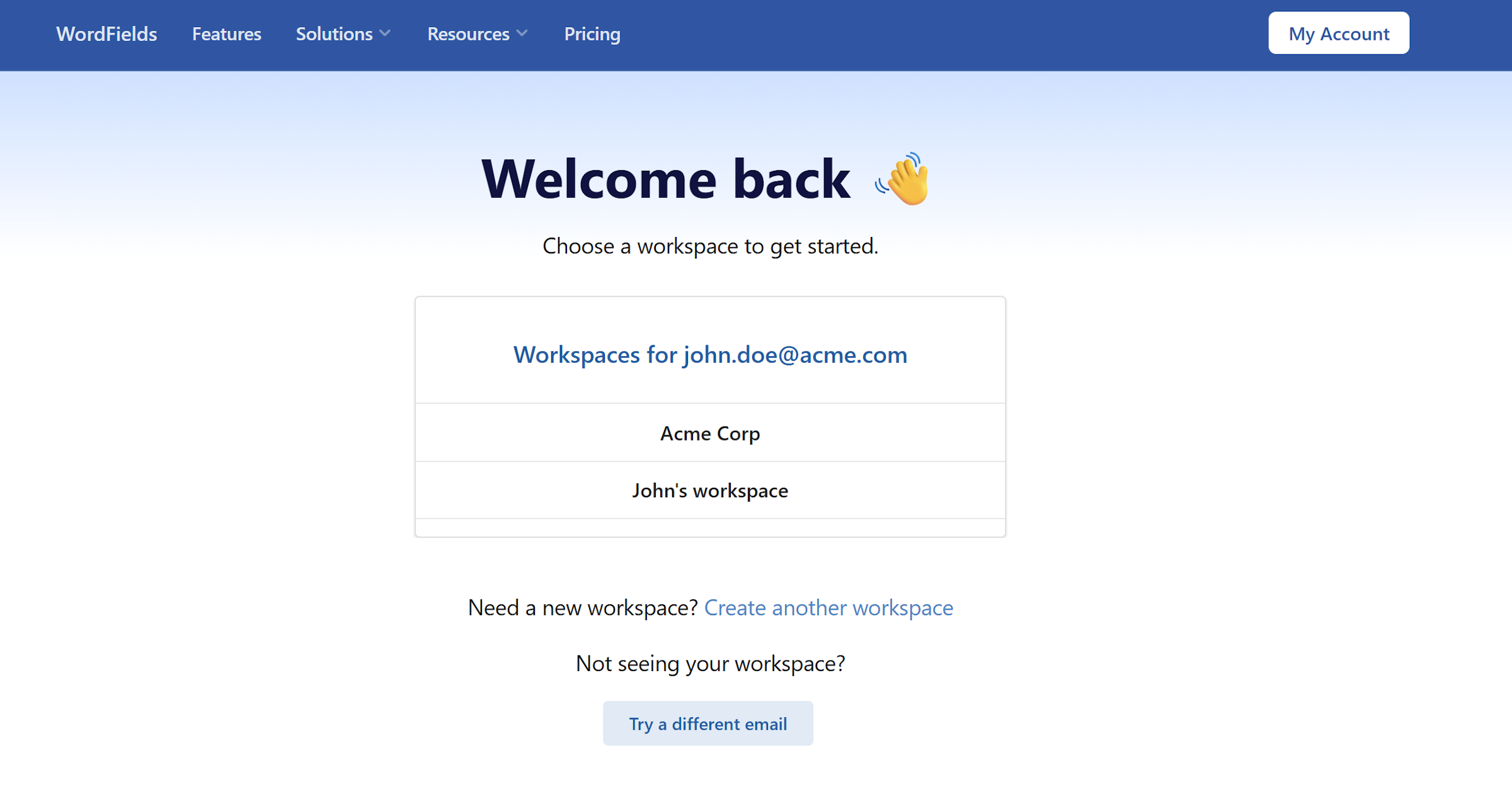
- On the workspace switcher screen, click the workspace you want to open.
You'll only see workspaces where you are an active member. If a workspace is missing from the list, contact its administrator to check your membership status.
Note
If you're a member of only one workspace, you'll be taken there automatically after signing in and won't see the workspace switcher.