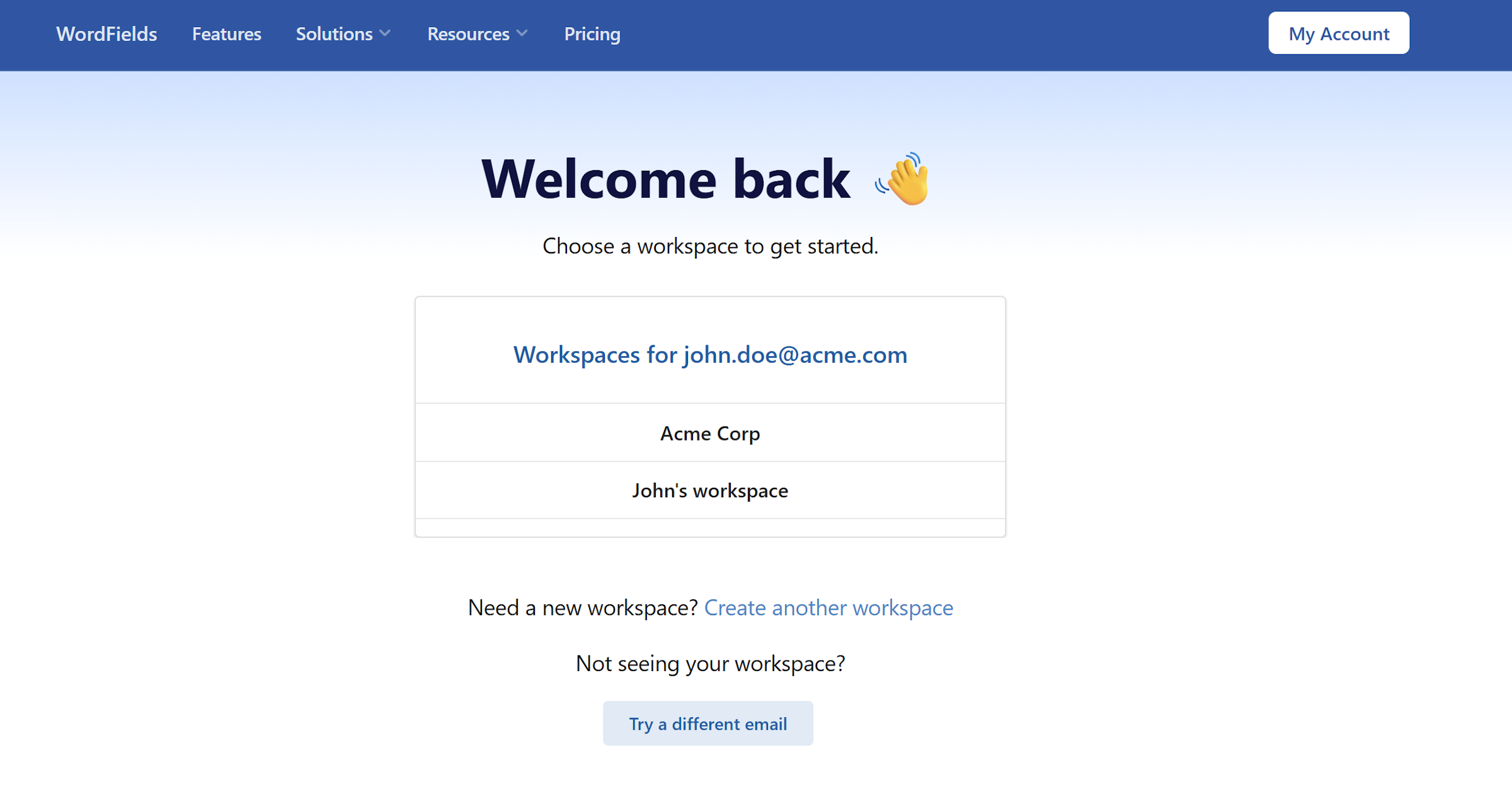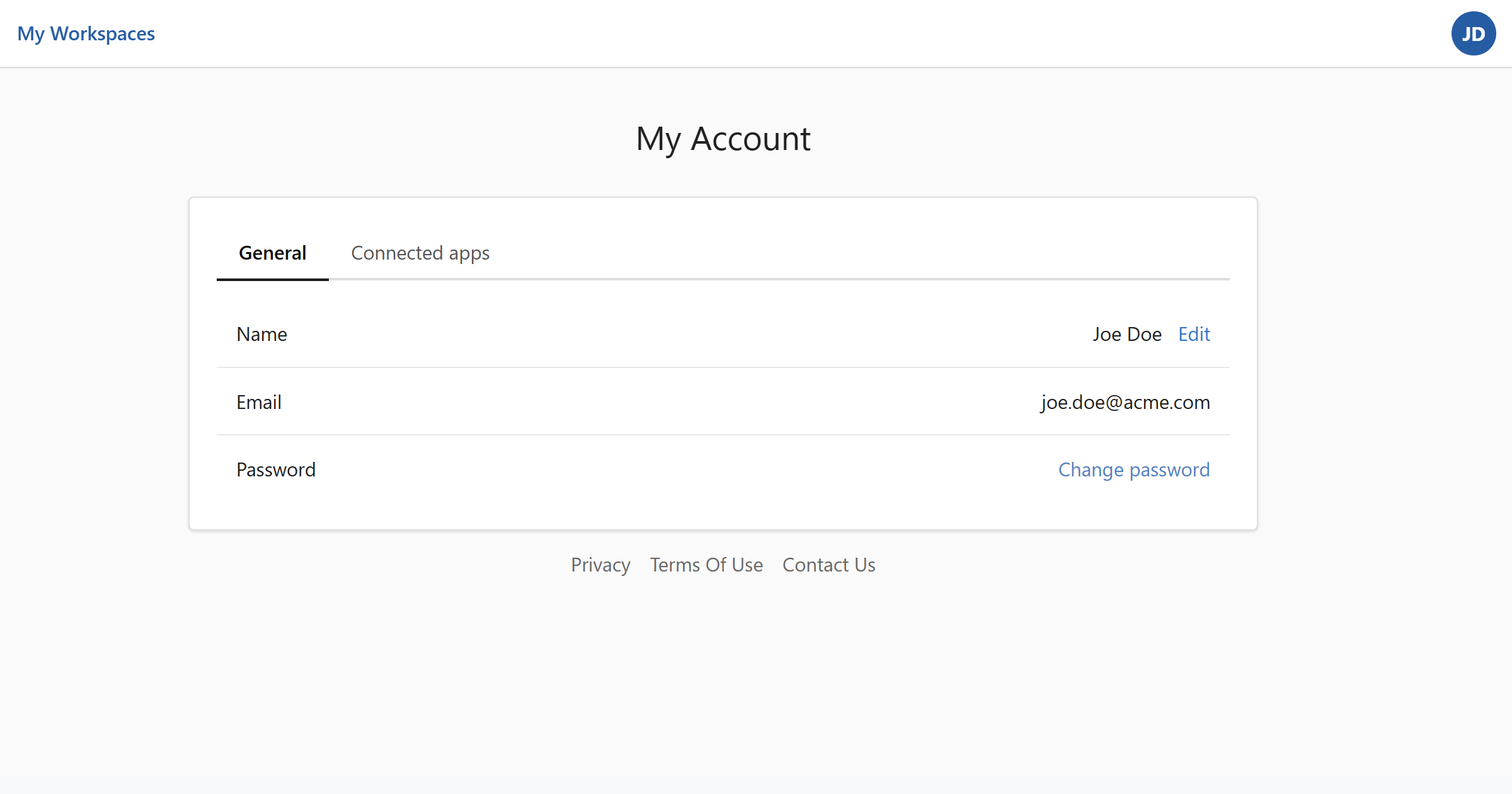
Your account page is where you manage personal details that apply across all workspaces you belong to.
Account page
To get there, click the icon with your initials in the top-right corner and select My account.
The page has two tabs:
- General for your personal details
- Connected apps for linking cloud storage.
Update your name
- On the General tab, find the Name row.
- Click Edit.
- Enter your updated name in the dialog that appears.
- Click Save changes.
Email address
Your email address is displayed on the General tab but cannot be changed here. It's the address used for signing in and receiving notifications from WordFields.
Note
If you need to change your email address, contact your workspace administrator or reach out to support.
Change your password
Click Change password on the General tab and follow the steps in Reset your password.