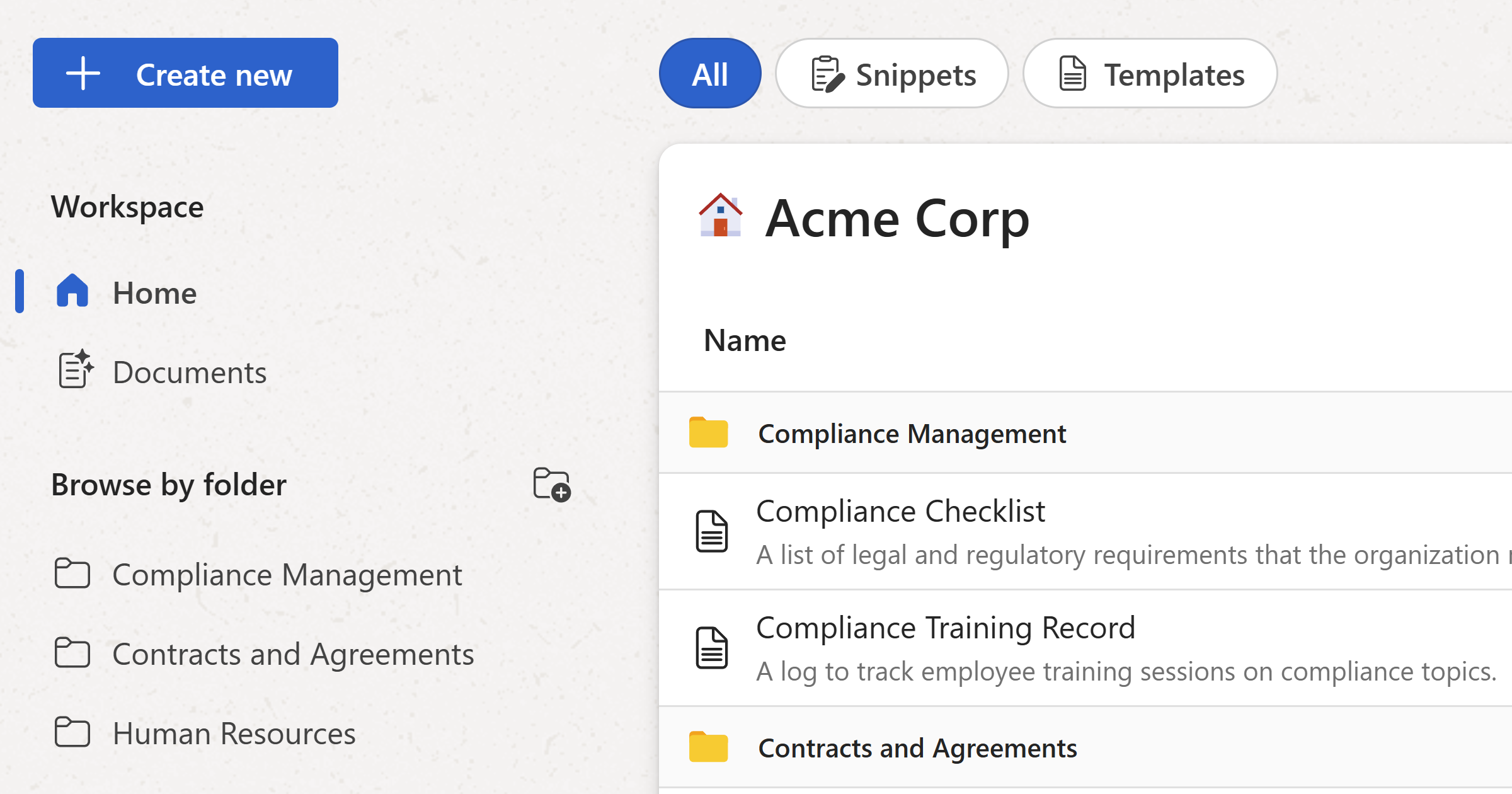
Learn what a workspace is in WordFields and how it helps your team organize and share snippets and templates in one central place.
A workspace is your personal or shared library in WordFields — the place where all your snippets, templates, and folders live. It works just as well for individuals who want one place to store reusable text as it does for teams who need a single source of truth for their documents and replies.
Everything in WordFields belongs to a workspace:
- Snippets and templates — created, stored, and shared within a workspace
- Folders — used to organize content and control who can access what
- Members — the people who have been invited to use the workspace
- Settings — workspace name, regional format, and shared values are all configured at the workspace level
One workspace or many
Most teams work out of a single workspace. But WordFields supports multiple workspaces, so if you work across different companies, clients, or departments that need to keep their content completely separate, you can create or join more than one. You can switch between workspaces at any time from the account menu in the top right corner.