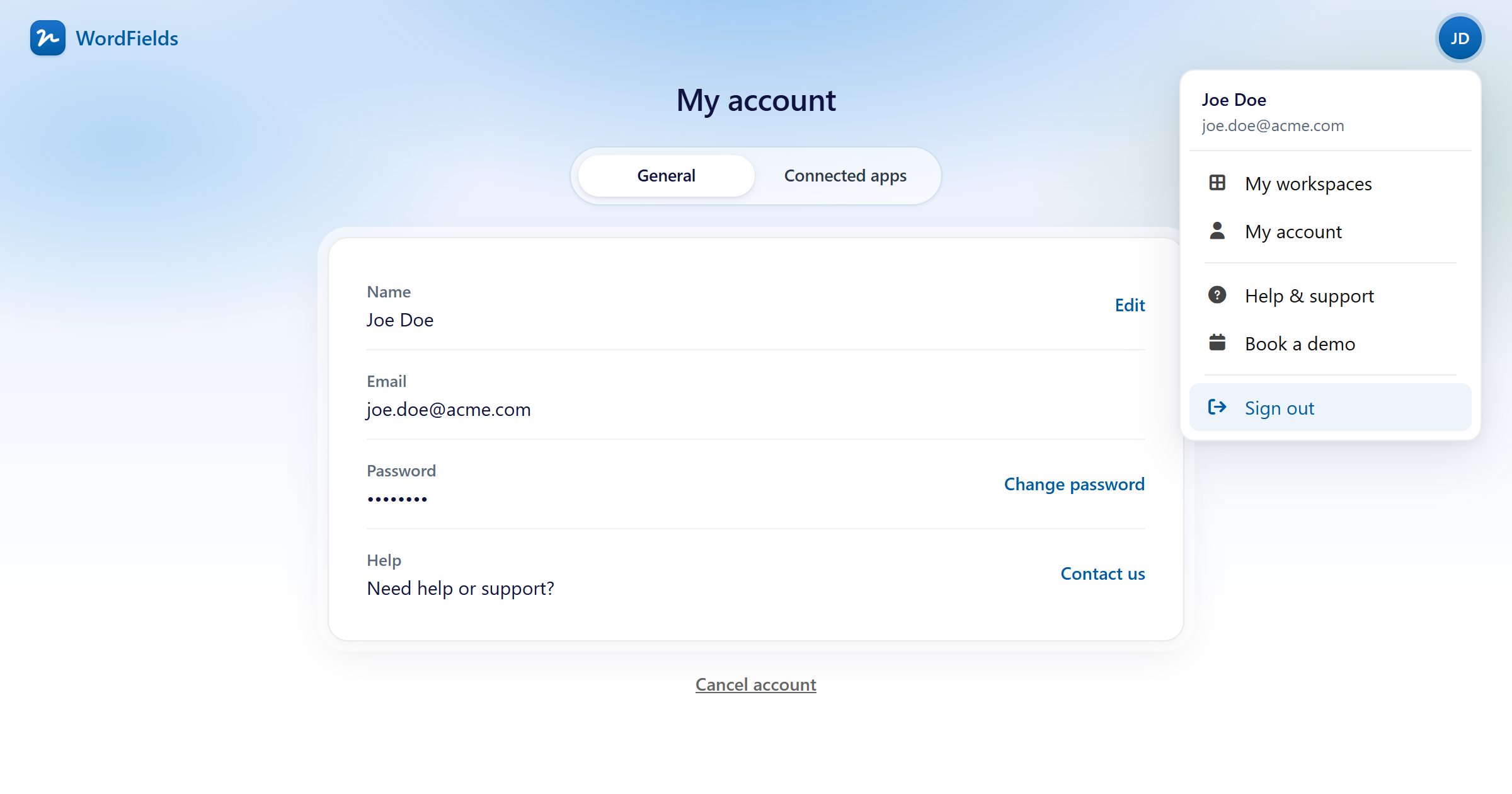
Learn how to sign out of your WordFields session.
Sign out of WordFields
- Click the icon with your initials in the top-right corner of the navigation bar.
- Select Sign out from the menu.
You're now signed out. To get back in, visit Sign in to WordFields.
Tip
If you're on a shared or public computer, always sign out when you're done to keep your account secure.
