Every function a formula can use, by group — dates, text, math, logic, collections and data — with what each one takes and an example.
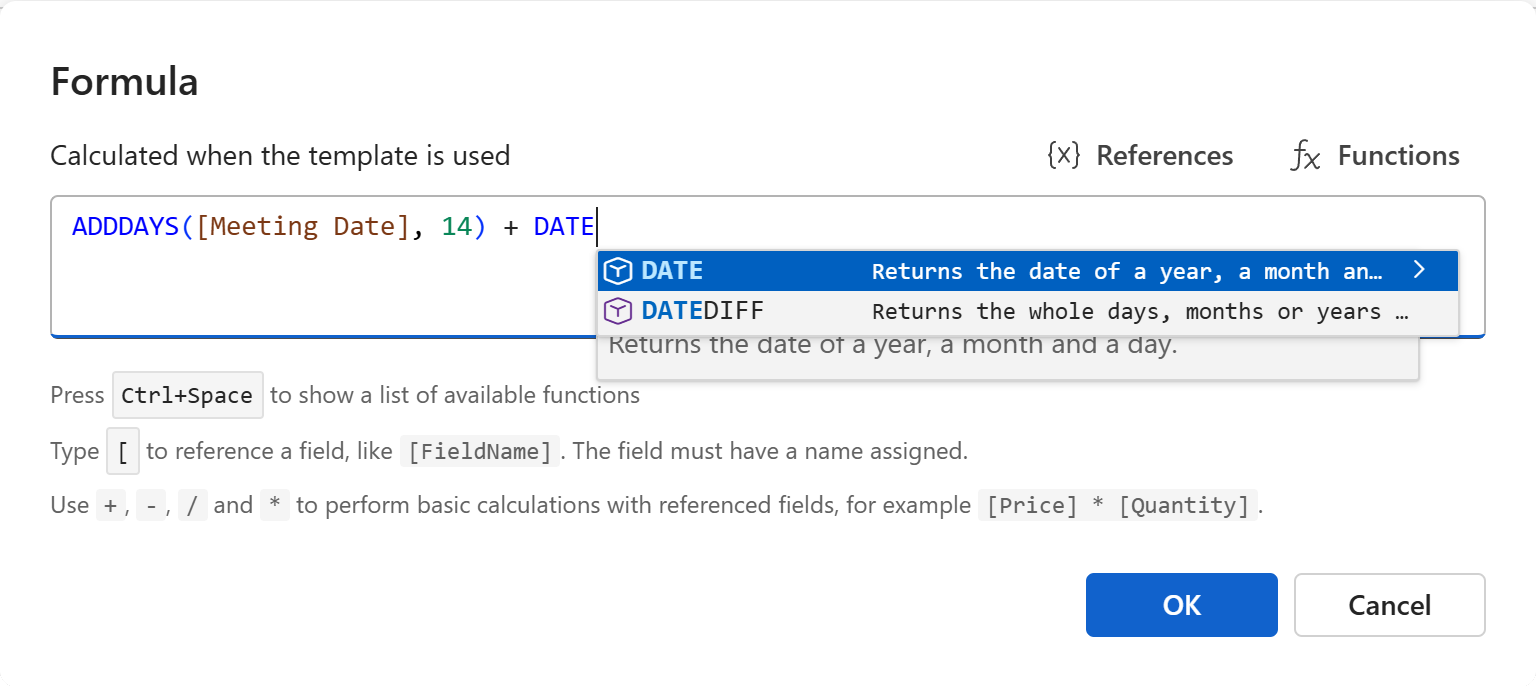
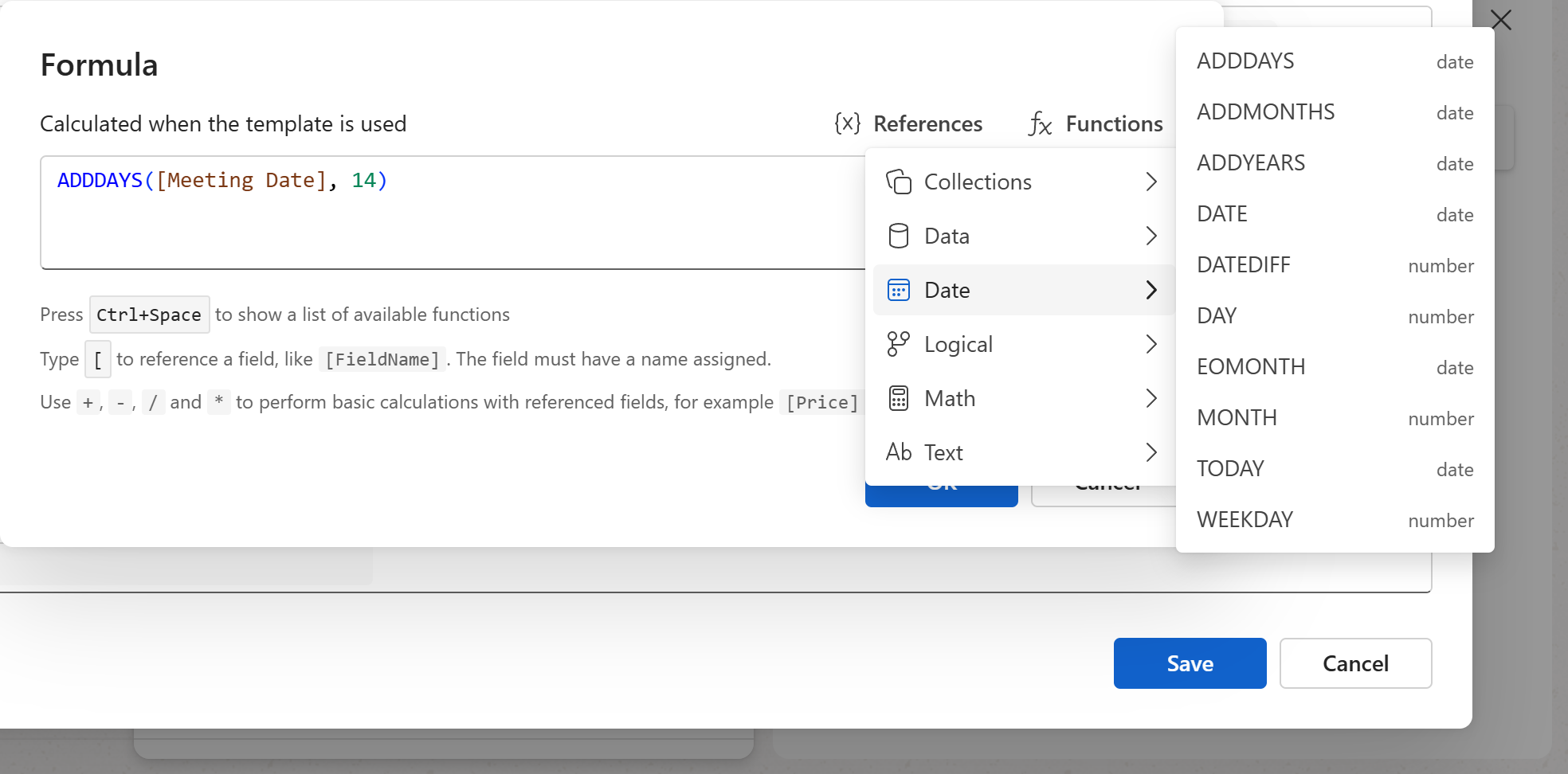
The functions are the same in snippets and in Word, Excel and plain text templates. In the Formula dialog, the Functions menu lists them by group, and Ctrl+Space offers them as you type, each with its description. Arguments in italics are optional; … means more of the same can follow.
Date
| Function | Gives | What it does |
|---|---|---|
TODAY() |
date | The current date, the day the snippet or document is made. |
DATE(year, month, day) |
date | A date from a year, a month and a day: DATE(2026, 12, 31). |
ADDDAYS(date, days) |
date | A date a number of days later, or earlier for a negative number: ADDDAYS([Due Date], 7). |
ADDMONTHS(date, months) |
date | A date a number of months later; a day the month doesn't have becomes its last day: January 31 plus a month is February 28. |
ADDYEARS(date, years) |
date | A date a number of years later; February 29 plus a year is February 28. |
EOMONTH(date, months) |
date | The last day of the month a number of months after the date; EOMONTH([DocumentDate], 0) is the end of the current month. |
DATEDIFF(start, end, *unit*) |
number | The whole days, months or years from one date to another: DATEDIFF([Due Date], TODAY()). The unit is "d", "m" or "y", days when left out; negative when the end is before the start. |
DAY(date) |
number | The day of the month, 1 to 31. |
MONTH(date) |
number | The month, 1 to 12. |
YEAR(date) |
number | The year. |
WEEKDAY(date, *first_day*) |
number | The day of the week, 1 to 7, counted from Sunday as Excel counts, or from Monday when the second argument says so. |
Text
| Function | Gives | What it does |
|---|---|---|
TEXT(value, *format*) |
text | A value as text, in a format: TEXT([Due Date], "D"), TEXT([Total], "N2"). See the formats. |
CONCAT(text, …) |
text | Texts joined together: CONCAT([First Name], " ", [Last Name]). |
TEXTJOIN(delimiter, ignore_empty, text, …) |
text | Texts joined with a delimiter between them, empty ones left out when the second argument is TRUE: TEXTJOIN(", ", TRUE, [Products]). |
UPPER(text) |
text | The text in capitals. |
LOWER(text) |
text | The text in lowercase. |
CAPITALIZE(text) |
text | The first letter in capitals. |
TITLE(text) |
text | The first letter of each word in capitals (Excel's PROPER). |
TRIM(text) |
text | The text without the spaces at its start and end; the spaces inside stay. |
Math
| Function | Gives | What it does |
|---|---|---|
SUM(number, …) |
number | The numbers added up. |
PRODUCT(number, …) |
number | The numbers multiplied. |
AVERAGE(number, …) |
number | The average of the numbers. |
MIN(number, …) |
number | The smallest of the numbers. |
MAX(number, …) |
number | The largest of the numbers. |
ROUND(number, *digits*) |
number | The number rounded to a number of decimals: ROUND([Total] * 1.08, 2). |
ABS(number) |
number | The number without its sign. |
Logical
| Function | Gives | What it does |
|---|---|---|
IF(condition, value_if_true, *value_if_false*) |
any | One value when the condition is true, the other when it isn't: IF([Remote Work], "remotely", "at our office"). Nothing when the other value is left out. |
IFS(condition, value_if_true, …) |
any | The value of the first true condition in the list, nothing when none is. |
IFBLANK(value, value_if_blank) |
any | The value, or the second one when the first is blank: IFBLANK([Contact], [Client]). |
IFNULL(value, value_if_null) |
any | The value, or the second one when the first has no value at all. |
ISBLANK(value) |
true or false | Whether the value is blank. |
ISNULL(value) |
true or false | Whether there is no value at all. |
NULL() |
— | No value. |
Conditions are written with =, <>, <, <=, > and >=, and combined with AND, OR and NOT. A toggle field is a condition on its own.
Collections
A select field that allows more than one option gives a list of the options picked. These functions work on such lists.
| Function | Gives | What it does |
|---|---|---|
COUNT(list) |
number | How many items the list has; a single value counts as 1, nothing as 0: COUNT([Products]). |
INDEX(list, index) |
any | The item at a position in the list, the first being 1. |
ARRAY(value, …) |
list | A list made of the values given. |
FOREACH(list, expression) |
list | The expression worked out once for each item, as a new list; THIS() stands for the item: FOREACH([Products], UPPER(THIS())). |
THIS(*depth*) |
any | The current item inside FOREACH; THIS(1) the item of the enclosing FOREACH. |
Data
| Function | Gives | What it does |
|---|---|---|
PREVALUE(name) |
any | A shared workspace value by its name: PREVALUE("Company Address"). See Workspace shared values. |
VALUE(selector) |
any | The first value that matches a selector: VALUE("Author.EmailAddress") picks the author's email address in a document template. |
VALUES(selector) |
list | Every value that matches the selector, as a list. |
Note
Function names are matched whatever their case, but they are shown and completed in capitals. A function given a field of the wrong kind — a text where it needs a date — is reported in the dialog, with a fix where one is possible. See What the dialog checks.